6-23
DOCUMENT FILING
Contents
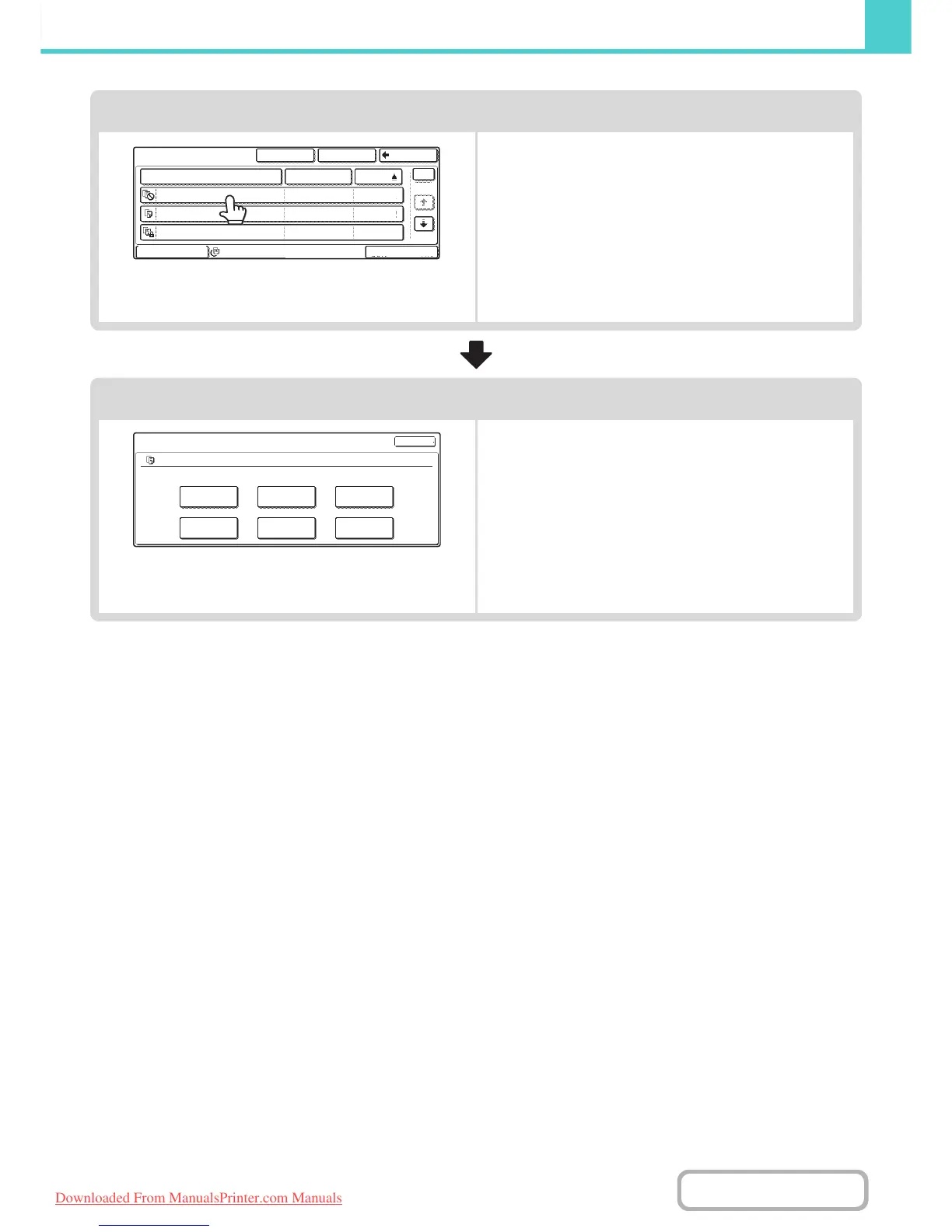
Select the file that you wish to retrieve.
• Select the folder in the folder selection screen.
When the folder is selected, the files in the folder will
appear. Select the file that you wish to retrieve.
• Thumbnail images of the stored files can be displayed for
file selection.
☞ FILE SELECTION SCREEN (page 6-25)
☞ SELECTING A FILE (page 6-26)
• The search function can be used to retrieve a file.
☞ SEARCHING FOR A STORED FILE (page 6-42)
Select the operation.
Select the desired operation and configure settings.
☞ JOB SETTINGS SCREEN (page 6-27)
☞ PRINTING A STORED FILE (page 6-28)
☞ SENDING A STORED FILE (page 6-34)
☞ PROPERTIES OF STORED FILES (page 6-36)
☞ MOVING A STORED FILE (page 6-38)
☞ DELETING A STORED FILE (page 6-40)
Main Folder
File Name User Name Date
file-01
file-02
file-03.tiff
All Files
Filter by Job
Multi-File Print
Name 1
SearchCustom Folder Back
Name 2
Name 3
1
1
04/04/2010
04/04/2010
04/04/2010
Job Settings
file-01
Select the job.
Name 1
A4
F. Colour
Print
Move
Send
Delete
Property
Change
Detail
Cancel
Downloaded From ManualsPrinter.com Manuals



 To Next Page