MX-M350/M450 N/U SIMULATION 9 - 67
Operation/Procedure
1) Select the number corresponding to the adjustment mode with
10-key.
2) Press [START] key.
3) Enter the adjustment value with 10-key.
4) Enter [START] key.
NOTE: Be sure to set the default value. If not, a trouble may occur
in the LSU.
Operation/Procedure
1) Select YES/NO of hard disk format.
2) Press [START] key.
During formatting, "EXECUTING" is displayed. When formatting is
completed normally, "OK" is displayed. If not, "NG" is displayed.
Operation/Procedure
1) Select YES/NO of hard disk read/write check.
2) Press [START] key.
During testing, "EXECUTING" is displayed. When test is com-
pleted normally, "OK" is displayed. If not, "NG" is displayed.
Press [START] key. Press [SYSTEM SETTINGS] key or [START] key.
61-4
Purpose Adjustment
Function
(Purpose)
Used to adjust the laser power (absolute value) in
the printer mode.
Section Scanner (write) unit (LSU)
Item Operation
Set range 67-150
Default 76 (MX-M350)
93 (MX-M450)
Press [START] key. Press [SYSTEM SETTINGS] key or [START] key.
62
62-1
Purpose Data clear
Function
(Purpose)
Used to format the hard disk.
(Only in the model with a disk installed)
Section MFP controller (HDD)
Item Clear
1 YES Execution
2 NO Cancel
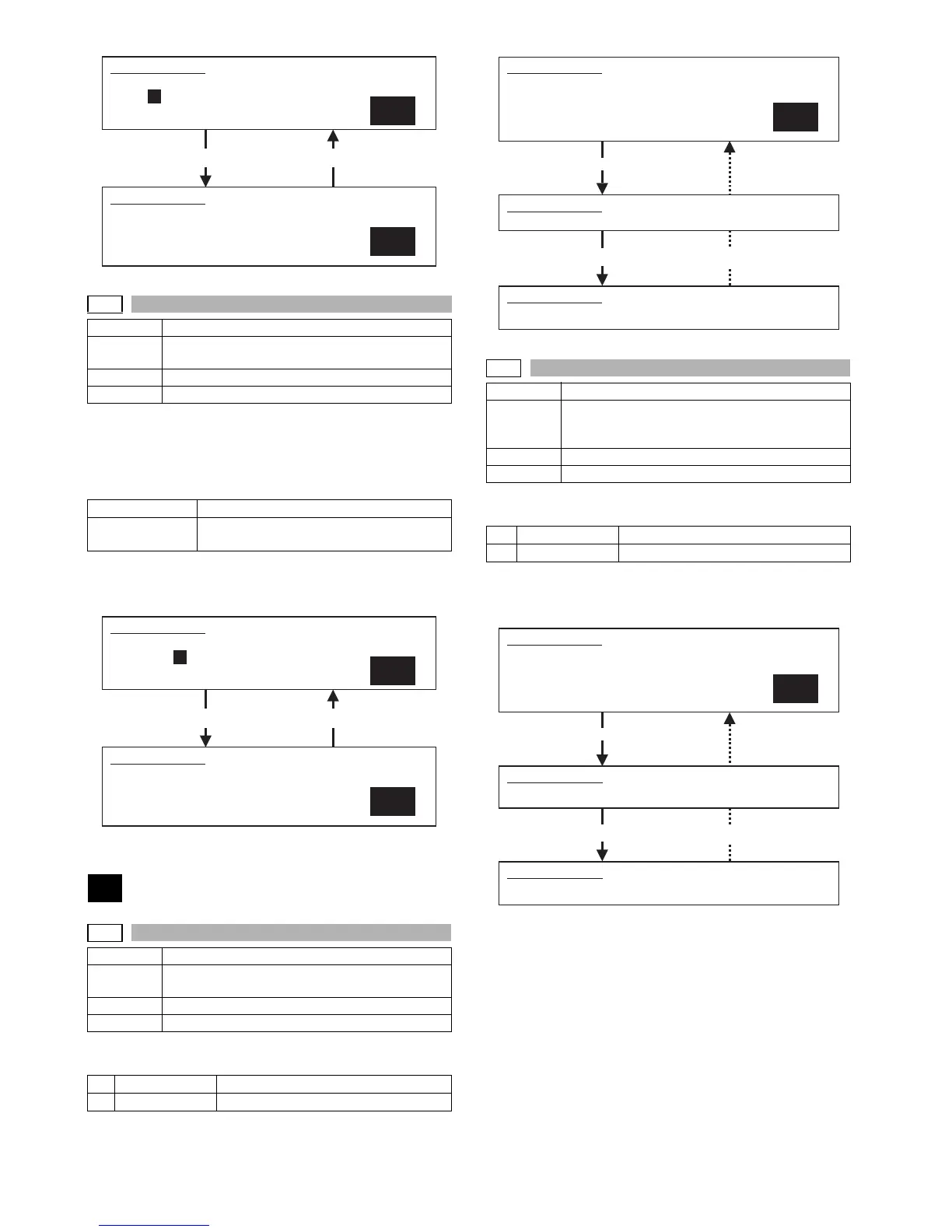
SIMULATION 61-3
LASER POWER SETTING(FAX). PRESS START.
1.FAX 93
1
SIMULATION 61-3
LASER POWER SETTING(FAX). INPUT VALUE 67-150, AND PRESS
START.
1.FAX
93
SIMULATION 61-4
LASER POWER SETTING(PRINTER). PRESS START.
1.PRINTER 93
1
SIMULATION 61-4
LASER POWER SETTING(PRINTER). INPUT VALUE 67-150, AND
PRESS START.
1.PRINTER
93
Completion Press [SYSTEM SETTINGS] key.
62-2
Purpose Operation test/Check
Function
(Purpose)
Used to check the operation of the hard disk (read/
write). (Only in the model with a disk installed)
(Partial check)
Section MFP controller (HDD)
Item Operation
1 YES Execution
2 NO Cancel
Completion Press [SYSTEM SETTINGS] key.
SIMULATION 62-1
HDD FORMAT.
ARE YOU SURE?
1. YES
2. NO
1
SIMULATION 62-1
HDD FORMAT. EXECUTING···.
Press [START] key.
SIMULATION 62-1
HDD FORMAT. OK. (or NG)
SIMULATION
62-2
HDD R/W TEST.
ARE YOU SURE?
1. YES
2. NO
1
Press [START] key.
SIMULATION 62-2
HDD R/W TEST. EXECUTING···.
SIMULATION
62-2
HDD R/W TEST. OK. (or NG)



 To Next Page