33
Useful Features
Camera Recording
Useful Features
Gamma Brightness
Compensation
When the subject is backlit, the image will
appear dark if it is recorded normally. The
gamma brightness compensation function
improves the picture by increasing the
brightness of the subject while leaving the
brighter portion of the image unaffected.
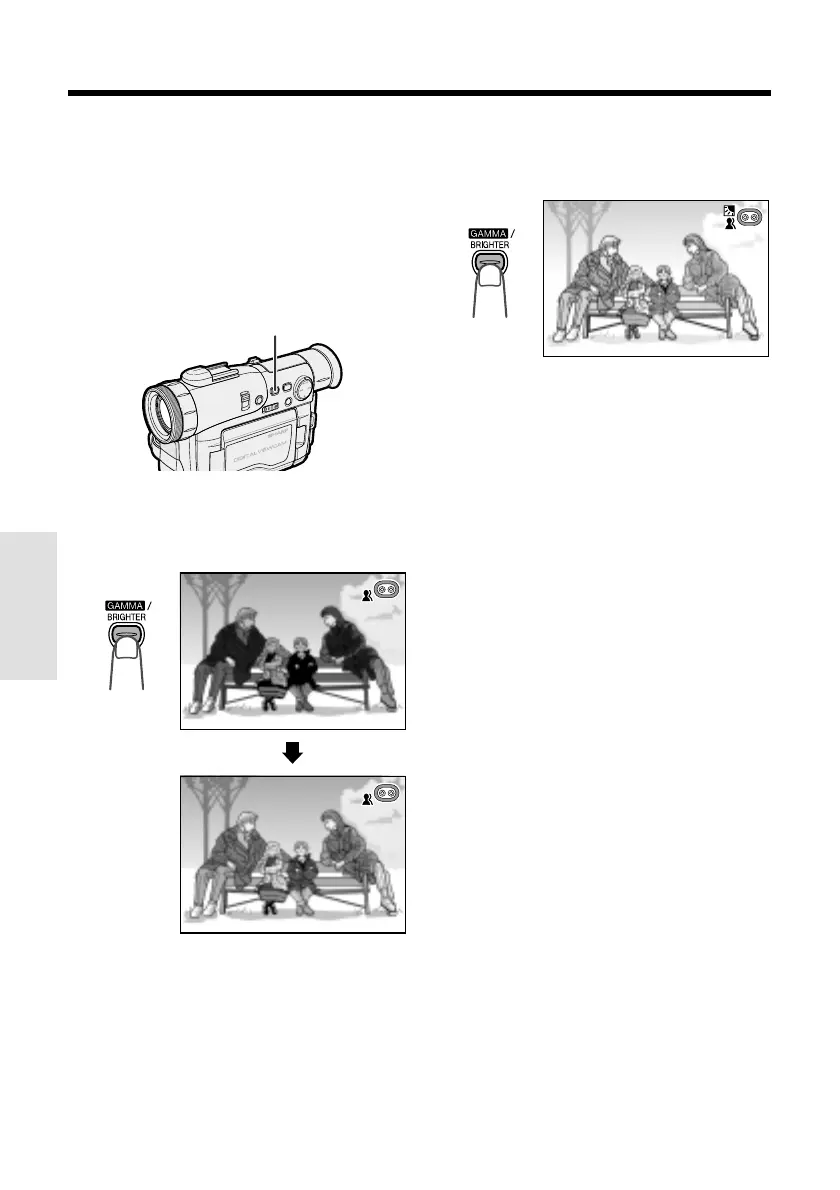
GAMMA/BRIGHTER button
In TAPE-CAMERA or CARD-CAMERA mode,
press the GAMMA/BRIGHTER button once.
•“GAMMA” appears, indicating that Gamma
Brightness Compensation is now working.
To obtain a brighter picture
Press the GAMMA/BRIGHTER button again.
• The x indicator appears.
Note:
• When the x indicator is displayed, the
background will become slightly brighter.
AUTO
AUTO
GAMMA
AUTO
AUTO
GAMMA
To cancel Gamma Brightness
Compensation
Press the GAMMA/BRIGHTER button until
“GAMMA” disappears.










 To Next Page