61
Advanced Features
Playback
Advanced Features
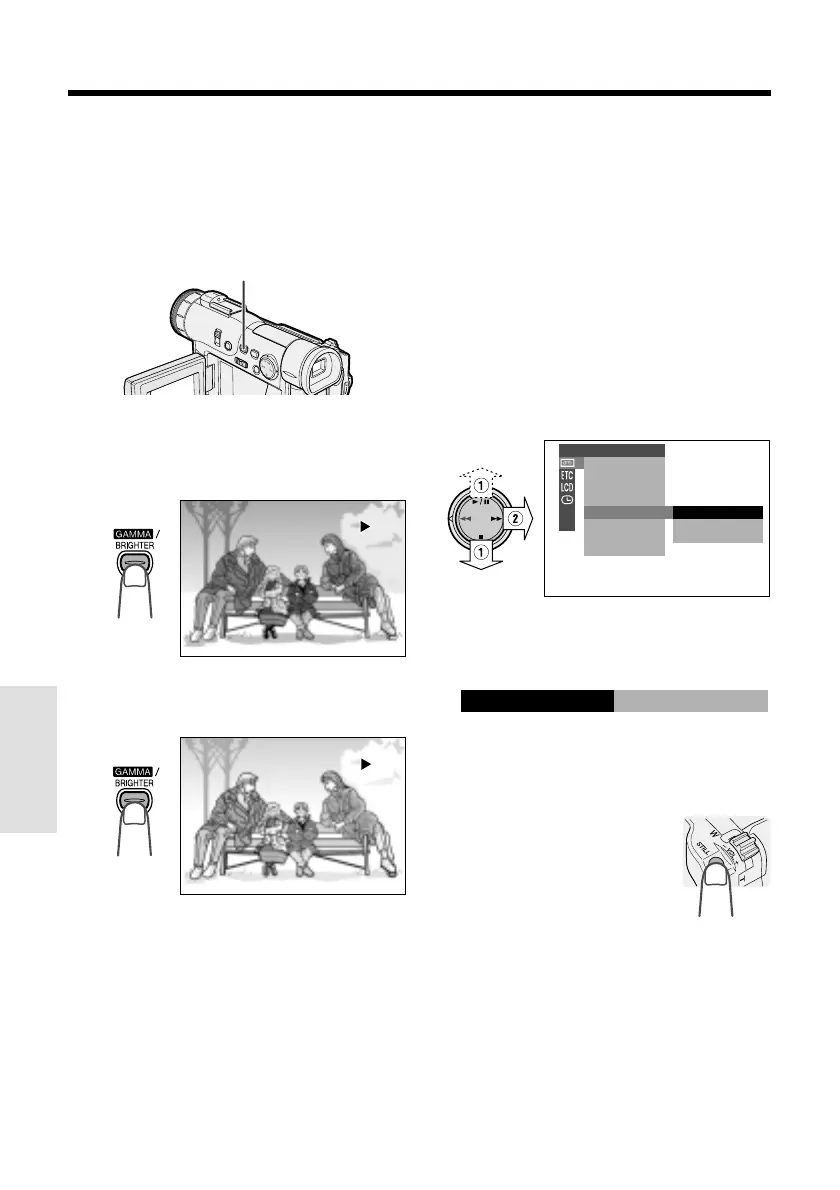
GAMMA/BRIGHTER button
Gamma Playback
The gamma playback function improves the
playback picture in TAPE-VCR mode by
increasing the brightness of the subject while
leaving the brighter portions of the image
unaffected.
During playback in TAPE-VCR mode, press the
GAMMA/BRIGHTER button once.
•“GAMMA1” appears, and the picture
becomes brighter.
To obtain a brighter picture, press the GAMMA/
BRIGHTER button again.
•“GAMMA2” appears.
To cancel Gamma Playback
Press the GAMMA/BRIGHTER button until
“GAMMA1” and “GAMMA2” disappear.
Note:
• Gamma Playback has no effect during still
playback.
Multiple Strobe Playback
The multiple strobe playback function can be
used to capture the action of a fast-moving
subject at intervals of 1/10 of a second using a
9- or 16-frame picture. This is useful when you
want to check your form in sports such as
tennis or golf.
1 In TAPE-VCR mode, press the MENU/
DISPLAY button until the menu screen
appears.
2 Select V, then press r on the
Operation button. Select “MULTI
FRAME” (1), then press r (2).
3 Press d or y to select “9 FRAMES”
(9-frame picture) or “16 FRAMES” (16-
frame picture), then press e.
OFF
FRAMES
FRAMES
16
9
AUDIO DUB
PIC.
EFFECT
AUDIO
PB EFFECT
M
ULTI FRAME
PLAYBACK SET
4 Press the MENU/DISPLAY button to
turn off the menu screen, and then
begin playback.
5 Press the STILL button at
the point where you want to
begin the multiple strobe
playback.
• A multi-frame picture of the
image is displayed.
To cancel Multiple Strobe Playback
Press the STILL button again.
Note:
• Multiple Strobe Playback cannot be used
during video search, still or slow playback.
GAMMA AUDIO
1
1 2
+
SP
GAMMA AUDIO1
12
+
SP
GAMMA AUDIO22
1 2
+
SP
GAMMA AUDIO
12
+
SP










 To Next Page