COUNTER MEMORY FEATURE
‘SELECT-SET
4
SELECT-SET
Counter Display
The counter display shows elapsed recording time
in hours, minutes and seconds. (It continues to
count even while it is not being displayed.) It is also
available during playback and recording search
operations.
Counter Memory Display
The position where a memory reset (O:OO.OO) was
made is stored in memory to make it easier to
return the tape to the beginning of a recording.
USING THE COUNTER
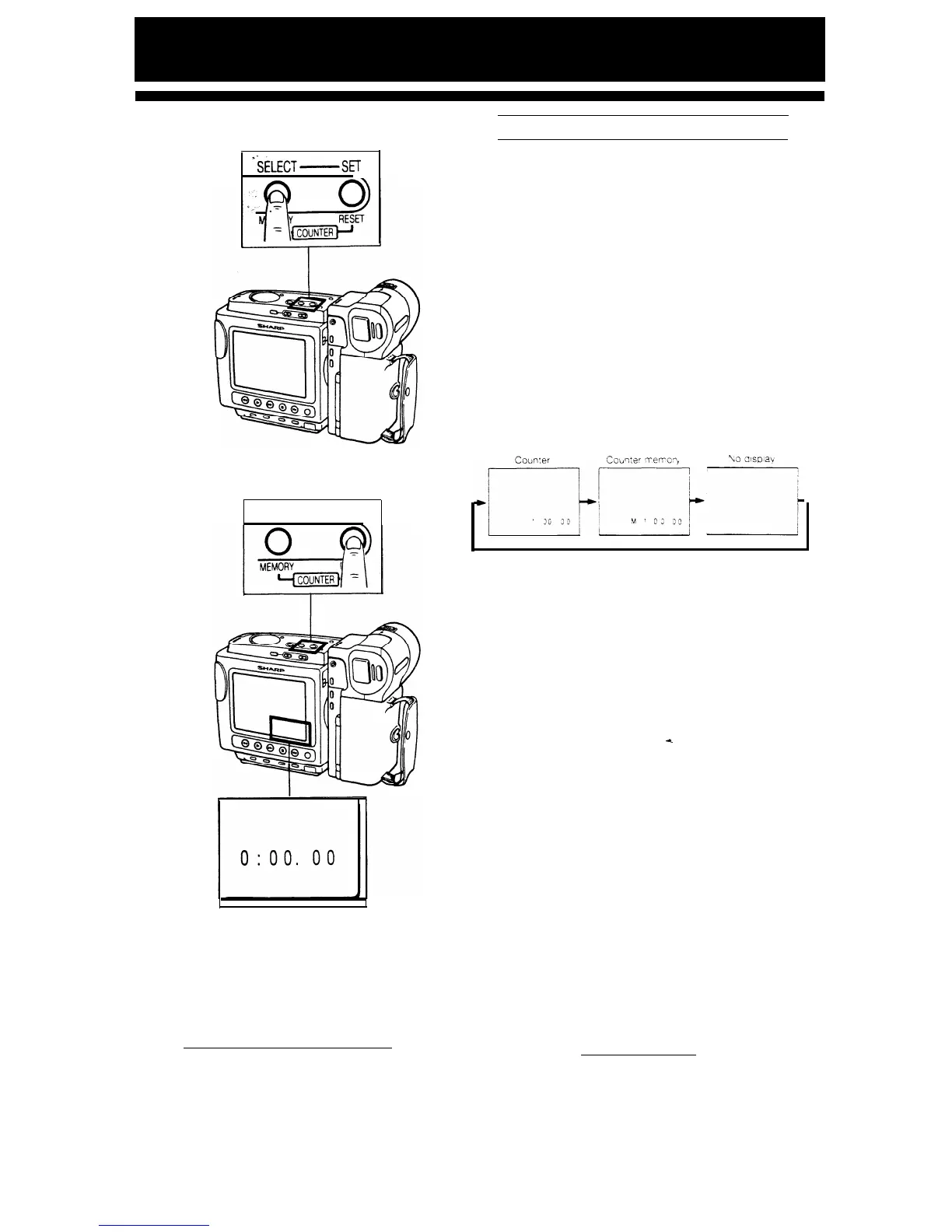
The counter display changes each time you press
the COUNTER MEMORY button as shown below.
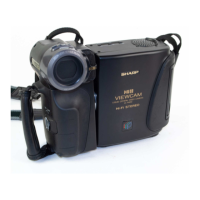
TO RESET THE COUNTER TO ZERO
Press the COUNTER RESET button.
4
31


 To Next Page