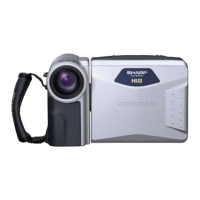
FLUORESCENT LAMP
BACKLIGHT
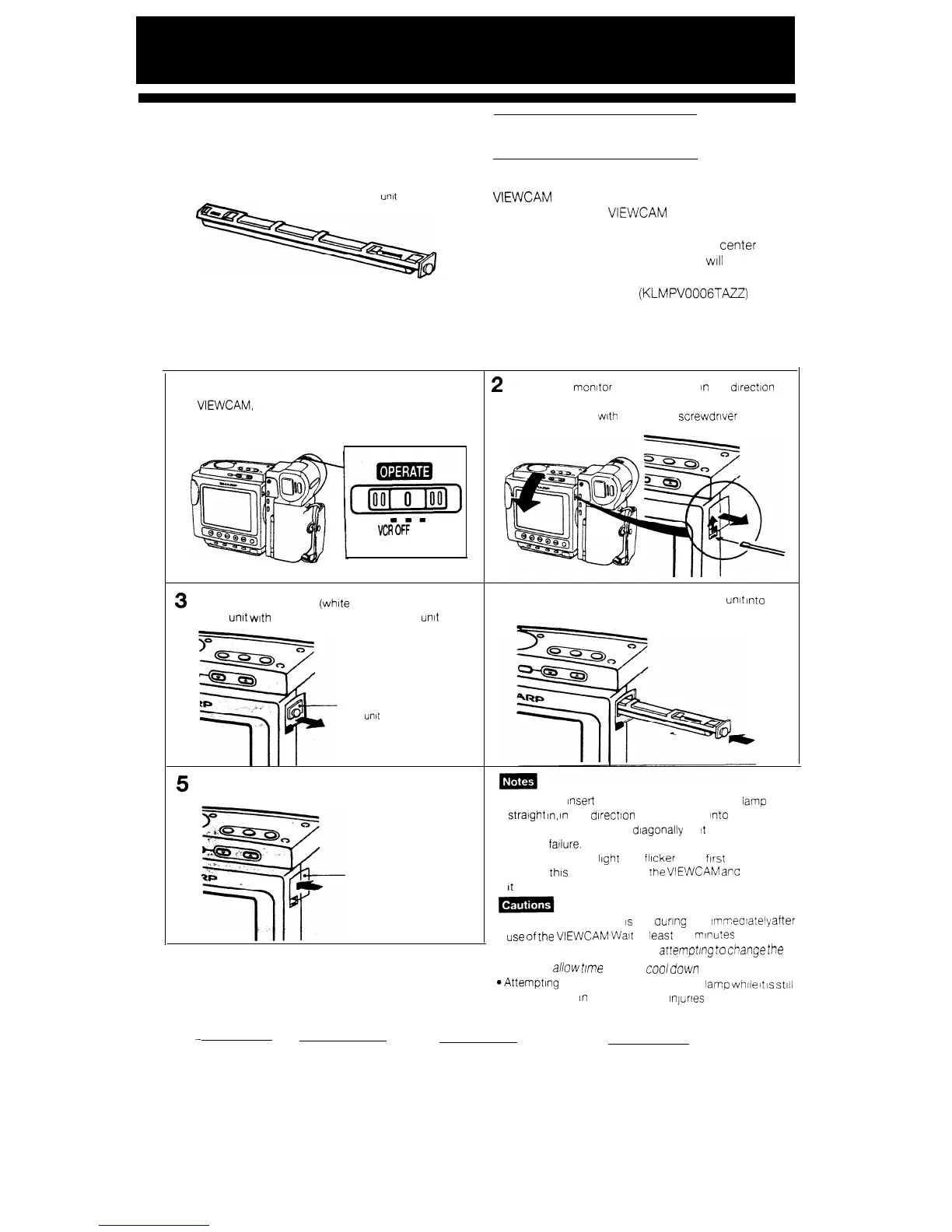
Fluorescent lamp
urxt
The fluorescent lamp backlight used in this
VIEWCAM will eventually need replacing. If you
continue to use the VIEWCAM when the fluorescent
lamp has almost reached the end of its service life,
the “LAMP” indicator will appear in the
center
of
the monitor screen, and the monitor
WIII
go off
approximately one minute later. When this occurs,
purchase a replacement (KLMPV0006TAZZ) from
your dealer and replace the old lamp.
REPLACING THE FLUORESCENT LAMP BACKLIGHT
1
Set the OPERATE switch to OFF
to
turn off
the
VIEWCAM,
and watt about 15 minutes for the
lamp unit to cool down.
m-1
VCR
OFF
CAMERA
3
Carefully hold the end (white knob) of the fluorescent
lamp unit with tweezers, and pull the lamp
untt
out.
Fluorescent
lamp
unbt
5
Replace the backlight compartment cover
Backlight
compartment
cover
2
Rotate the monitor halfway forward
In
the direction
of the arrow, and tnen remove the backlight com-
partment cover with a flat-head screwdrIver or a
similar Instrument.
4
Insert the replacement fluorescent lamp
unit
into
the
compartment. See note below
l Be sure to
Insert
the replacement fluorescent
iamp
stratght
In,
tn
the direction of the arrow,
Into
the com-
partment. Do not press diagonally as
it
may cause
contact failure.
l The fluorescent light may fllcker when first turned on
Should this occur, turn off the
VIEWCAM
ant
then turn
It
on again.
l The fluorescent lamp
is
hot auring and
IrrmeCiately
after
use
of
the
VIEWCAM
Walt
at least 15
mlntiteS
after
turning the power off before
at!empt/ng
to
Ci7ange
Ihe
lamp, to
allow
t/me
for it to
cool
down
.Attemptlng to change the fluorescent iamp while
it
1s
stlii
hot may result
In
burns or other
tnjurles
47
-


 To Next Page