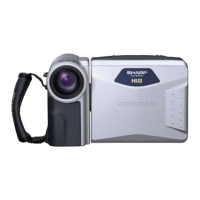
CONNECTION TO A TV WITH
AUDIO/VIDEO TERMINALS
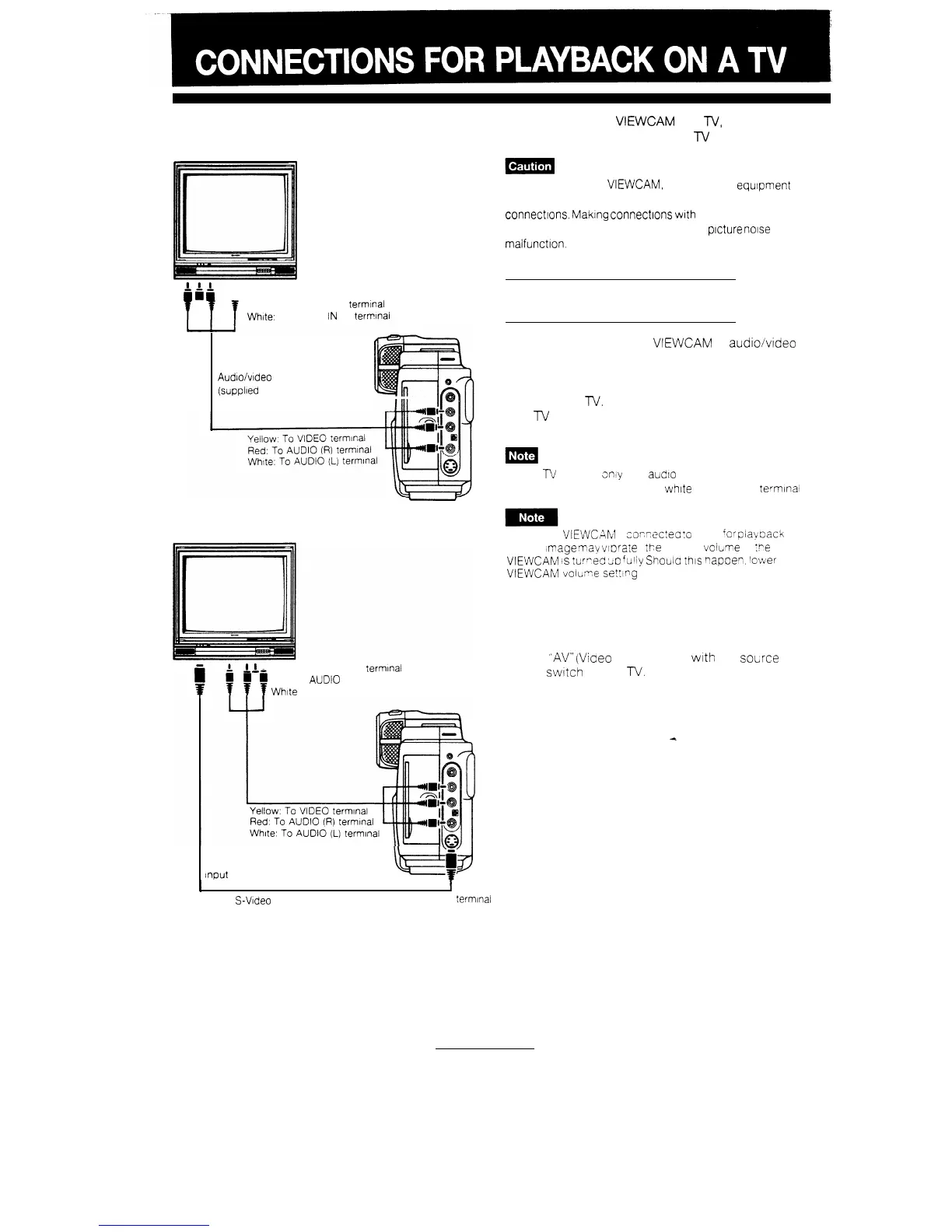
By connecting the VIEWCAM to a
TV,
you can
watch played-back tapes on the
lV
screen.
i
6
i
Yellow: To VIDEO IN terminal
Red: To AUDIO IN (R) terminal
White:
To AUDIO
iN
(L)
terrrlnal
Audloivideo
cable
(supplled accessory)
I
I
I
Yellow, To VIDEO IN terminal
Red: To
AUD!O
IN (R) terminal
White
To AUDIO IN (L) terminal
To S-VIDEO
Input terminal
Make sure that the
VIEWCAM,
TV and other
equipment
to
be connected have been turned off before you make
connectrons.
Maklng
connectlons
with
any of the
components left turned on may cause
ptcture
notse
or
malfunction.
VIEWING PLAYED-BACK
VIDEOS ON A TV
Use the menu to set the VIEWCAM to
audio/vdeo
output mode by selecting “OUT” for “AV IN/OUT”.
Select “AV” (Video Input mode) with the input select
switch on the
lV.
(Consult the-operation manual for
your
lV
for details).
If your
n/
set has
only
one
audio
input terminal (for
monaural source)
connect the white plug to that terminal
When the
VIEWCr?M
s
corSnectea
:o
a TV
for
piacoack
the TV Image may viPrare f
tPe
sound
voicime
of
:Pe
VIEWCAM
,s
turreb
2;~)
fuliy
Shouta
this napoen. lower the
VIEWCAM
volume
se%ng
CONNECTION TO A TV
WITH S-VIDEO TERMINAL
I
To
S-VIDEO
S-Video cable (supplied accessory)
termfnal
Select
“AV”
(Vioeo
Input mode)
with
the source
select
switch
on the
TV.
4
42


 To Next Page