26
<BT-E6010>
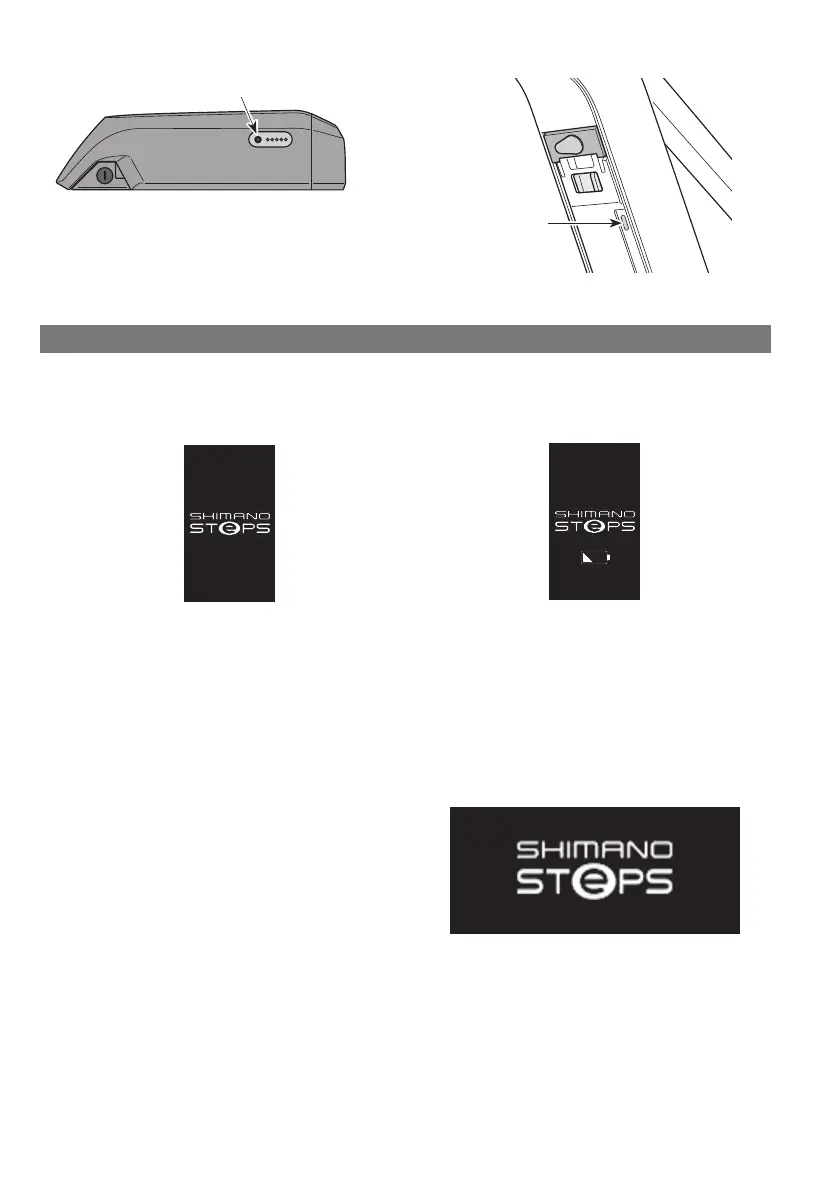
Power button
<BT-E8020>
Power button
Display when Power is ON
SC-E6100
When the power is turned ON, a screen similar to that shown below is displayed, and then switches to the basic screen.
Normal startup Battery level too low
*
The level of the cycle computer's built-in battery is too
low.
Turning the power ON with the cycle computer
connected to the bicycle will charge the cycle
computer's built-in battery.
SC-E7000
This screen appears when the power is turned ON.



 To Next Page