44
3.
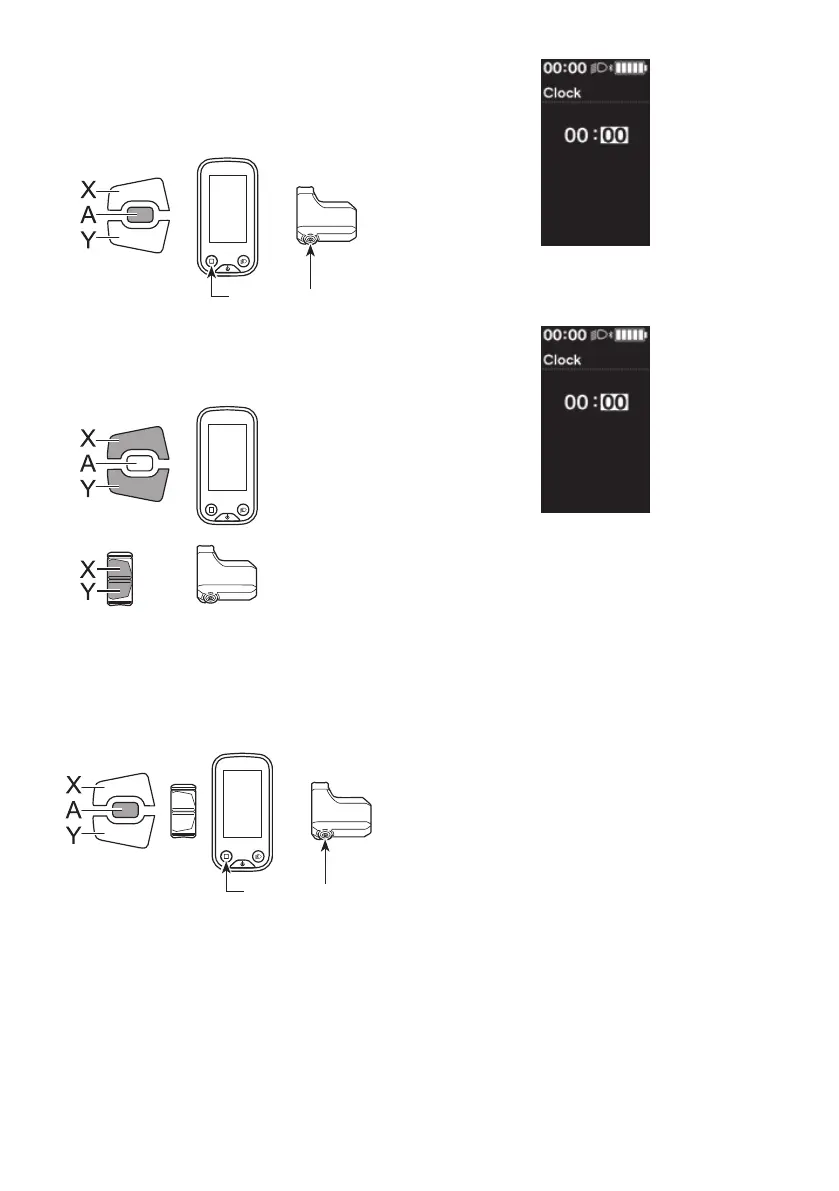
Press Function button to confirm the setting.
The cursor moves to minutes value.
If using SW-E6010, control is also possible with
Assist-A.
Assist
Function button
4.
Press Assist-X or Assist-Y to adjust the minutes value.
•
Press Assist-X to increase the value.
•
Press Assist-Y to decrease the value.
Assist
5.
Press Function button to confirm the setting.
If using SW-E6010, control is also possible with
Assist-A.
*
The screen will automatically return to the setting
menu screen.
Assist
Function button



 To Next Page