3.1.4 Laser Calibration
Steps
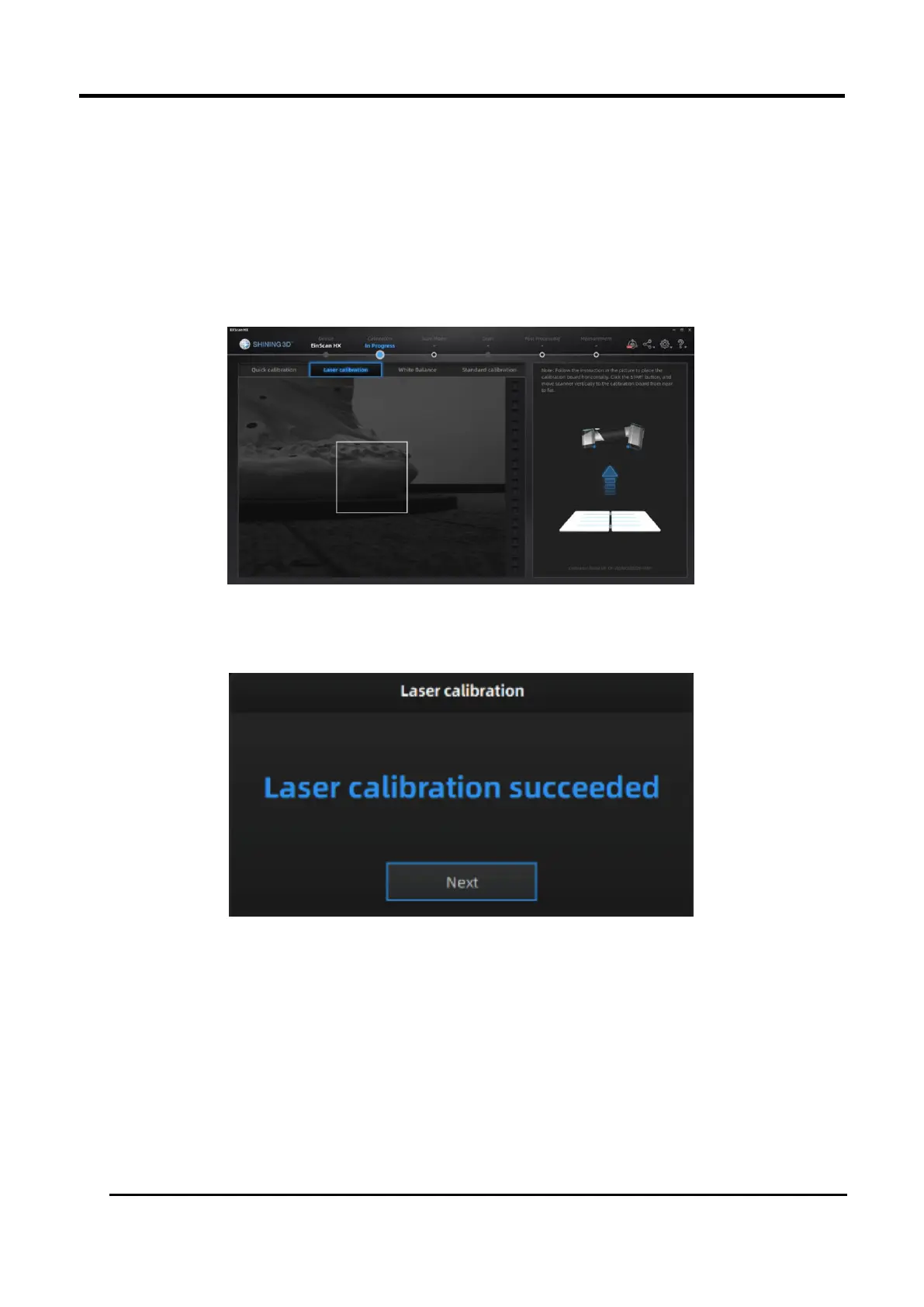
1. Open and place the calibration board on a horizontal flat surface with its back site lying towards
up.
2. Hold the scanner face to the center of board in upright position.
3. Keep moving the scanner up and down slowly until all the color bars turn green, which means
that all the required distances have been captured.
Figure 3-8 Laser Calibration
4. After finishing the laser calibration, click Next on the following pop-up for entering the white
balance.
Figure 3-9 Laser Calibration Succeeded














 To Next Page