3.3 Select Scan Mode
You can choose a mode to start scan after a full preparation.
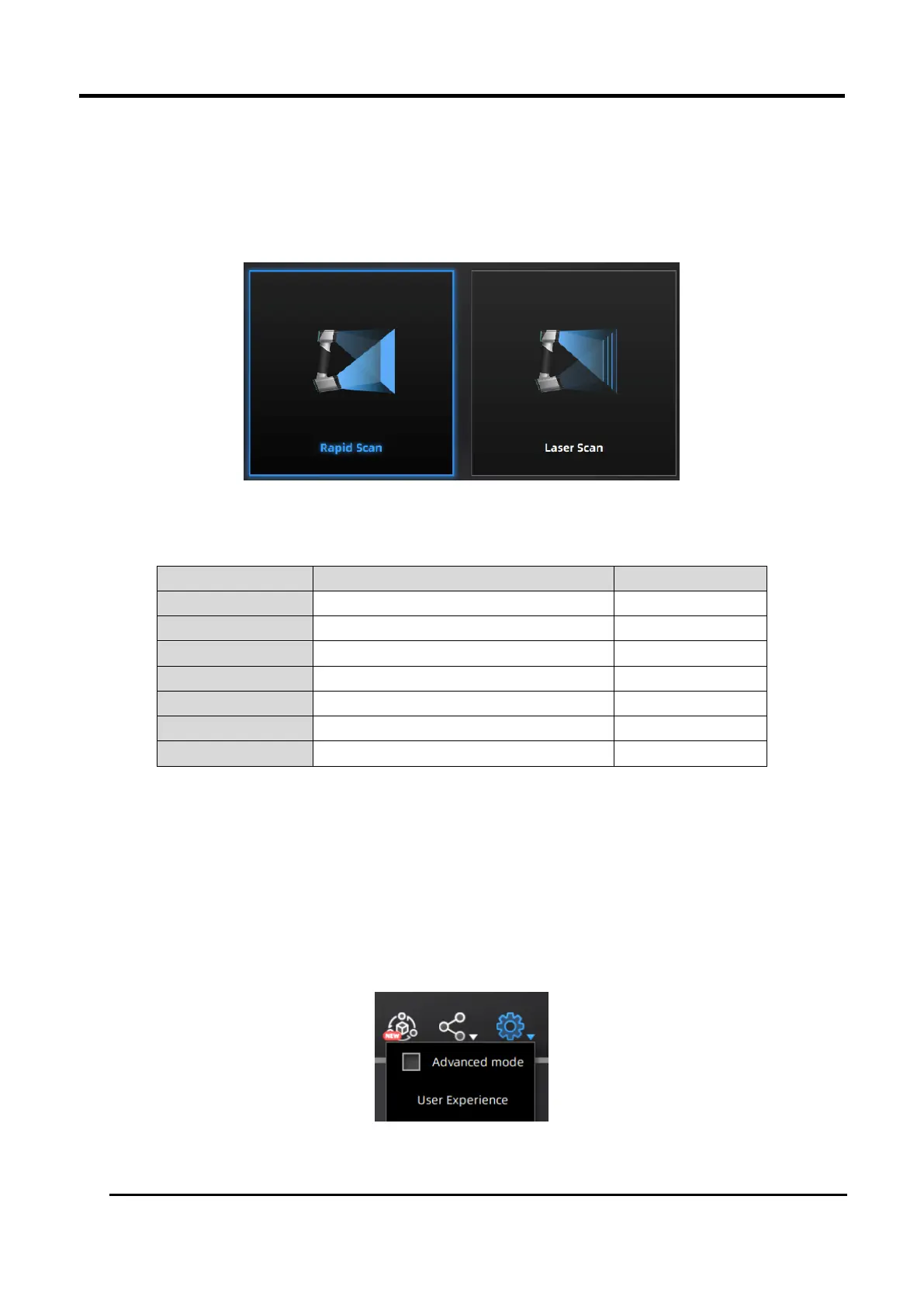
The following diagram and form comparing the differences between rapid scan and laser scan are for
your reference:
Figure 3-13 Icons of Rapid Scan and Laser Scan
Table 3-3 Differences Between Rapid Scan and Laser Scan
Advanced Mode
1. Advanced mode is unchecked by default.
2. The advanced mode can be turned on / off only after the scan mode being selected.
3. The point distance adjusting function in advanced mode is only applicable to laser scan mode.
4. When advanced mode is unchecked, the point distance range is 0.1 ~ 3.0. when advanced
mode is turned on, the point distance range is adjusted to 0.05mm ~ 3.0mm.
The option of advanced mode is only alterable on the interface of selecting scan mode. Once
entering the other interfaces, the state of which is no longer changeable.














 To Next Page