3.10 Other Operations
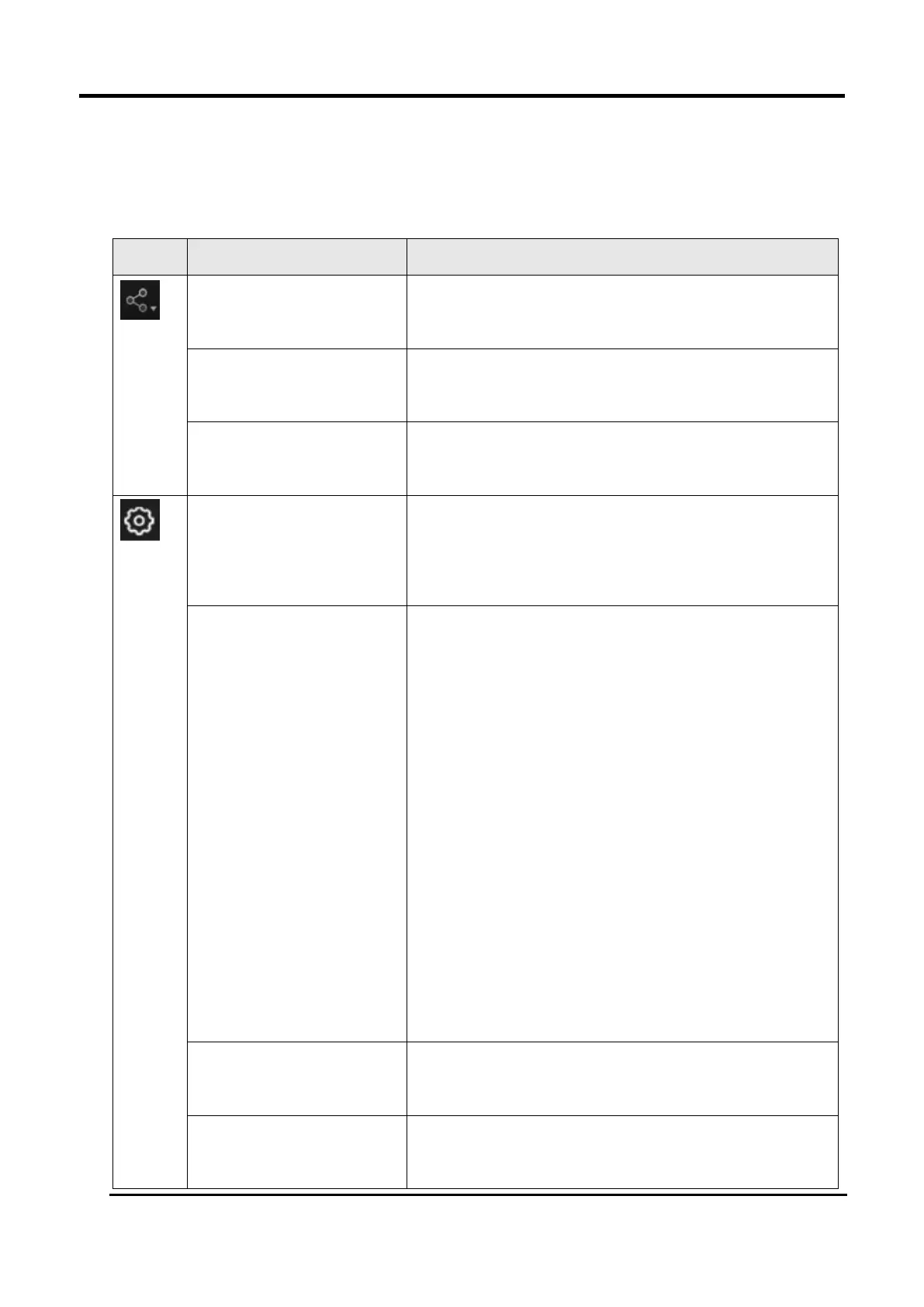
Table 3-16 Icon of Other Operations
Open the official website of Shining 3D to learn about
the company’s products and information.
Enter Shining 3D’s Facebook to view product
introduction and other operations.
Enter Shining 3D’s support platform to view product
introduction and other operations.
After checking this option, the point distance can be
selected as 0.05 when creating a new project.
To help us improve the quality and user experience of
device, we hope to be allowed to collect usage
experience information. This information will not
contain your personal information or scanned data
and will not be accessible to any third party. The User
Experience Enhancement Program will continuously
keep you informed with the newest software update
information, to assure you get free software updates
and enjoy the latest improvements based on your
collective feedback. If you close the User Experience
Enhancement Program, you might not be informed
with software updates automatically.
All settings can be restored to the initial settings, and
the software will automatically restart.
A language selection window pops up, allowing users
to choose multiple languages.














 To Next Page