EasyManua.ls Logo

Shining 3D EinScan HX - Export Data; Save Data

Shining 3D EinScan HX
83 pages
Print Icon
To Next Page IconTo Next Page
To Previous Page IconTo Previous Page
Loading...
EinScan HX User Manual
73
3.9 Export Data
3.9.1 Save Data
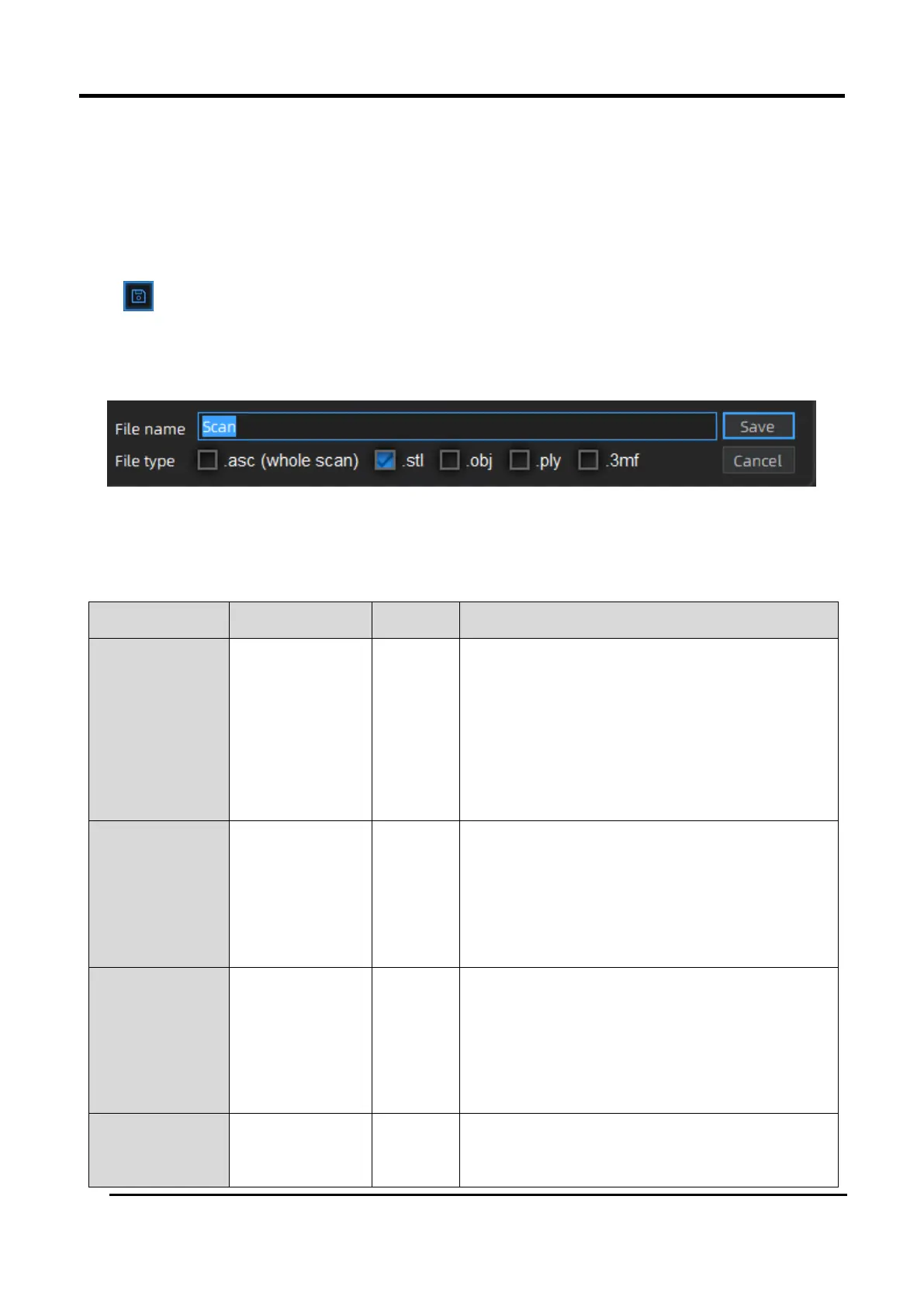
Click to export the data. Input the file name. Select one of the formats below. By default, the
saving path is the project folder, the file name is “Scan data”, and the format is .stl. The format of
textured scanning is .obj. by default. At least one type needs to be selected.
Figure 3-64 Save Folder
Table 3-15
Format
Types of data
Save as
Recommendation
ASC (whole
piece)
Optimized point
cloud
scan.asc
Check the data;
Quick export (no need for post-
processing for handheld scanning);
Post-processing can be done through
other software.
STL
Mesh data
scan.stl
3D printing;
Reverse designing;
Compatible with most post-processing
software.
OBJ
Mesh data
scan.obj
scan.jpg
scan.mtl
Used in artwork;
3D rendering;
Compatible with most post-processing
software.
PLY
Mesh data
scan.ply
The file is small;
Easy for texture editing.