3.7.6 Texture Remapping
If the following post-processing operations (such as hole filling, simplification) have been performed,
texture remapping can be applied before saving the data.
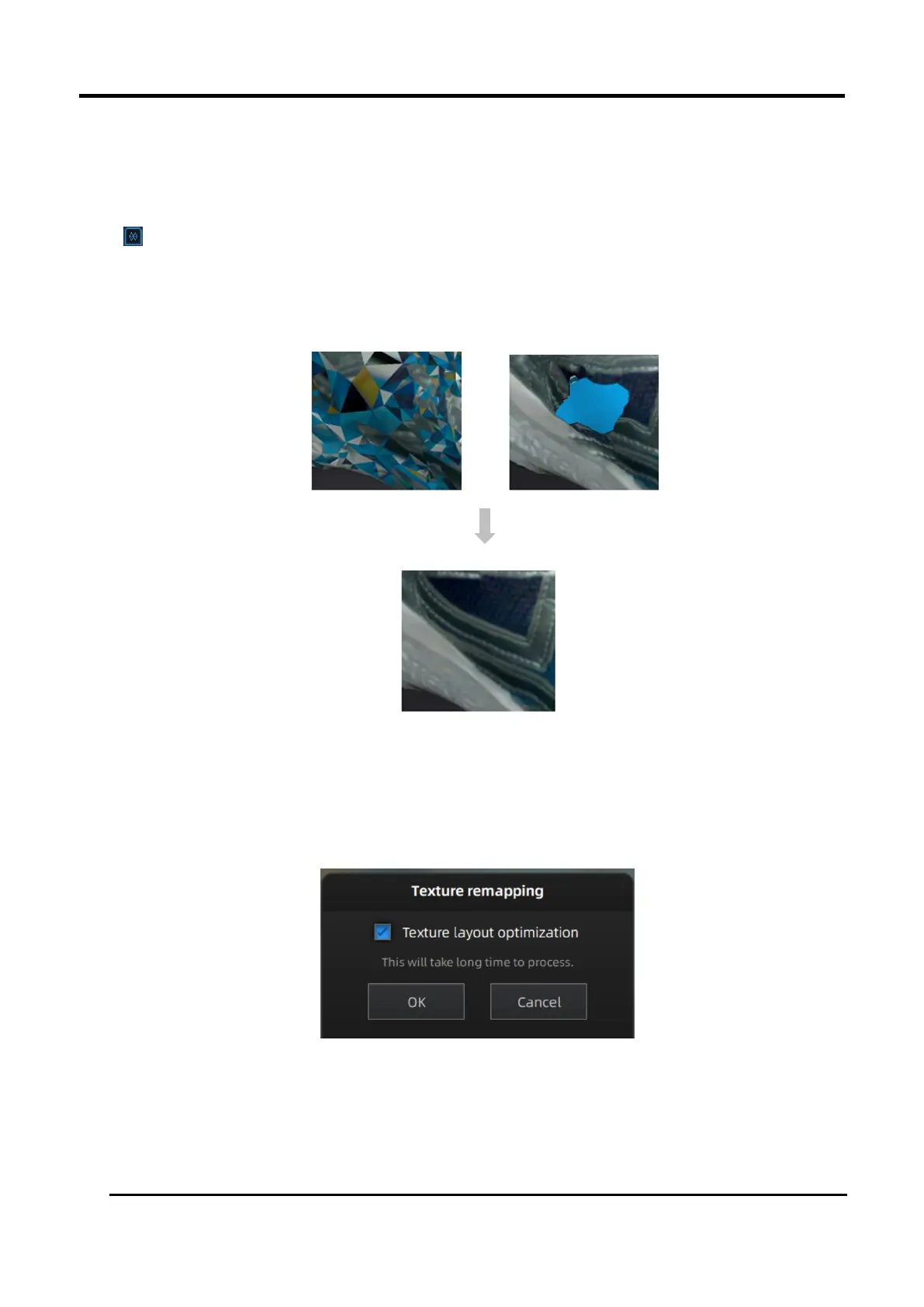
Click Texture Remapping to display the Texture menu.
After the post-processing, hole filling on texture scanned data will affect the texture render. By doing
the texture remapping, the texture information will be reapplied on the mesh.
Figure 3-52 Texture Remapping
Choose Texture Layout Optimization (TLO) to create an optimized arrangement for the texture file.
It will make the texture manual editing much more convenient if you are going to process the
texture in a 3rd party software. This option has no effect on the texture itself.
Figure 3-53 Texture layout optimization














 To Next Page