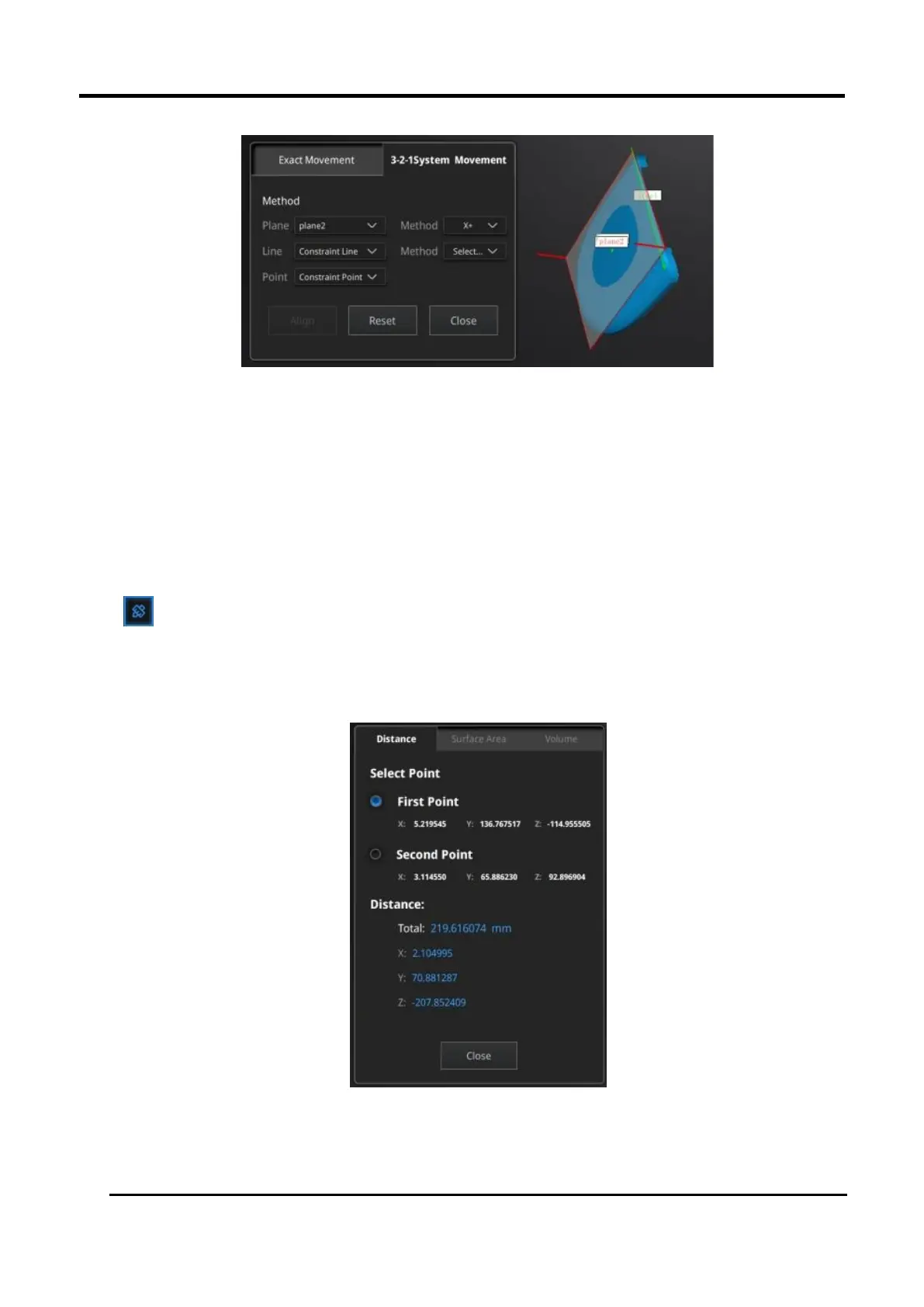
Figure 3-59 Movement menu
2. Click Move to perform the movement. When the line is perpendicular to the plane, the movement
will fail.
Click Reset to cancel.
Click Apply to confirm the transformation.
3.8.3 Measure
Click button to display the menu, click again to close the menu.
DISTANCE
This tool calculates the distance between two points belonging to the surface of the data.
Click on the data to pick the first and second point, select one of the two points to redo it.
Figure 3-60 Distance menu
Total is the 3D distance, X, Y and Z are the projection of the segment to the respective planes.
SURFACE AREA














 To Next Page