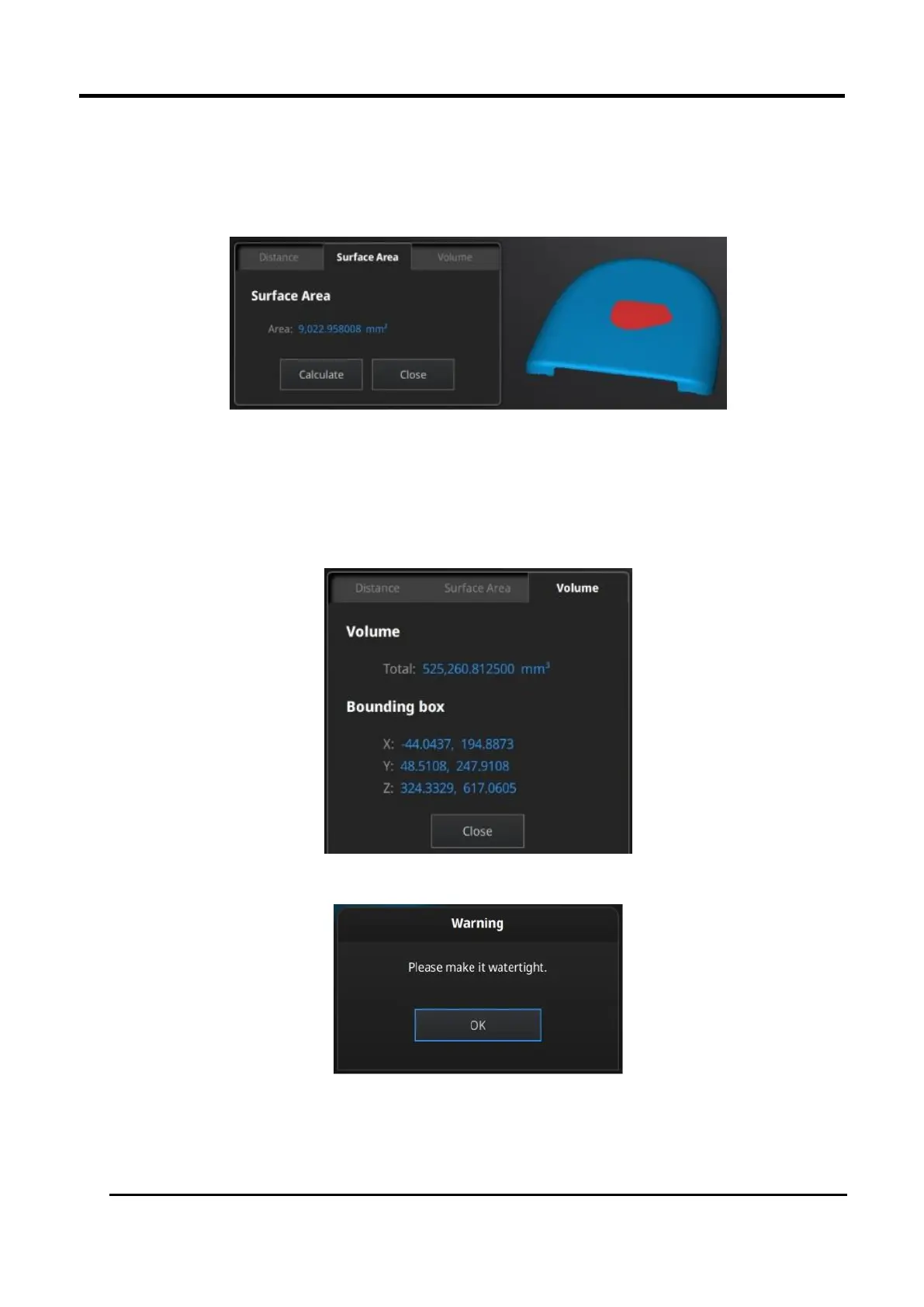
Press Shift+ LMB to select an area, press Ctrl + LMB to unselect.
Ctrl + A to select all.
Click Calculate to display the Area value of the selected data in mm^2
Redo the selection and click Calculate again to update.
Figure 3-61 Surface area menu
VOLUME
This tool calculates the volume contains in a watertight mesh.
It returns the volume in mm^3 and the coordinates of the smallest box, parallel to the global
coordinates, containing all the data.
Figure 3-62 Volume Menu
Figure 3-63 File Notwatertight Alert














 To Next Page