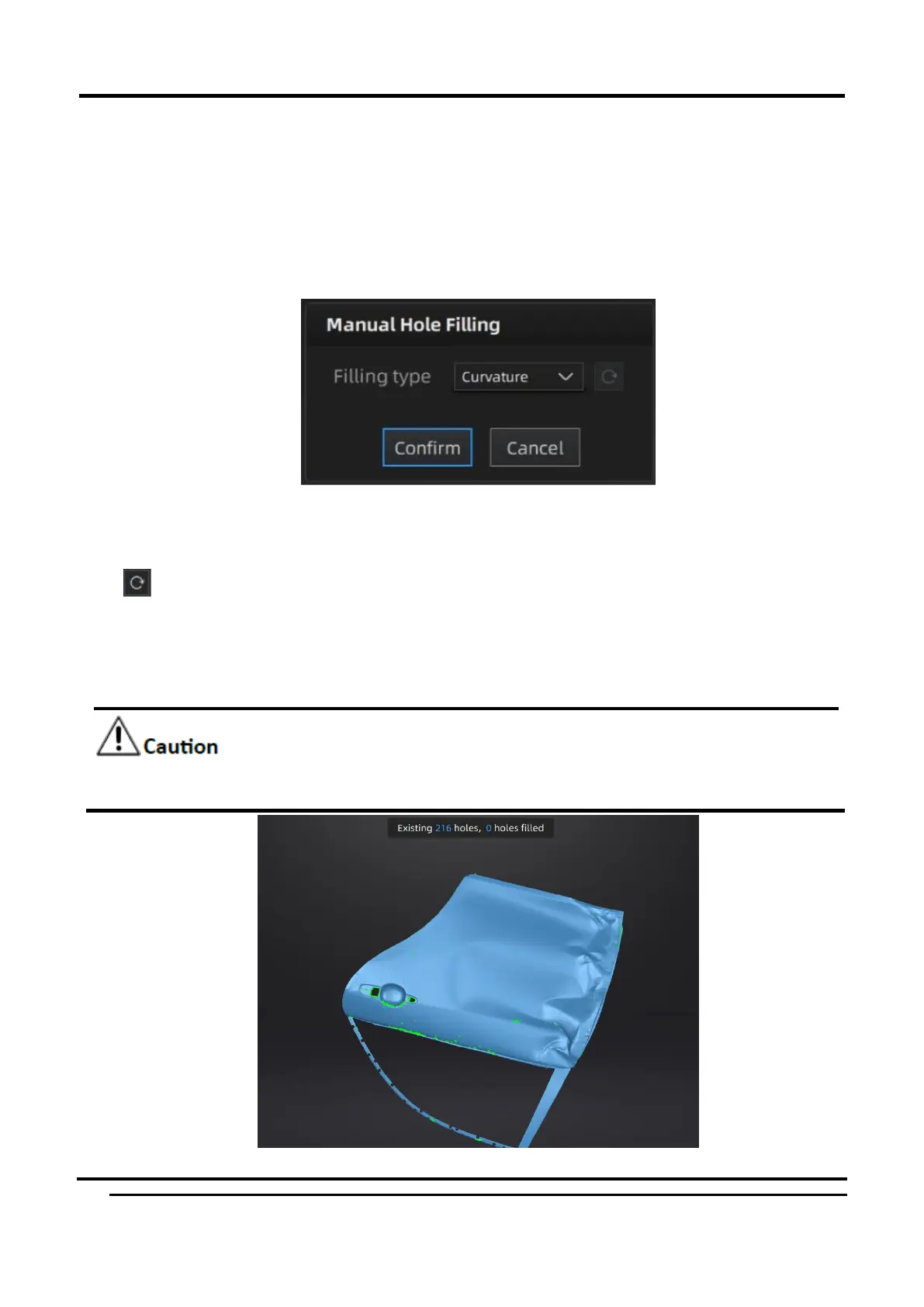
Manual Hole Filling
The hole edges are displayed green and get red after picking. The number of the holes and the
number of holes filled will be displayed on the interface. Choose Curvature, Tangent or Flat before
picking a hole.
Figure 3-50 Manual hole filling
Click the edge of the hole to fill it.
Click , according to the order of filling holes, from the last hole to cancel hole filling. Ctrl + Z can
also cancel hole filling.
Click Confirm to apply.
Click Cancel to quit and go back to the original data.
The data will not be automatically saved after the post-processing, saving the post-processing
data manually is necessary.














 To Next Page