6
Your Phone's Display
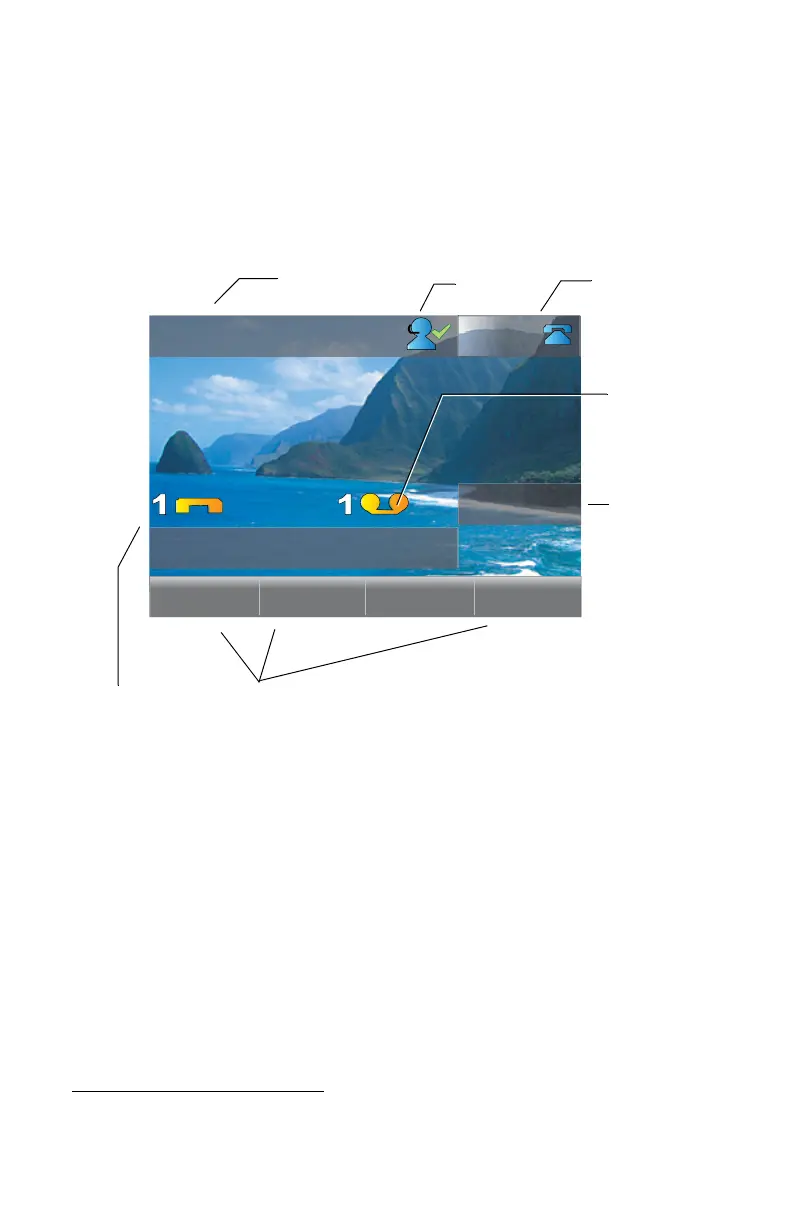
Your ShoreTel IP phone's display shows your name and extension, call
handling mode, call appearance, monitored extensions, calls, duration of call,
voice messages, date and time, soft key functions, and your phone’s operating
status.
Backlight Operation
When your phone is not used for several minutes the backlighting is reduced
and the screen goes to a half-dim level. If the phone sits idle for an additional
configurable
1
period of perhaps an hour or more, the backlighting is turned
off completely.
The backlight returns to full brightness if any of the buttons on the phone are
pressed or if the phone receives an incoming call.
1. Specified in the BackLight parameter in the configurable text file. See the
ShoreTel Administrator’s Guide for details.
Sarah Smith
4:18pm May 21
217
admin
Pickup Unpark Mode
ShoreTel 265 Idle Display
Speed Dial
Your Name
Your Extension
Soft
Keys
Missed
Calls
Unheard
Voice
Messages
Agent State



 To Next Page