User Guide ShoreTel IP Phone 655
ShoreTel 11 Page 7
Application Gallery
In addition to the default telephony application, a number of other applications are
provided in the Application Gallery. Entering the Application Gallery is accomplished by
pressing the ShoreTel swirl icon button on the main telephony screen (see below).
The application gallery contains the following applications:
Application Gallery Application Gallery Descriptions
Voicemail Viewer Click this button to display the Voicemail Viewer. The voicemail
viewer contain three tabs; Inbox, Saved, and Deleted. Use this
screen to scroll through voicemails. This screen can also be used
to create a new voicemail or to dial a voicemail box by clicking
the Compose and Call Voicemail buttons.
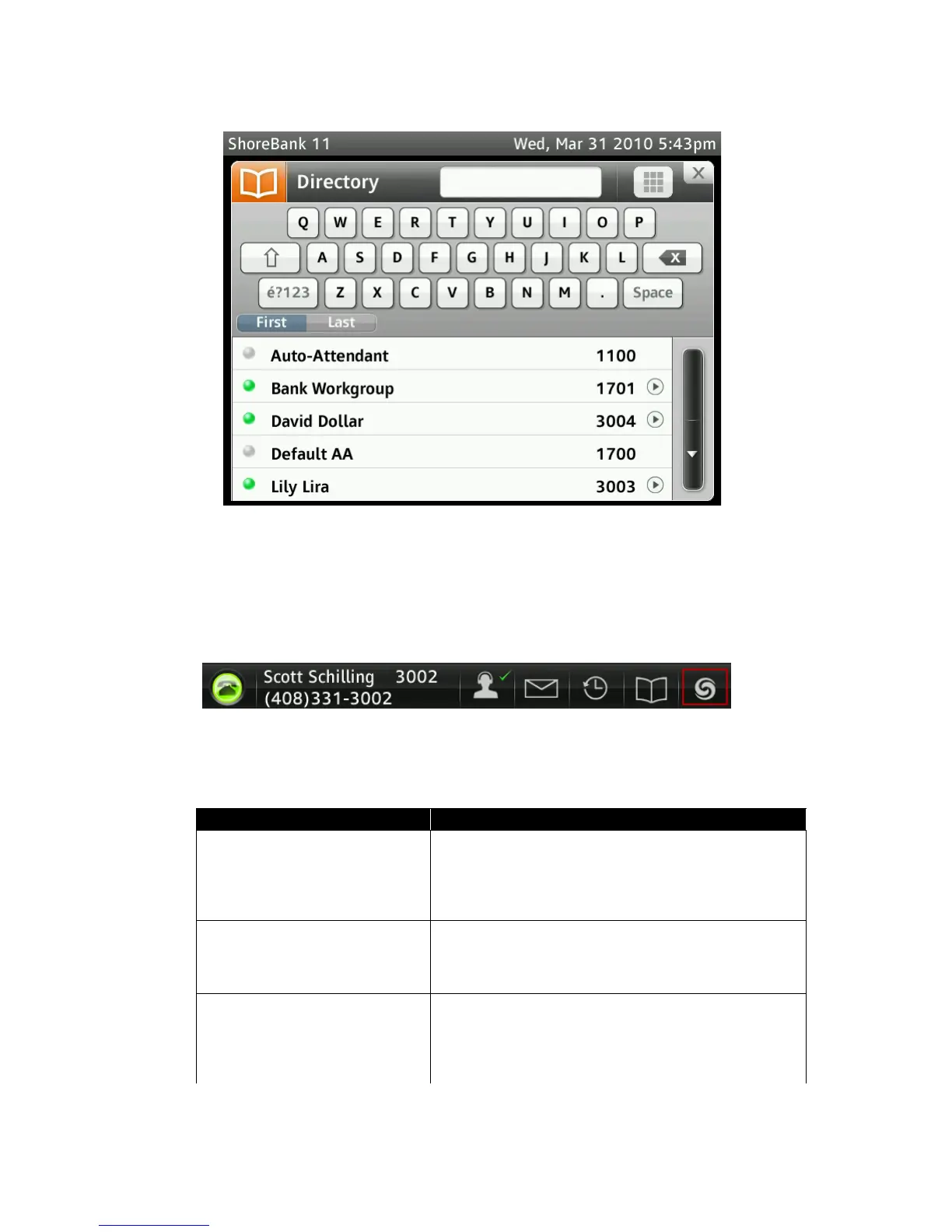
Directory Click this button to display a list of the Contacts directory.The
directory screen allows you to scroll through a list of contacts and
view contact information, if available. A call to a contact can be
made by clicking on the contact’s name.
Phone Options Click this button to access the phone options. This screen allows
modification of the phone modes: Office Desk/Wall Mount/
Conference Room. The phone’s Button Volume, Touch Screen
Volume and Touch Screen Vibration can all be adjusted from this
screen.
Table 1-1 SShoreTel 11 Application Gallery



 To Next Page