User Guide ShoreTel IP Phone 655
ShoreTel 11 Page 9
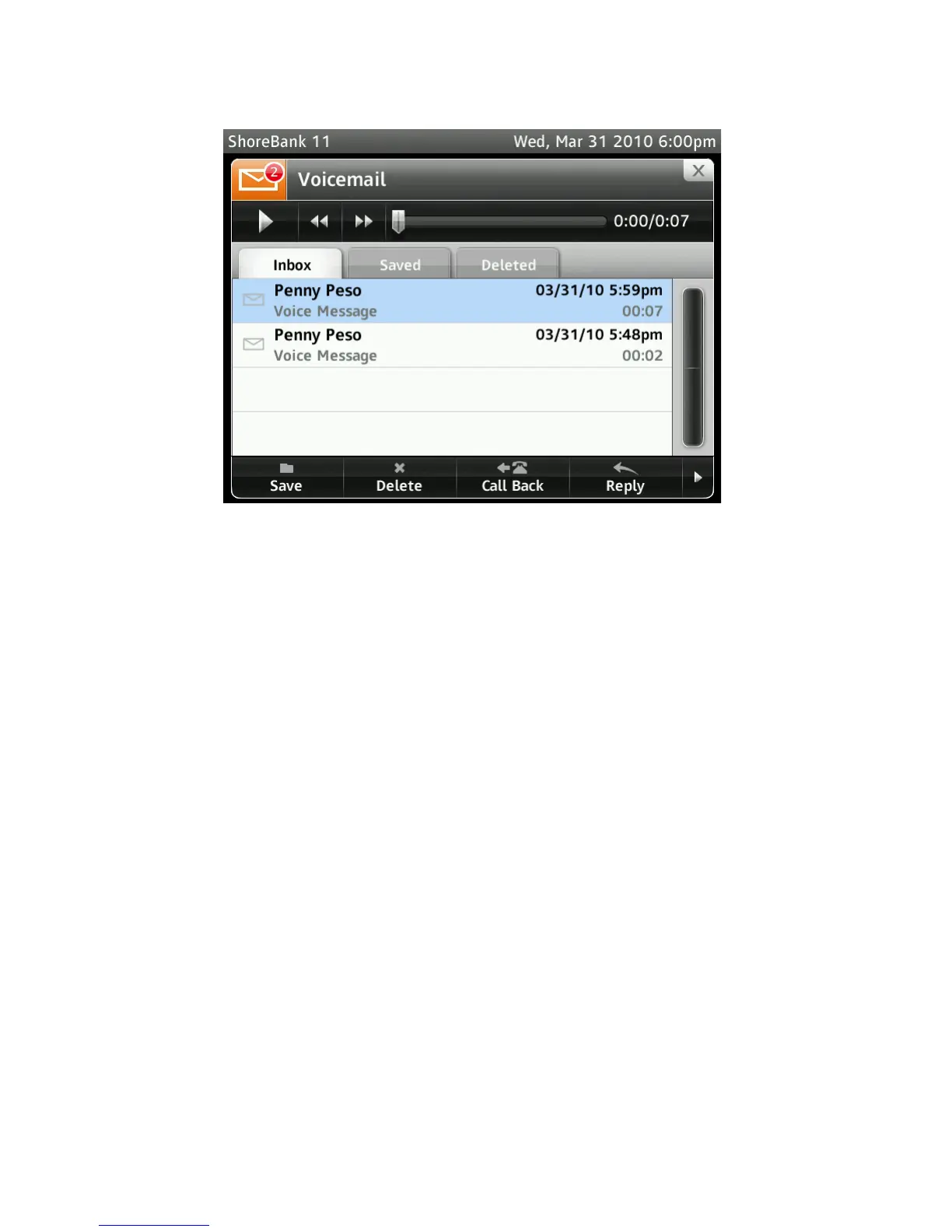
Figure 4SShoreTel IP Phone 655 Voicemail Viewer
Beam Forming Microphone
The ShoreTel IP Phone 655 microphone array, located on the top-right-hand corner of the
phone, has noise canceling capabilities and has a voice pickup range radius of
approximately 15 feet. Beam forming technology provides best-in-class performance that
delivers crystal clear audio.
ShoreTel IP Phone 655 Personalization
Users can customize various aspects of their phone's behavior. The available options (wav
files, etc…) are uploaded to the system via Director (one set of files common to all users)
and are selectable both on the phone and in Director (See the ShoreTel Maintenance Guide
for details of downloading customization files).
ShoreTel IP Phone 655 Ringtones
The ShoreTel IP Phone 655 supports up to four custom ringtone pairs that can be defined
and managed by the administrator. Ringtone pairs are contained in two wav files. One file
for internal incoming calls, and one for external incoming calls. The system administrator
must place the wav files in the appropriate ftproot sub-directory (ftproot/wav/ringtone) on
the HQ server (See the ShoreTel Maintenance Guide for details of downloading custom
ring-tone files).
Ringtone files are distributed automatically from the Headquarters Server to the
Distributed Application Server when instructed to do so by the administrator in Director.
ShoreTel IP Phone 655 Wallpaper
The ShoreTel IP Phone 655 supports up to four (plus 1 default) custom wallpapers that can
be defined and managed by the system administrator. These custom wallpapers are.png
files and must be placed in the ftproot/wallpaper/640x480/ directory on the HQ server. The



 To Next Page