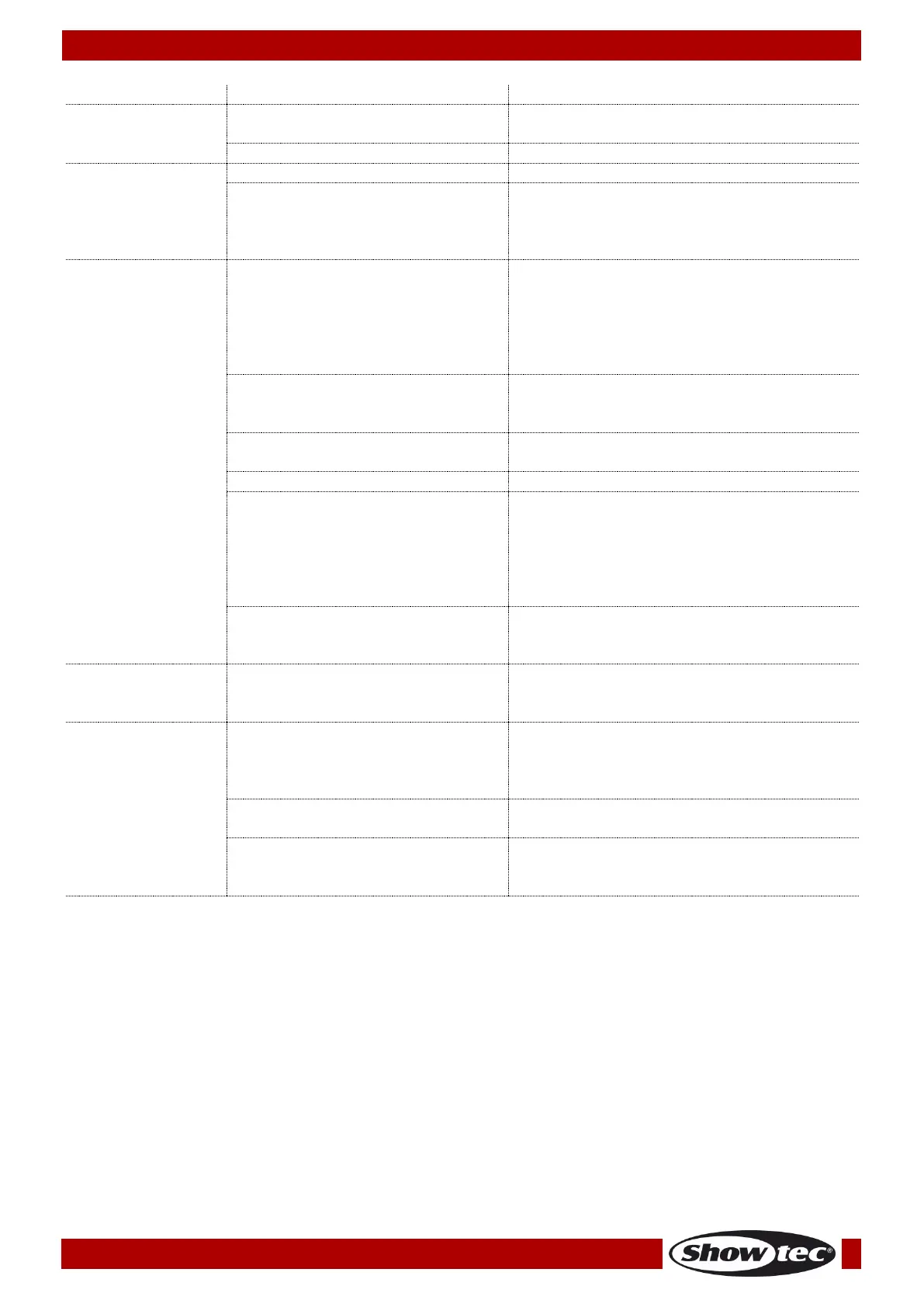
One or more
fixtures do not
function at all
Check if power is switched on and
cables are plugged in.
Fixtures reset
correctly, but all
respond erratically
or not at all to the
controller.
The controller is not connected.
3-pin XLR Out of the controller does
not match XLR Out of the first
fixture on the link (i.e. signal is
reversed).
Install a phase reversing cable
between the controller and the first
fixture on the link.
Fixtures reset
correctly, but
some respond
erratically or not at
all to the
controller.
Check data quality. If much lower than
100 percent, the problem may be a
bad data link connection, poor quality
or broken cables, missing termination
plug, or a defective fixture disturbing
the link.
Inspect connections and cables.
Correct poor connections. Repair or
replace damaged cables.
Data link not terminated with 120
Ohm termination plug.
Insert termination plug in output jack of
the last fixture on the link.
Incorrect addressing of the fixtures.
One of the fixtures is defective and
disturbs data transmission on the
link.
Bypass one fixture at a time until
normal operation is regained: unplug
both connectors and connect them
directly together.
Have the defective fixture serviced by
a qualified technician.
3-pin XLR Out on the fixtures does
not match (pins 2 and 3 reversed).
Install a phase-reversing cable
between the fixtures or swap pin 2 and
3 in the fixture, that behaves erratically.
The color wheel, gobo wheel or a
gobo has lost its index position and
the fixture is resetting the effect.
Contact a technician for servicing the
problem persists.
No light or LED cut
out intermittently
Allow fixture to cool.
Clean fan.
Make sure air vents are not blocked.
Turn up the air conditioning.
Disconnect fixture and return to your
dealer.
The power supply settings do not
match local AC voltage and
frequency.
Disconnect fixture. Check settings and
correct if necessary.













 To Next Page