Shure Incorporated
16/29
1.
2.
3.
4.
•
•
Manual
From the Device Configuration menu: Network Settings > Setup > Next
Use the control wheel to set the Interface Mode to Manual.
Set valid IP addresses, subnet values, and gateways, for Shure Control, Dante Primary, and Dante Secondary (ifapplic
able).
When finished, use the Back button to return to the home screen.
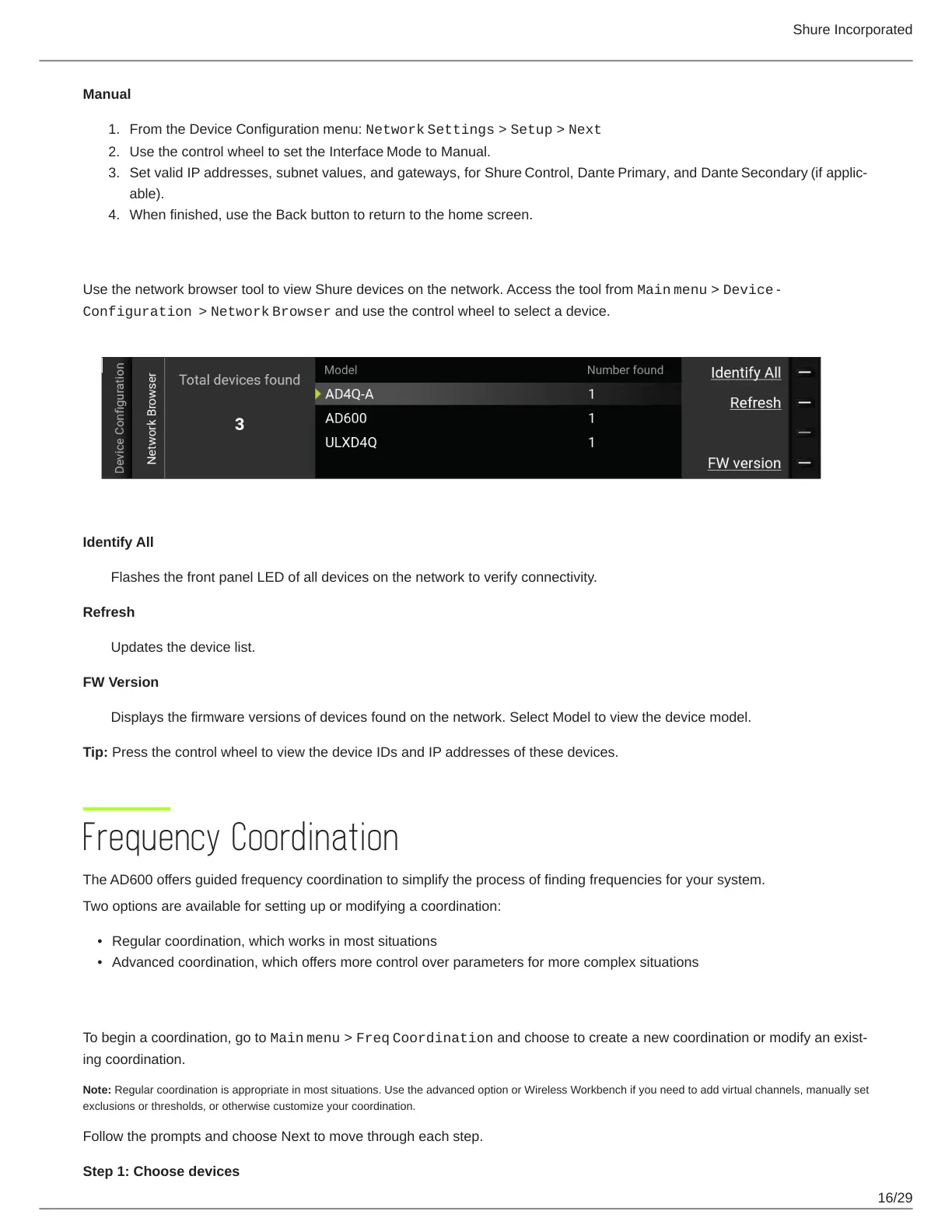
Network Browser
Use the network browser tool to view Shure devices on the network. Access the tool from Main menu > Device
Configuration > Network Browser and use the control wheel to select a device.
Identify All
Flashes the front panel LED of all devices on the network to verify connectivity.
Refresh
Updates the device list.
FW Version
Displays the firmware versions of devices found on the network. Select Model to view the device model.
Tip: Press the control wheel to view the device IDs and IP addresses of these devices.
Frequency Coordination
The AD600 offers guided frequency coordination to simplify the process of finding frequencies for your system.
Two options are available for setting up or modifying a coordination:
Regular coordination, which works in most situations
Advanced coordination, which offers more control over parameters for more complex situations
Create or Modify a Coordination
To begin a coordination, go to Main menu > Freq Coordinationandchoosetocreateanewcoordinationormodifyanexist
ing coordination.
Note: Regular coordination is appropriate in most situations. Use the advanced option or Wireless Workbench if you need to add virtual channels, manually set
exclusions or thresholds, or otherwise customize your coordination.
Follow the prompts and choose Next to move through each step.
Step 1: Choose devices


 To Next Page