- 40 -
4.2 Install Mainboard Software
Insert the attached CD into your CD-ROM drive and the CD AutoRun screen
should appear. If the AutoRun screen does not appear, double click on
Autorun icon in My Computer to bring up Shuttle Mainboard Software
Setup screen.
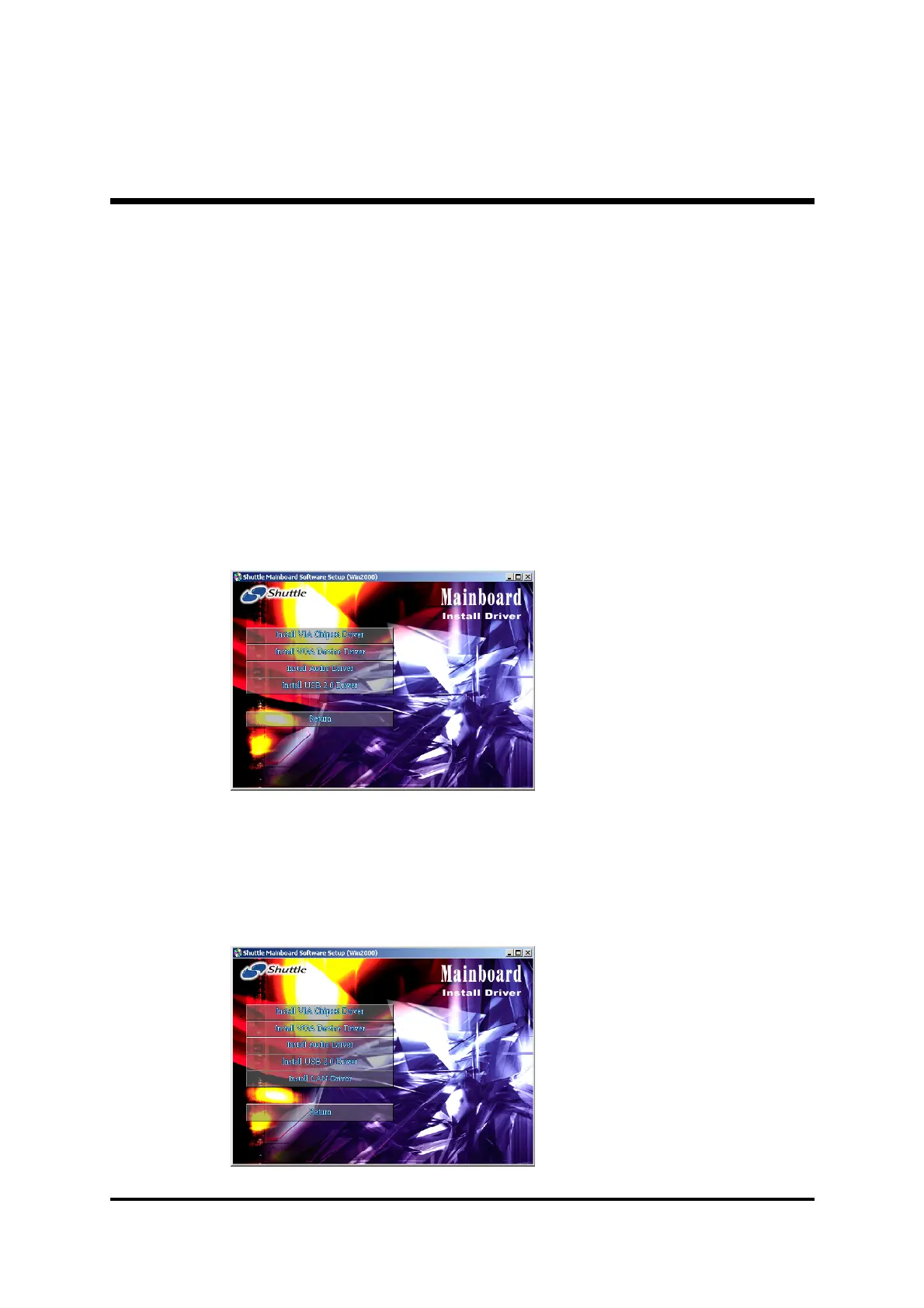
Select using your pointing device (e.g. mouse) on the "Install Mainboard
MV43V Driver" or "Install Mainboard MV43VN Driver" bar to run
into sub-menu.
The Mainboard MV43V Driver include:
[4.2.A] Install VIA Chipset Driver
[4.2.B] Install VGA Device Driver
[4.2.C] Install Audio Driver
[4.2.D] Install USB2.0 Driver
The Mainboard MV43VN Driver include:
[4.2.A] Install VIA Chipset Driver
[4.2.B] Install VGA Device Driver
[4.2.C] Install Audio Driver
[4.2.D] Install USB2.0 Driver
[4.2.E] Install LAN Driver (MV43VN Only)



 To Next Page