- 48 -
Please be noted that the content of this manual is subject to change
without notice in advance.
5.2 The Main Menu
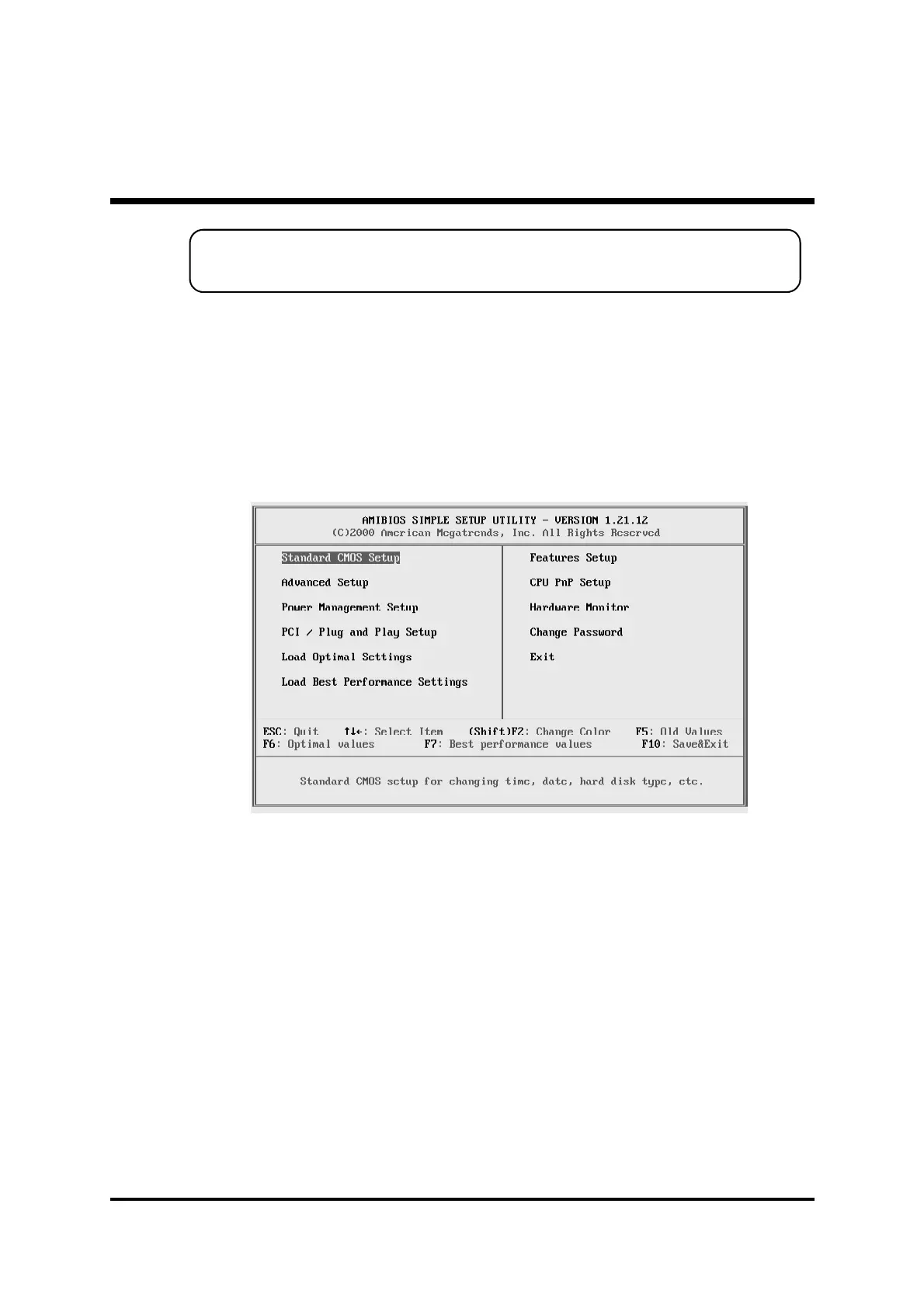
Once you enter the AMIBIOS(tm) CMOS Setup Utility, the Main Menu
will appear on the screen. The Main Menu allows you to select from
several setup functions and two exit choices. Use the arrow keys to
select among the items and press <Enter> to accept and enter the sub-
menu.
Note that a brief description of each highlighted selection appears at the
bottom of the screen.
Standard CMOS Setup
This setup page includes all items in a standard compatible BIOS.
Advanced Setup
This setup page includes all items of Advanced features.
Power Management Setup
This setup page includes all items of Power Management features.
PCI / Plug and Play setup
This page sets some of the parameters for devices installed on the PCI
bus and devices that use the system plug and play capability.



 To Next Page