- 60 -
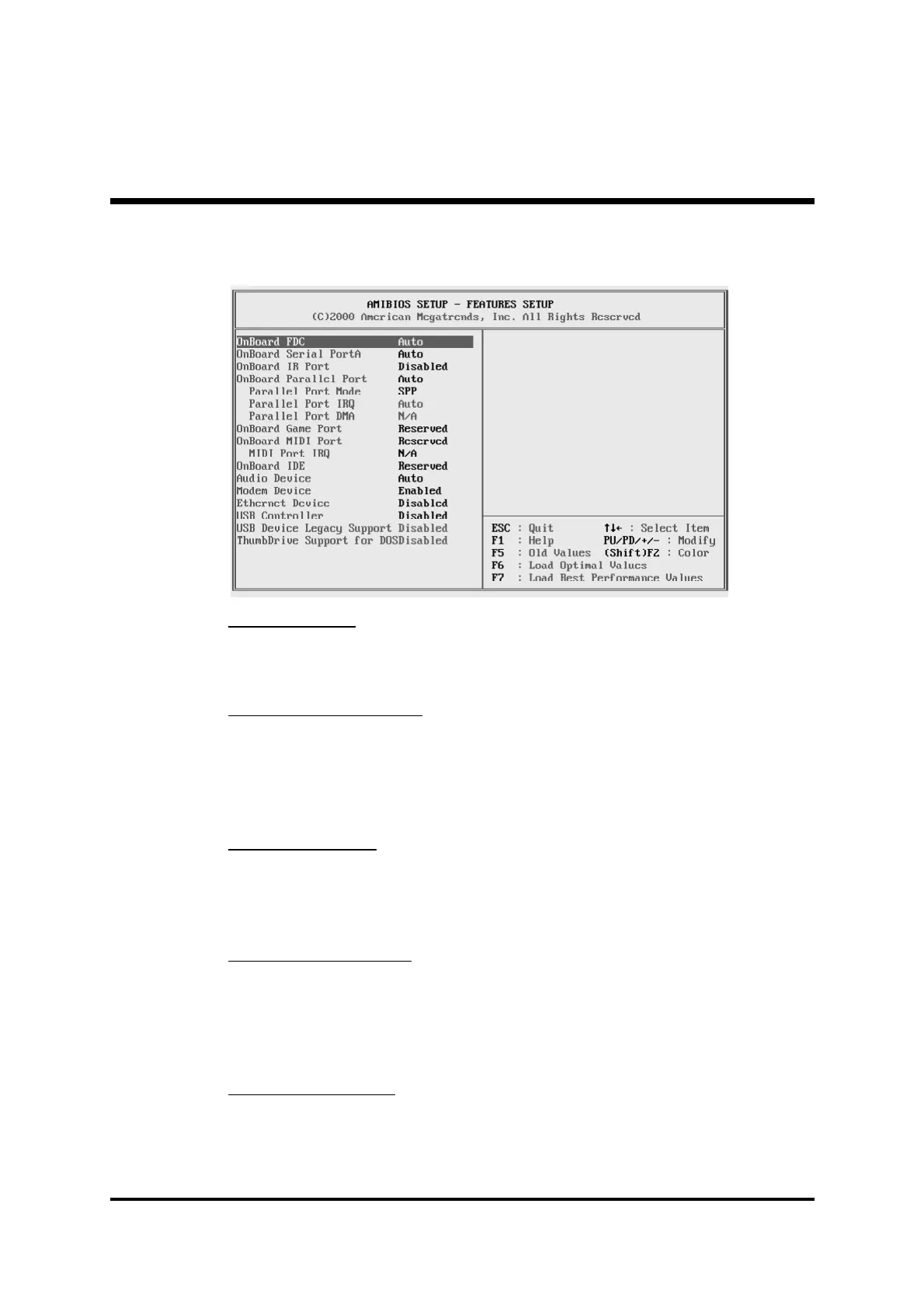
@ Features Setup
OnBoard FDC
Use this item to enable or disable the onboard floppy disk drive interface.
Ø The choice: Enabled,Auto,Disabled .
OnBoard Serial PortA
Use this item to enable or disable the onboard COM1 serial port, and to
assign a port address.
Ø The choice: Disabled,3F8h/COM1,2F8h/COM2,3E8h/
COM3,2E8h/COM4,Auto.
OnBoard IR Port
Use this item to enable or disable the onboard infrared port, and to assign
a port address.
Ø The choice: Disabled, ASKIR,IrDA.
OnBoard Parallel Port
Use this item to enable or disable the onboard LPT1 parallel port, and
to assign a port address. The Auto setting will detect and available
address.
Ø The choice: Auto, Disabled, 378h, 278h, or 3BCh.
Parallel Port Mode
Use this item to set the parallel port mode. You can select SPP (Standard
Parallel Port), ECP (Extended Capabilities Port), EPP (Enhanced Parallel
Port), or ECP + EPP.
Ø The choice: SPP,EPP,ECP,EPP+ECP.



 To Next Page