3 Working with the Titrator TitroLine
®
7500 KF
3.1 Front Keyboard
Apart from alphanumeric input (a-z, A-Z, 0-9) and a few other functions, almost all functions can be performed
using the front keyboard.
<Mode>: Methods selection, rinsing, system settings
<EDIT>: Changing the current method, new method, copy and delete method
<ESC>: <ESC> will take you back to the previous menu level.
<START>: Start and Stop of a current method
<FILL>: Filling the unit
The individual functions are described in detail in Chapter 3.4, External PC Keyboard.
3.2 Display
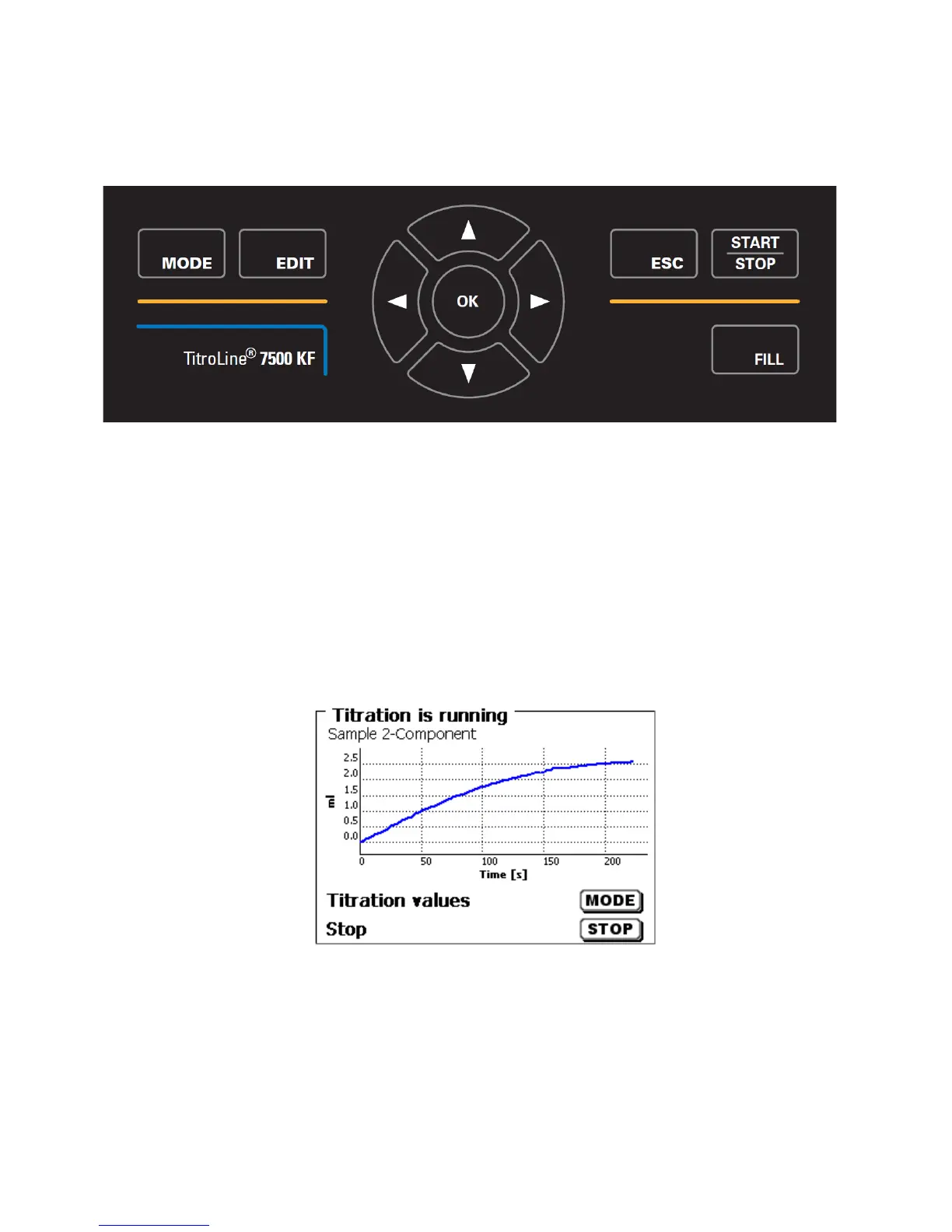
The display consists of a graphical LCD display with a resolution of 320 x 240 pixels.
It also offers the possibility to display graphics, e.g. the measuring curve while or after the titration is/was running:



 To Next Page