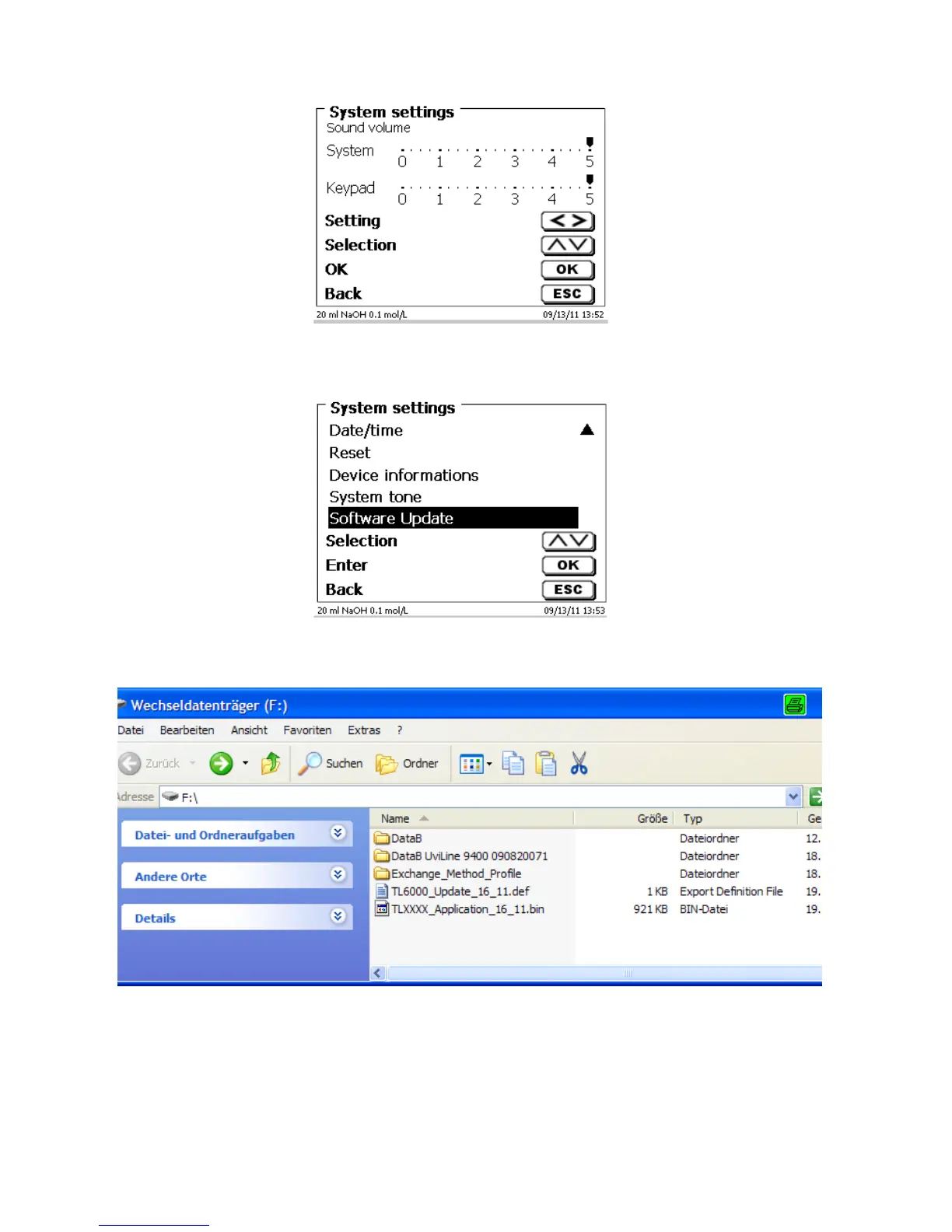
Fig. 121
No sounds will occur when the external keyboard is used.
5.9 Software Update
Fig. 122
An update of the device software requires a USB stick containing a new version. For this operation, the two files
that are needed have to be located in the root directory of the USB device:
Plug the USB device into a free USB-A port, wait for some seconds, and then select the Software Update
function. The valid software updates will be shown on the display. In the present case this is Version “16_11“ of
19 April 2011.



 To Next Page