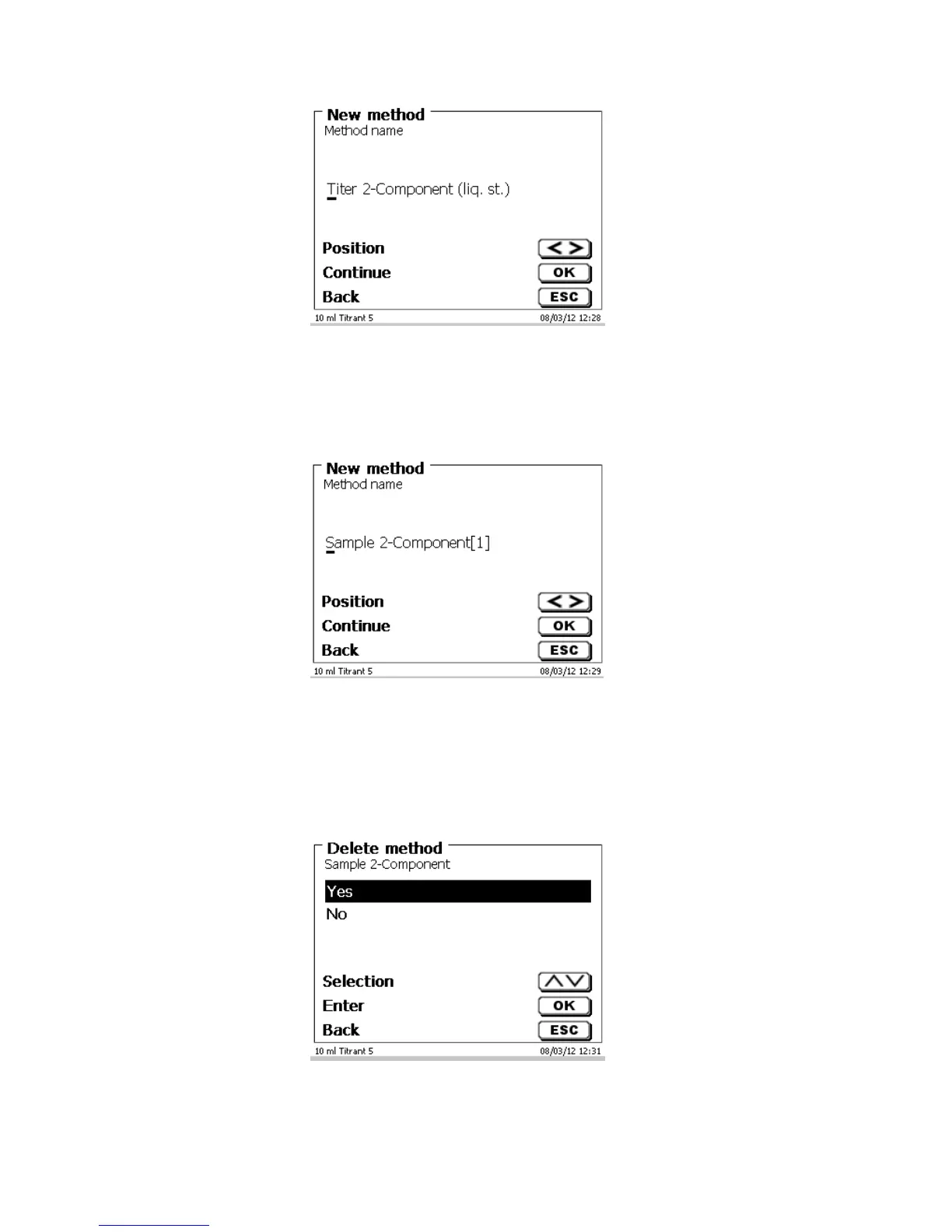
Fig. 60
The standard name may be adopted or modified. Subsequently, you will be taken to the <Change method
parameters> item. Please continue at this point with Chapter 4.6
4.3 Copy Methods
Methods can be copied or stored with a new name. If you select this function, the current method will be copied
and you can include a new name
Fig. 61
A new name with the suffix [1] is assigned automatically in order to avoid the existence of two methods having
the same name. Subsequently, you will be taken to the <Change method parameters> item. Then you proceed
with Chapter 4.6.
4.4 Delete Methods
If this function is selected, you will be prompted to know whether the current method is actually to be deleted.
You have to reply <Yes> in explicit terms and also confirm this reply with <OK>/<ENTER>.
Fig. 62



 To Next Page