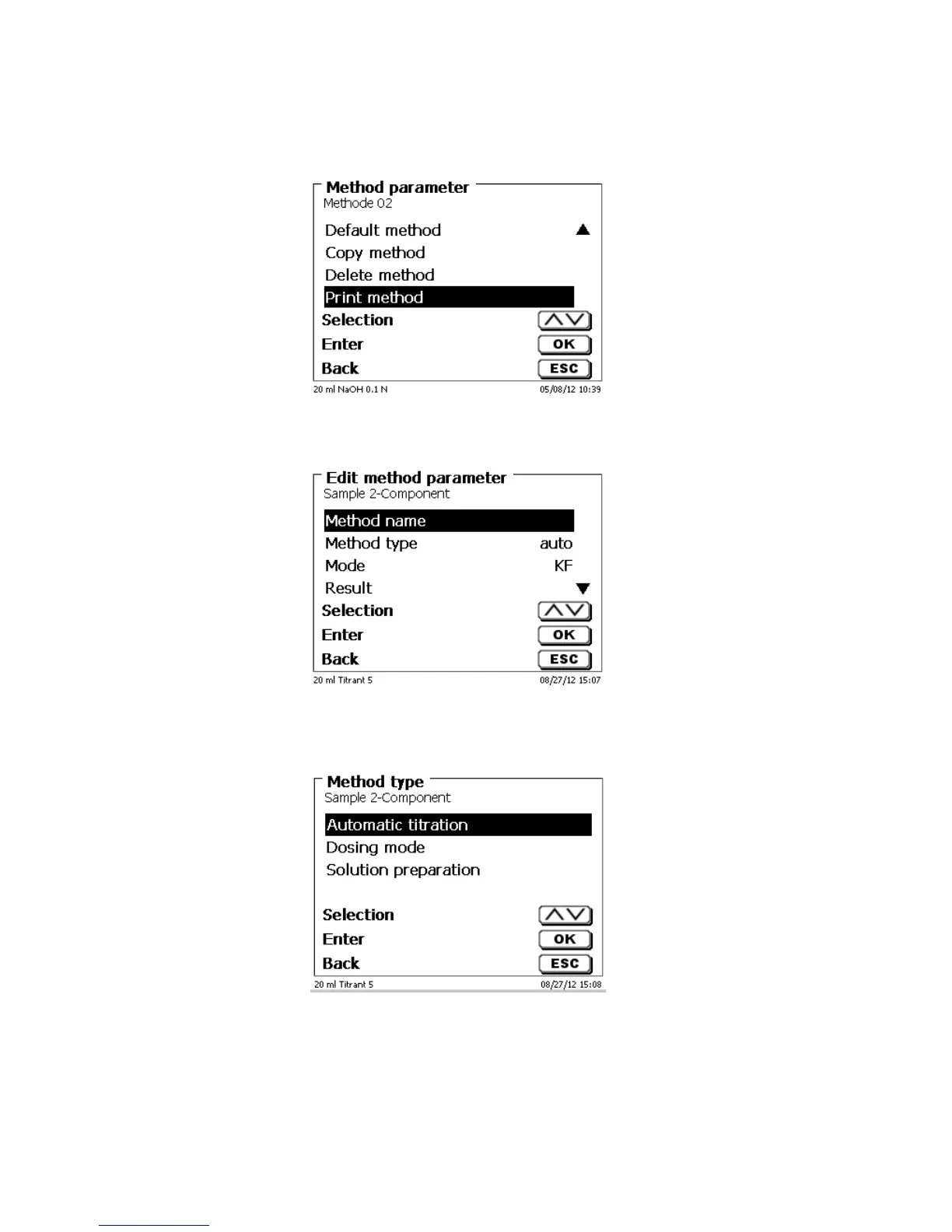
4.5 Print method
The currently selected method can be printed on a connected printer or stored on an USB drive as PDF file
Fig. 63
4.6 Change Method Parameters
The input or modification of the method name was already described in Chapters 4.1 and 4.3.
Fig. 64
4.6.1 Method type
On the <Method type> you can select whether you wish to perform a manual or automatic titration, a dosage or
whether you wish to prepare a solution.
Fig. 65
The selection of the Method type will have an influence on the further parameterisation of the method. For
instance, if you select the dosing mode, neither a selection of a formula nor a change of the automatic titration
mode (KF and dead stop) will be available.



 To Next Page