3.5 Menu Structure
There are 4 selection menus:
• Start or main menu
• Method parameters
• Method selection
• System settings
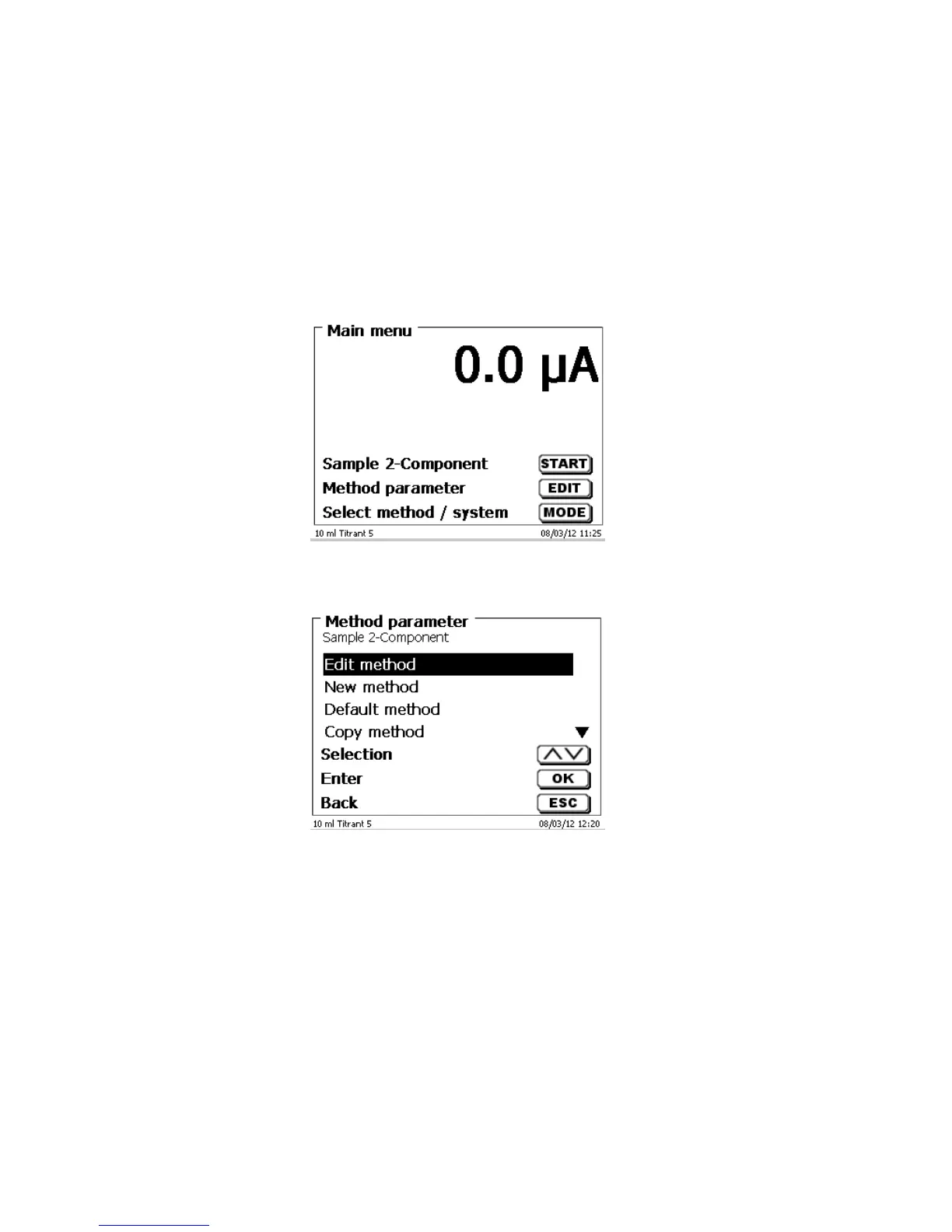
After power-up, the main menu is always the first menu to appear. The method displayed will always be the last
method that was used (Fig. 27).
Fig. 27
Pressing <START> will result in the immediate execution of the method shown. <EDIT>/F3 will take you to the
method parameters (Fig. 28).
Fig. 28
At this point you can
• modify the current method
• create a new method
• call and memorise standard methods
• copy or delete an existing method
Use the <↓> und <↑> keys to select the submenus, confirm your selection with <OK>/<ENTER>. <ESC> will take
you back to the main menu.



 To Next Page