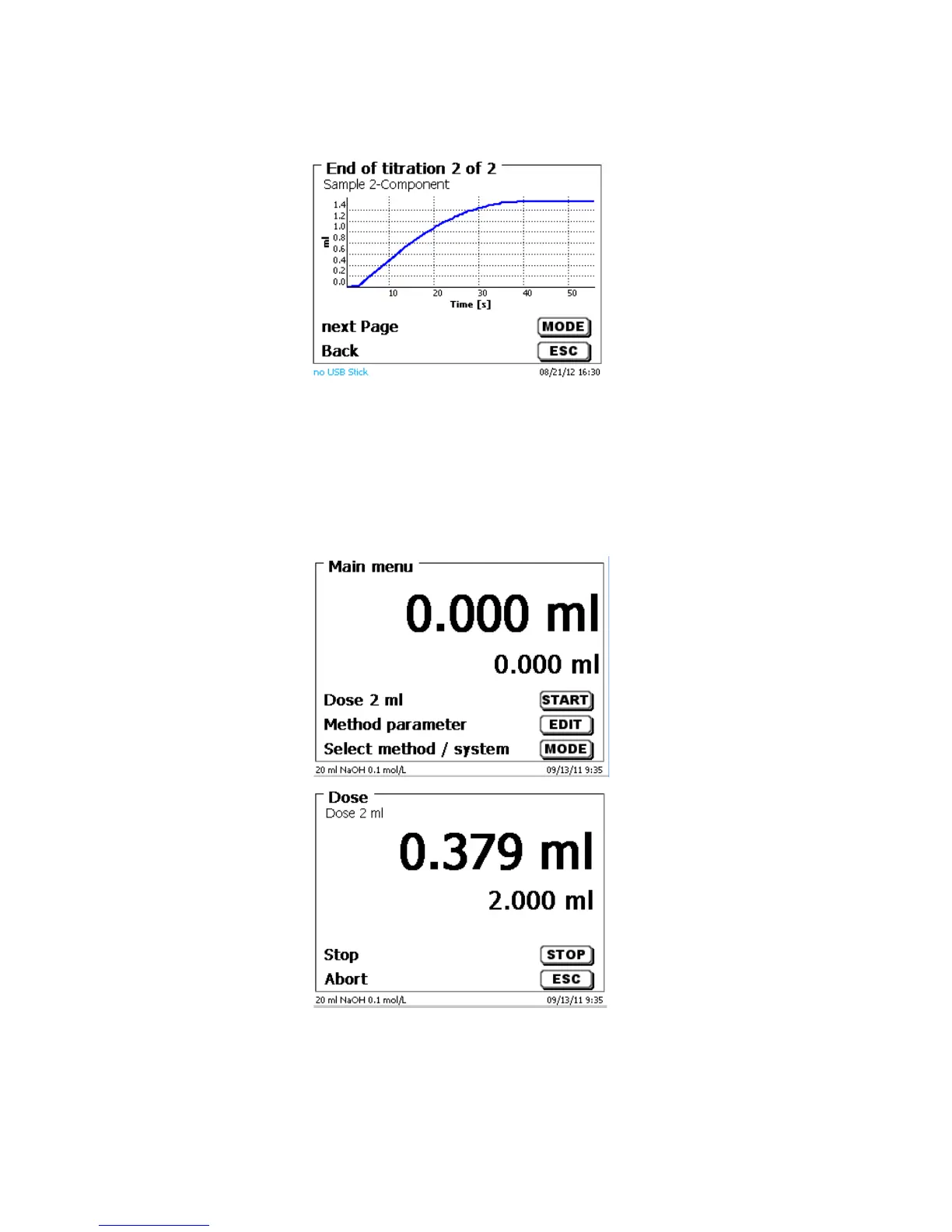
<MODE>/<F6> can be used to view the titration curve or further results:
Fig. 45
If a printer is connected, the results will either be printed according to the settings made for the method, or else
they will be memorised in the form of a PDF- and CSV-file file on a connected USB stick. If no printer or USB
stick is connected, the bottom left corner of the display will show the message “no printer“ or “no USB
stick”.<ESC> will take you back to the main menu where you can start the next titration immediately.
3.6.3 Dosage
To start a dosage method, please use the <START>/<F1> or the black key of the “mouse“.
Fig. 46
Fig. 47
The dosed volume will be briefly displayed before the display returns to the main menu.



 To Next Page