Storing results in global memories is described in Chapter 4.6.3.7
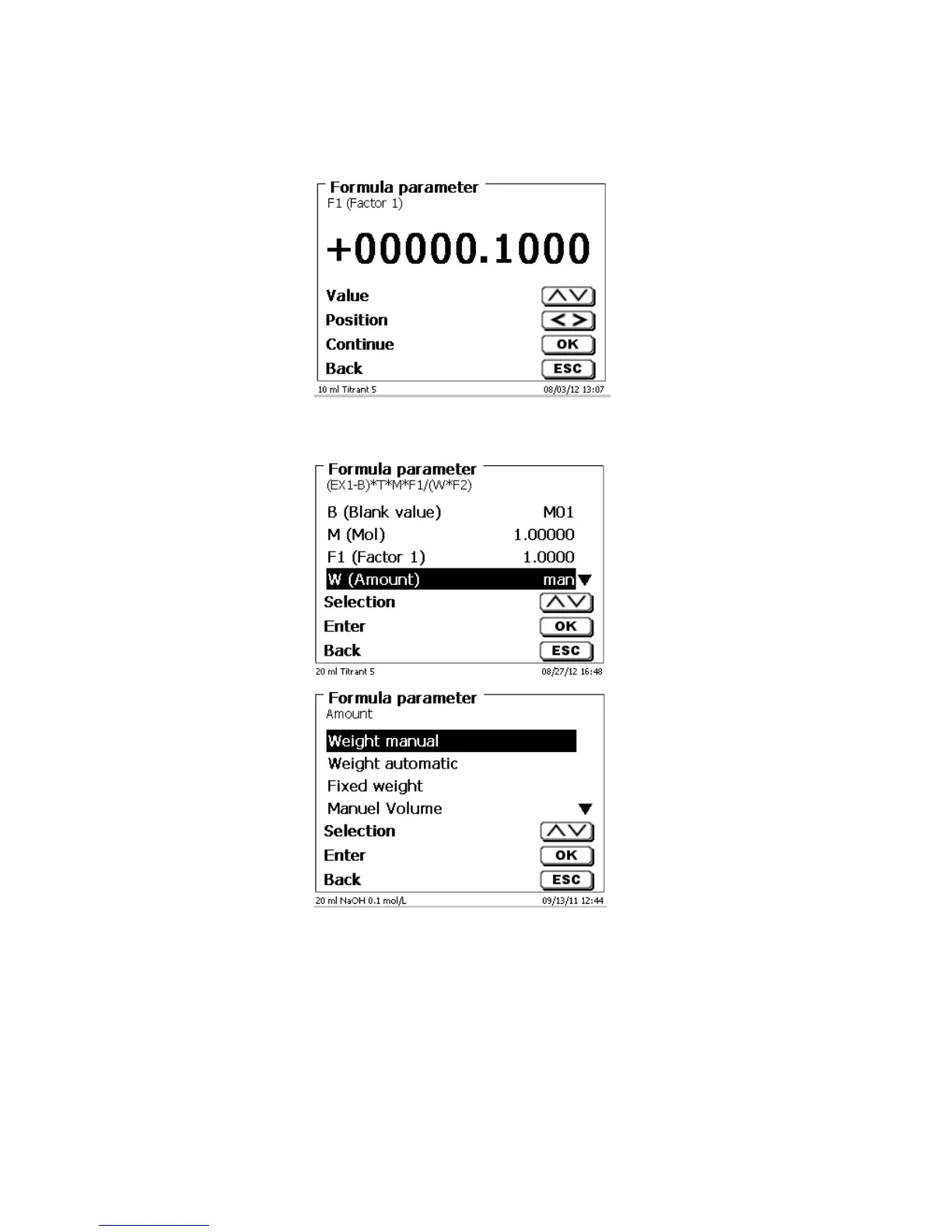
The values of the individual parameters of the selected calculation formula can now be input one by one.
Fig. 73
4.6.2.2 Sample weight and volume (sample quantity)
Fig. 74
Fig. 75
The Sample Quantity (W) item is used to select whether one is wishing to use a sample weight or a sample
volume for titration or solution preparation.
You have the following options:
• Manual sample weight: The sample weight is enquired by a prompt at the start of the method/after
conditioning (KF)
• Automatic sample weight: The sample weight is automatically transferred by a connected balance.
• Fixed sample weight: A fixed sample weight is input in g. This weight will then automatically be used for
each start of the method.
• Manual sample volume: The sample volume in ml is prompted at the start of the method and manually
input.
• Fixed sample volume: A fixed sample volume is input in ml. This volume will then automatically be used
for each test of the method.



 To Next Page