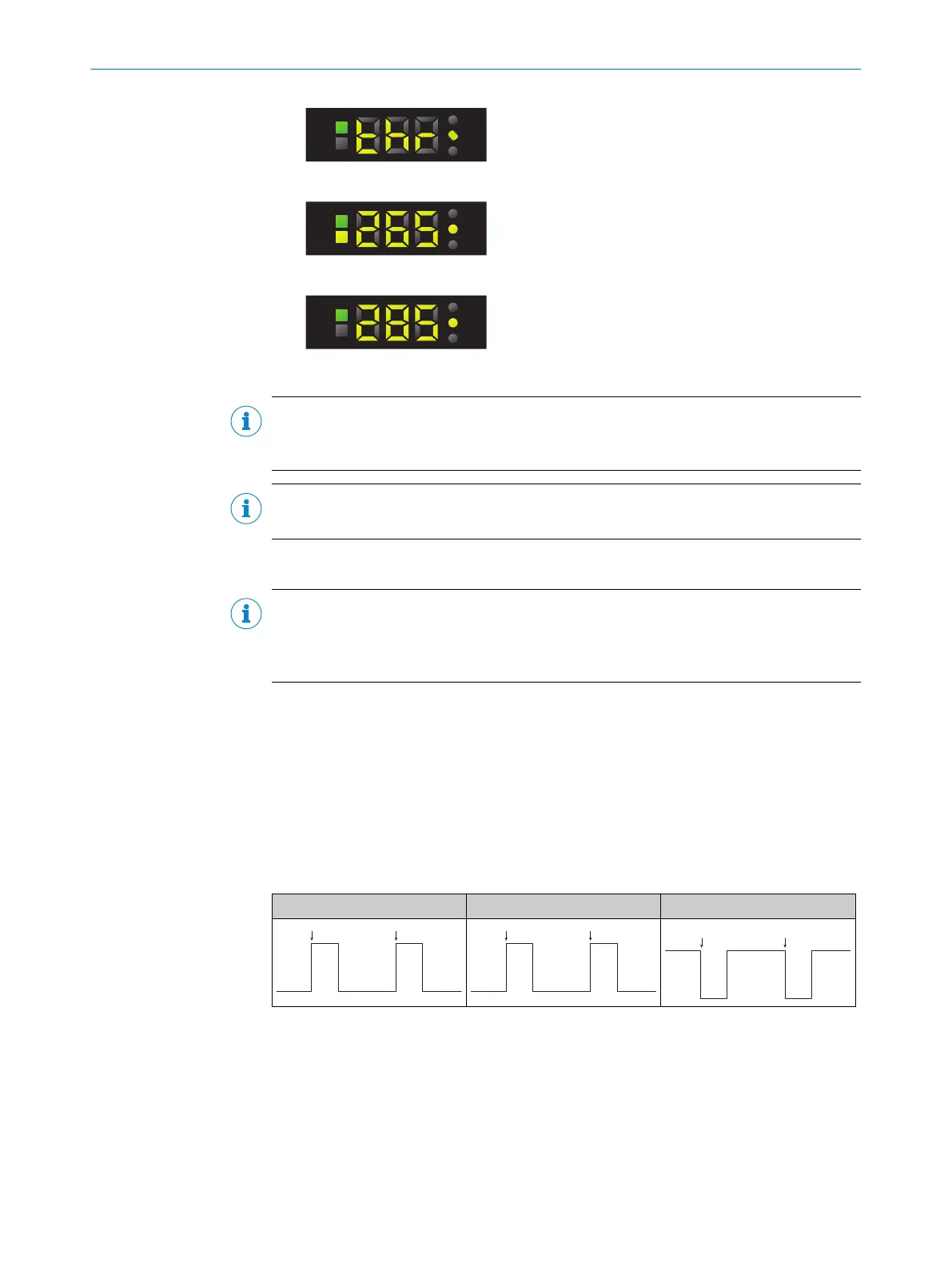
2. Press the SET pushbutton.
3. Use the plus or minus button to adjust the switching threshold.
4. Press the SET pushbutton to confirm the switching threshold.
NOTE
If the switching thresholds are undershot (light switching) or overshot (dark switching),
the Q LED goes out. The value display flashes if the switching threshold is undershot.
NOTE
After 1-point teach-in, it is not possible to adjust the switching threshold (thr = off).
7.7.3 External teach-in
NOTE
The last teach-in procedure performed using the control panel is available at the
teach-in input (ET). The 2-point teach-in or dynamic teach-in is available in the delivery
state.
7.7.3.1 2-point teach-in
Suitable for manual positioning of the object to be detected, e.g., mark and back‐
ground.
1. Position the mark under the light spot.
2. Activate teach-in via the control cable (ET).
3. Position the background under the light spot.
4. Activate teach-in via the control cable (ET).
5. The teach-in process is complete.
Push-pull PNP NPN
1
1. Teach point
2
2. Teach point
7.7.3.2 1-point teach-in
Suitable for teaching in color properties.
1. Position the object to be detected under the light spot.
2. Activate teach-in via the control cable (ET).
3. The teach-in process is complete.
OPERATION 7
8026298/2021-08-11 | SICK O P E R A T I N G I N S T R U C T I O N S | KTS Core
25
Subject to change without notice














 To Next Page