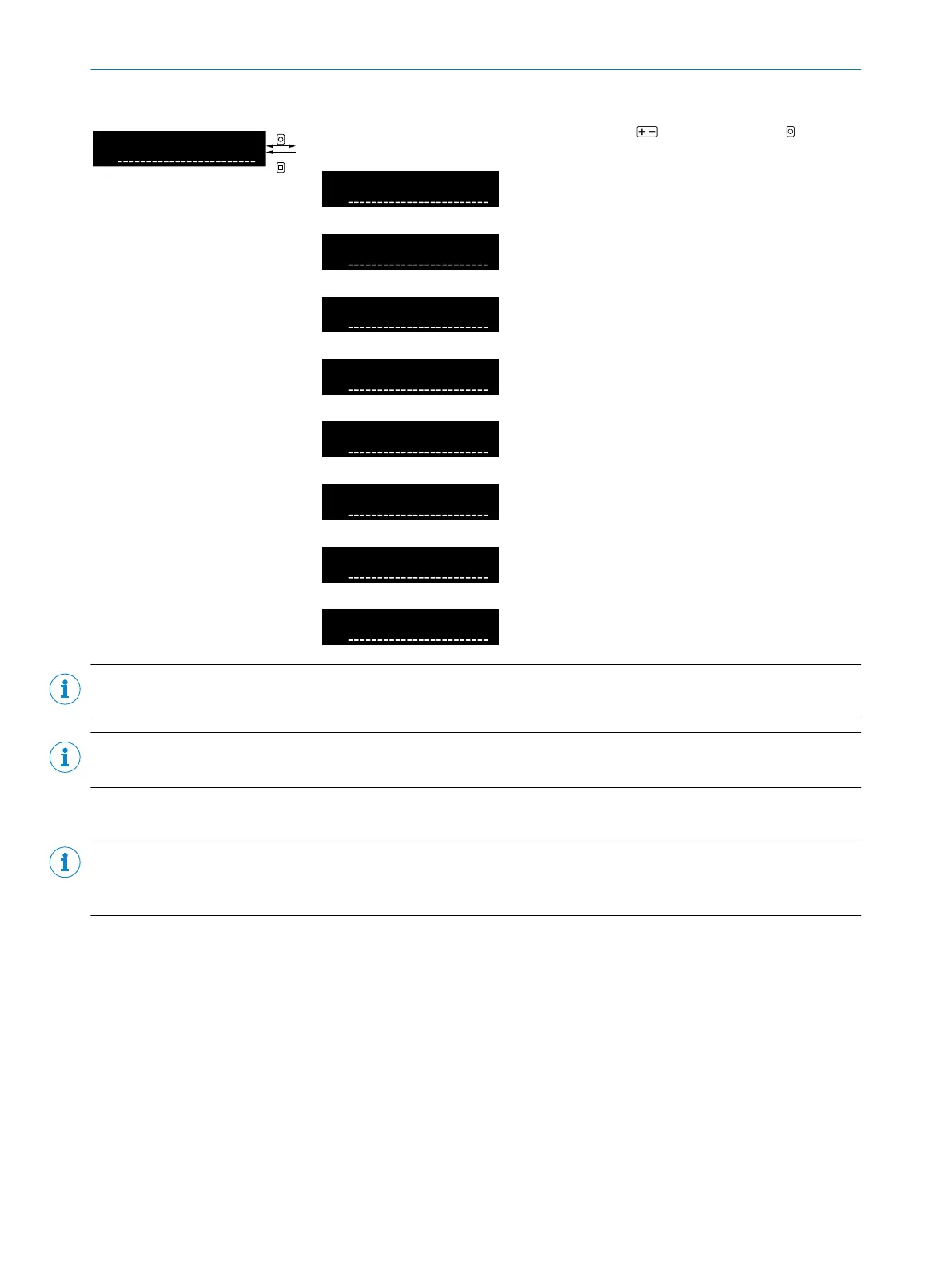
Table 41: Pin 2 configuration
Select function of pin 2 or the white wire using and confirm using OK. After
confirmation, the display returns to the higher-level menu.
Switching output signal for channel
1
Operational safety alarm (Quality of
Run Alarm)
Teach-in by external input signal
Switches off the sender LED by
external input signal
Zeroes the counter
Signal that the received light value
is outside the range set as valid.
Resets the extreme value memory
by an external input signal.
No function
NOTE
The configuration relates to pin2 for plug-in devices, and to the white wire for cabled devices.
NOTE
The counter reset function is only available when counter mode is activated
8.8.4 Pin 5 configuration (output)
NOTE
For devices with 5-wire cable or 5pins, the gray wire or pin5 can be configured with different output functions.
This function is not available for devices with other connections. The menu is not visible.
OPERATION 8
8027947 /2022-12-14 | SICK O P E R A T I N G I N S T R U C T I O N S | WLL80 Analog
41
Subject to change without notice









 To Next Page