Operation
6.2 Parameterizing/configuring
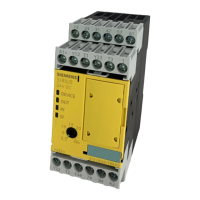
3TK2810-1 safety-related speed monitor
System Manual, 01/2011, 926246402000 DS 02
43
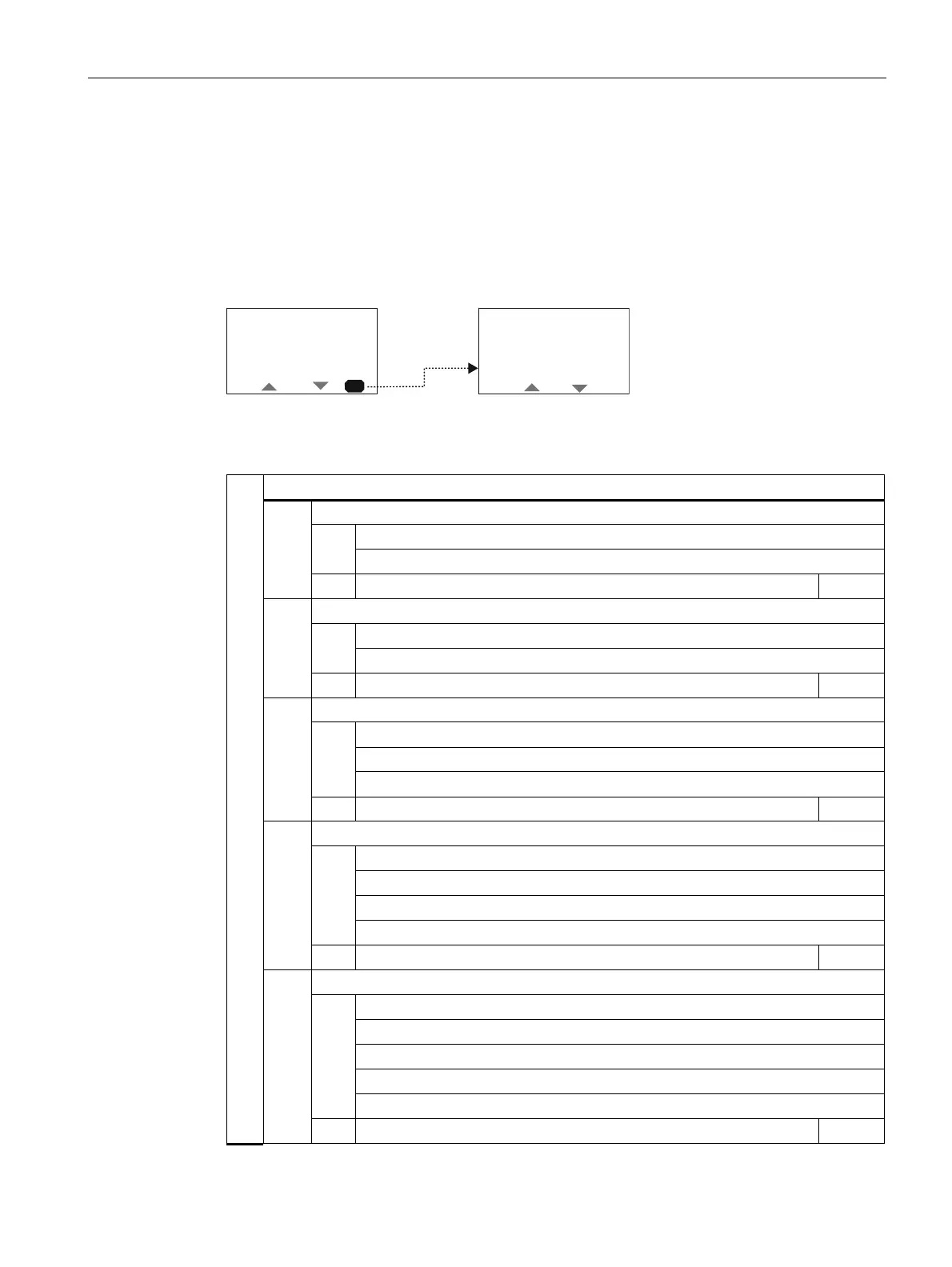
6.2.3 Parameterization menu
You can navigate the menu with the pushbuttons. Each menu option may have additional
sub-menus. The menu structure and menu representation are in part directly dependent on
the device parameterization and the hardware configuration.
2.
3DUDPHWHUL]DWLRQ
'LVSOD\VHWWLQJV
&RS\VHWWLQJV
)DFWRU\VHWWLQJV
6XEPHQX
Parameterization
Monitored motion
1)
Translational
Rotational
1.1
ESC OK
Encoder type
1)
Lin. encoder
Rot. encoder
1.2
ESC OK
Encoder selection
RJ45: Encoder + E2
RJ45: Encoder
E1+ E2
1.3
ESC OK
Increase/transmit
Transmission
x: 1
Increase
xxxxx.xxx [mm]
1.4
ESC OK
Encoder settings
Signal form
sin/cos or TTL
HTL
Resolution
xxxxxx or xxx.xx [pulses/rev. or mm]
1.
1.5
ESC OK




 To Next Page