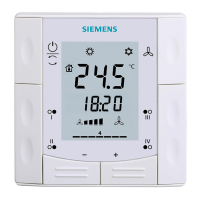
Green leaf indication
7
40 | 59 A6V10877569_en--_e
7 Green leaf indication
The Green leaf indication informs the user that the system has an energy-
optimized operation. When the heating output is energized, if the thermostat
detects that the room air temperature is 2 K higher than the default heating setpoint
for “Comfort” or “Economy”, the leaf icon turns to red. Touch the red leaf to switch
the setting back to an energy-optimized operation:
● Control the temperature according to Green Leaf default setpoints for heating.
● Operate an actuator, boiler or compressor automatically based on a schedule.
● Switch to follow a schedule with a pre-set setpoint that you’ve defined under
“Advanced Settings” > “Optimization”.



 To Next Page