PROFIsafe
1.6 Extended write protection
SITRANS P, DS III PROFIsafe series
1-6 Supplement to Operating Instructions, 03/2006, A5E00732533-01
1.6 Extended write protection
1.6.1 Overview
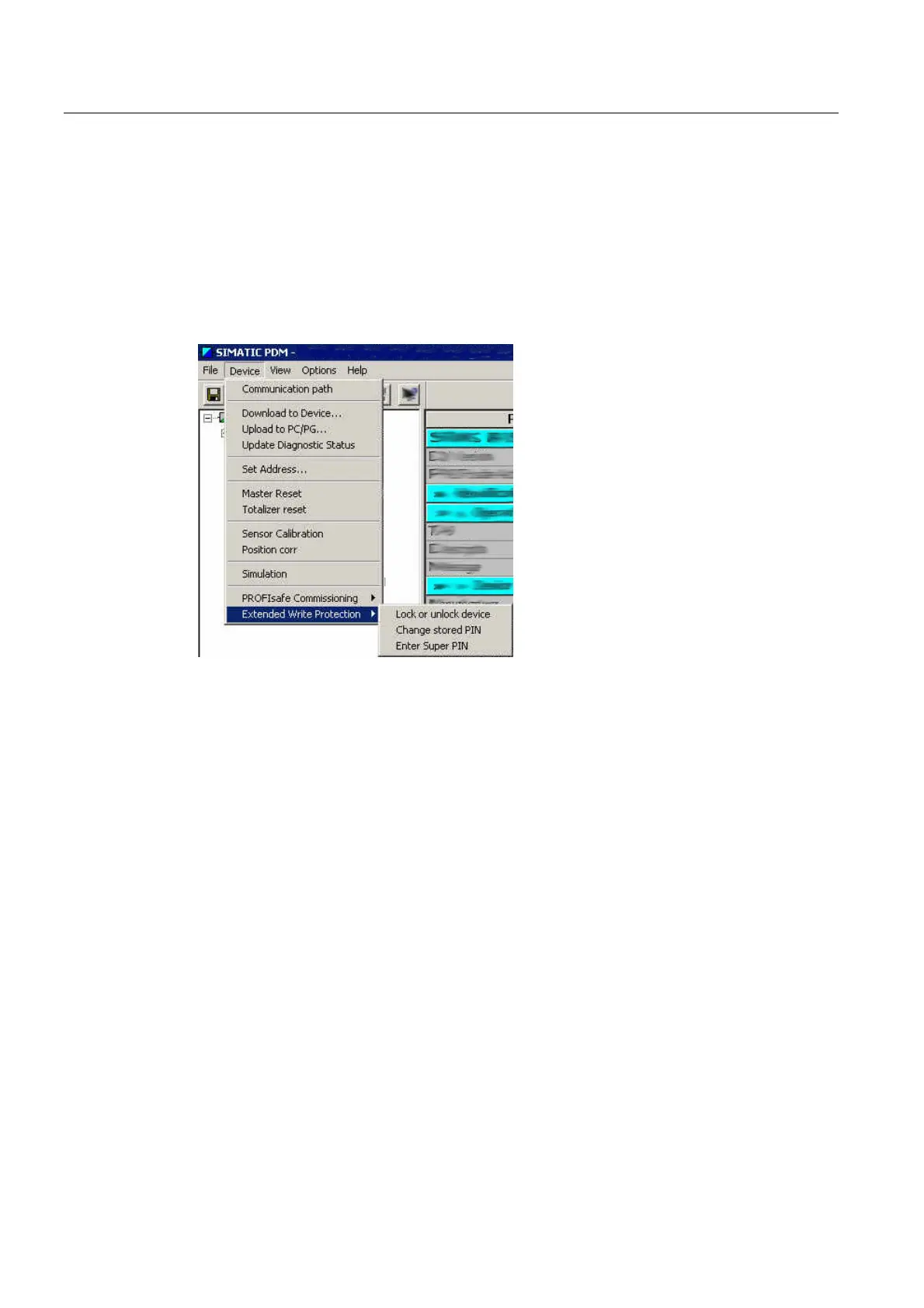
You have activated PROFIsafe with SIMATIC PDM. Otherwise the following menu is not
visible.
Extended write protection
The following extended write-protection options are available:
• Lock or unlock device
The dialog box shows the current write protection. If you have activated write protection
with PIN, you can lock or unlock the device with the PIN here.
Default PIN: 2457
• Change stored PIN
The dialog box shows the current write protection. In addition, you enter your desired PIN
here.
• Enter Super PIN
If you have forgotten your PIN, it is possible to deactivate the write protection by entering
the super PIN. The device resets the PIN to the default value.
Super PIN: G73KMQ2W
See also
Create user-defined PIN and lock the device (Page 1-7)
Activate and parameterize PROFIsafe with SIMATIC PDM (Page 1-7)
Deactivate PIN write protection in SIMATIC PDM (Page 1-12)



 To Next Page
 Loading...








