14
button), the SEC/DIV control expands or compresses the waveform.
■ SINGLE: Acquire a single waveform and then stops.
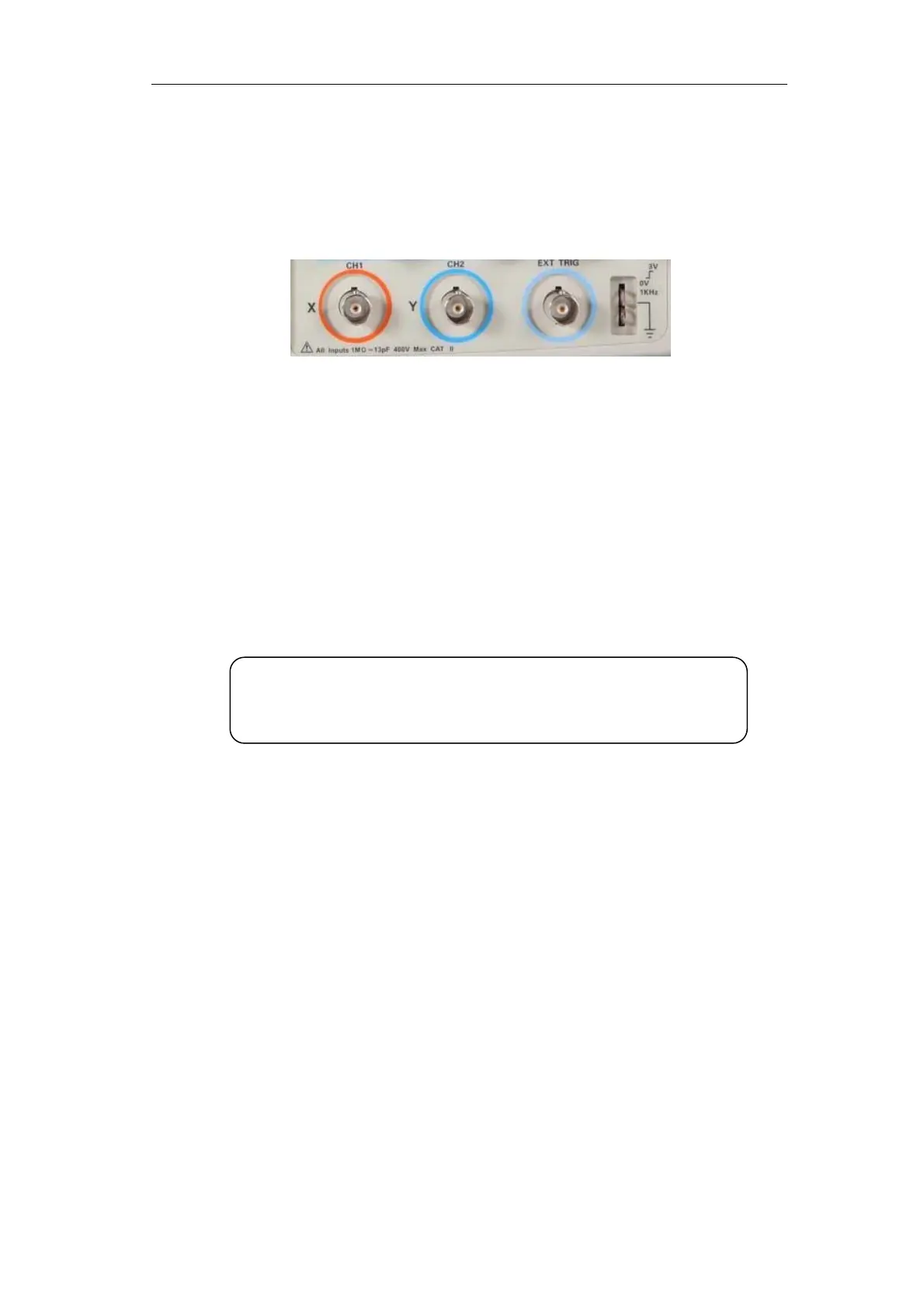
2.2 Connector
Picture 2-2
■ CH1、CH2: Input connectors for waveform display.
■ EXT TRIG: Input connector for an external trigger source. Use the Trigger Menu
to select the “Ext” or “Ext/5” trigger source.
■ Probe Component: Voltage probe compensation output and ground. Use to
electrically match the probe to the oscilloscope input circuit.
Note:If you connect a voltage source to a ground terminal, you may damage the
oscilloscope or the circuit under test. To avoid this, do not connect a voltage source to
an
round terminals.









 To Next Page