65
2.11 Measure System
The Oscilloscope displays the voltage in relation to time and test the wave form
displayed. There are scale, Cursor and auto measure modes.
2.11.1 Scale Measurement
This method allows you to make a quick, visual estimate. For example, you
might look at waveform amplitude and determine that it is a little more than 100 mV.
You can take simple measurements by counting the major and minor graticule
divisions involved and multiplying by the scale factor. For example, if you counted
five major vertical graticule divisions between the minimum and maximum values of
a waveform and knew you had a scale factor of 100mV/div, then you could easily
calculate your peak-to-peak voltage as follows:
5 divisions x 100 mV/division = 500 mV.
2.11.2 Cursor Measurement
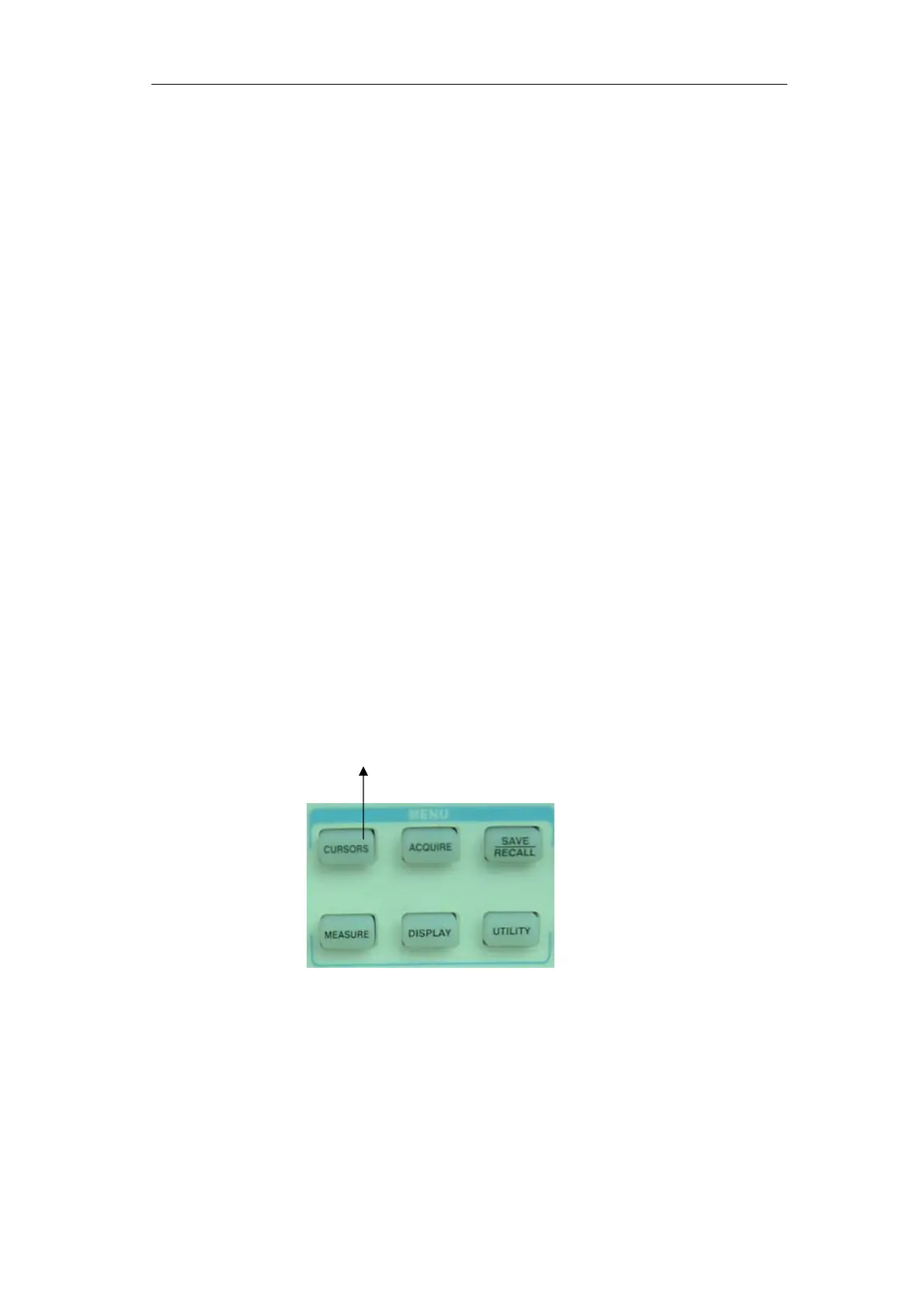
Picture 2-50 displays the cursor button on the front-panel for this menu.
Cursors Button
Picture 2-52
Press the “CURSORS” button to display the “Cursor” Menu.
The cursor measurement has three modes: Manual, Track and Auto Measure.
Manual Mode
Table 2-32 Manual cursor function menu:









 To Next Page