55
2.9 Acquiring Signals system
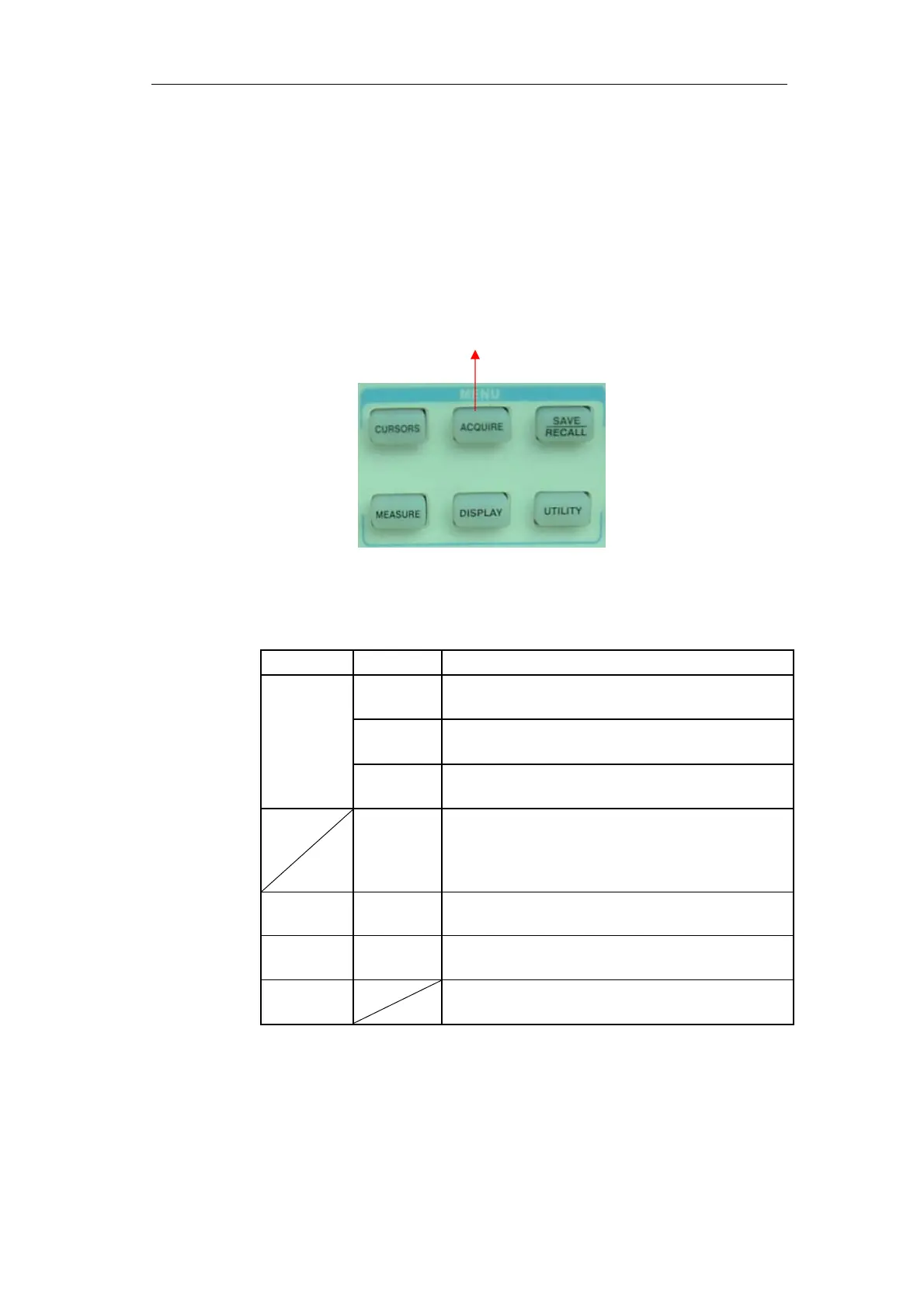
Showing as the follow picture,the “ACQUIRE” button for Acquiring Signals
system is at the menu.
Acquire button
Picture 2-40
Table 2-28 The Function manual of Acquiring Signals:
When you acquire a signal, the oscilloscope converts it into a digital form and
displays a waveform. The acquisition mode defines how the signal is digitized and
the time base setting affects the time span and level of detail in the acquisition.
■ Sampling: In this acquisition mode, the oscilloscope samples the signal in evenly
Option Setting Introduction
Sampling Use for sampling and accurately display most of
the waveform.
Peak
Check
Detect the noise and decrease the possibility of
aliasing.
Acquisition
Average Use to reduce random or uncorrelated noise in the
signal display.
Averages
〔4, 16,32
,64,128,
256〕
Select number of averages.
Sinx/x On
off
Use sin interpolation
Use linear interpolation
Mode Equ time
Real time
Set the Sampling mode to Equ time.
Set the Sampling mode to Real time.
Sa Rate Display system sampling rate.









 To Next Page