87
2.13 Utility System
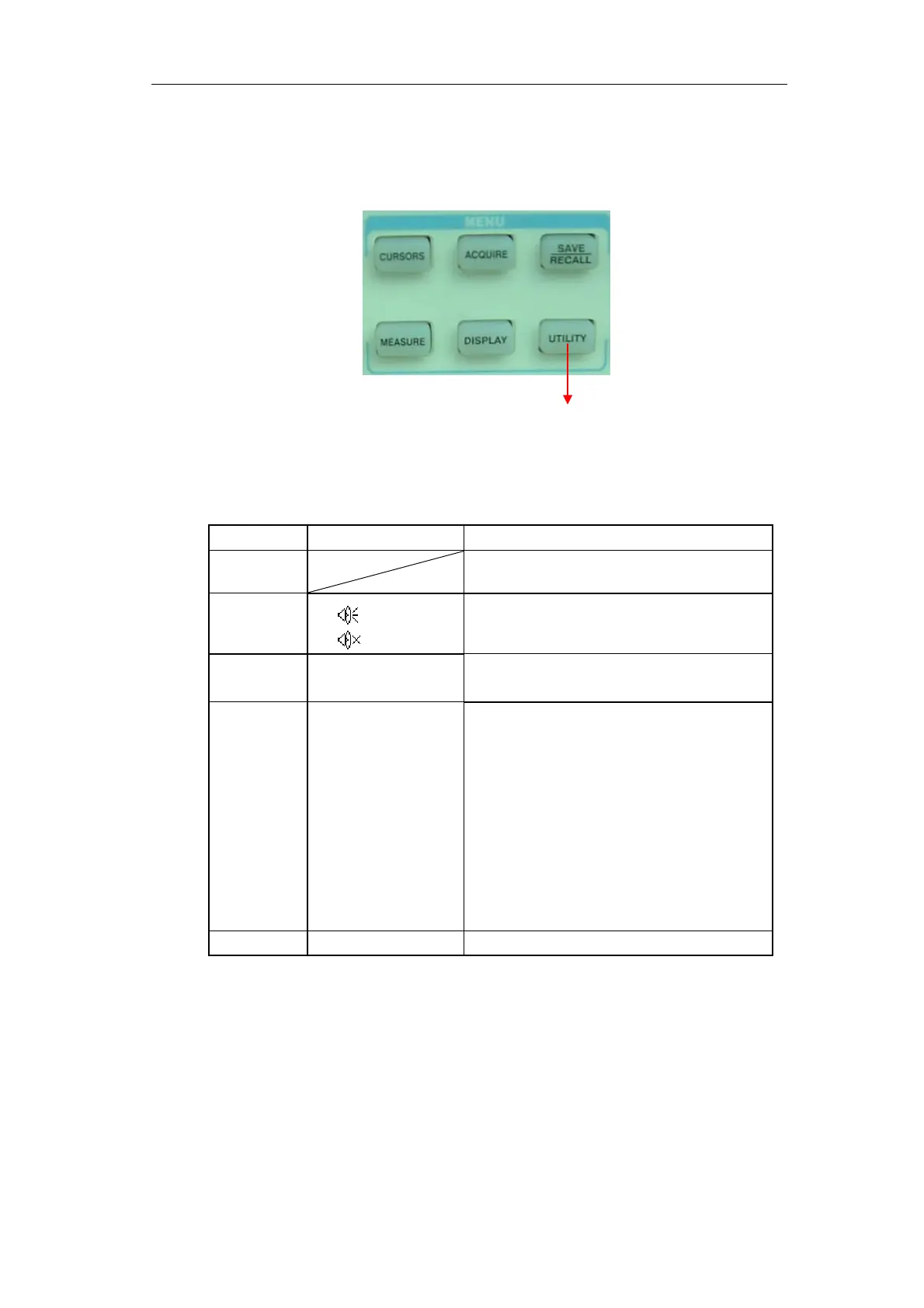
“UTILITY”: The Utility System Button。
Utility Setup button
Picture 2-71
Table 2-48 Utility System function menu 1:
Option Setting Introduction
System
Status
Displays summaries of the oscilloscope
settings.
Sound
Open the key-press voice.
Close the key-press voice.
Counter On
Off
Turn on Frequency Counter
Turn off Frequency Counter.
Language Simplified Chinese
Traditional Chinese
English
Arabic
French
German
Russian
Spanish
Portuguese
Japanese
Korean
Italian
Select interface language.
Next Page Page 1/4 Press this button to enter second page.









 To Next Page