88
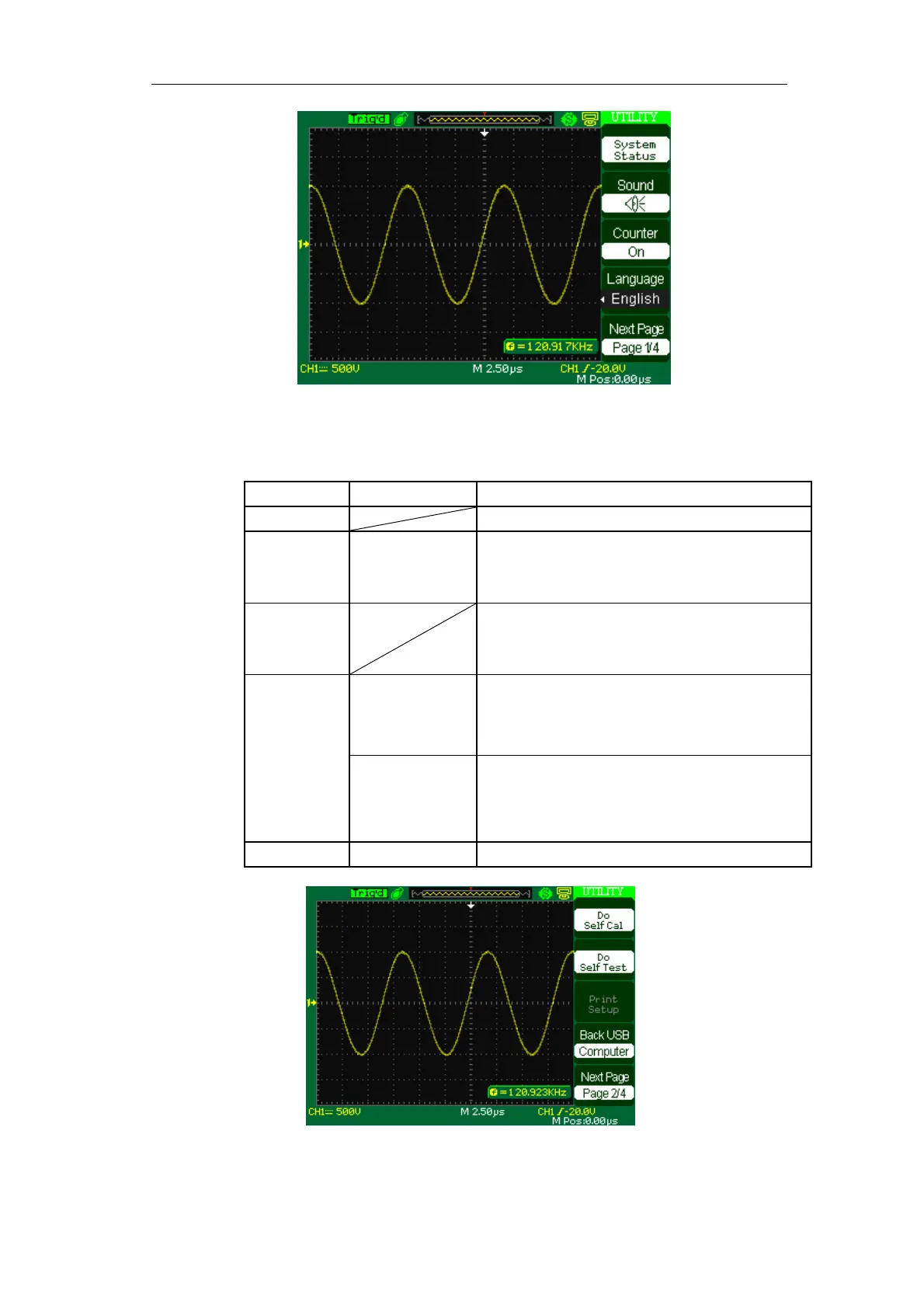
Picture 2-72
Table 2-49 Utility System function menu 2:
Option Setting Introduction
Do self cal Auto self emendation.
Do Self Test Screen Test
Keyboard Test
LED Test
Run the screen detect program
Run the keyboard detect program
Run the dot lighten detect program.
Print Setup Enter the print setup menu to set print options.
Printer The oscilloscope connects to the printer using
USB cable. When you execute print function,
please select “Printer”. Now the print icon
displays on the top of the screen.
Back USB
Computer The oscilloscope connects to the computer using
USB cable. When you execute EasyScope
software, please select “Computer”. Now the
computer icon displays on the screen.
Next Page Page 2/4 Press this button to enter third page.
Picture 2-73









 To Next Page