89
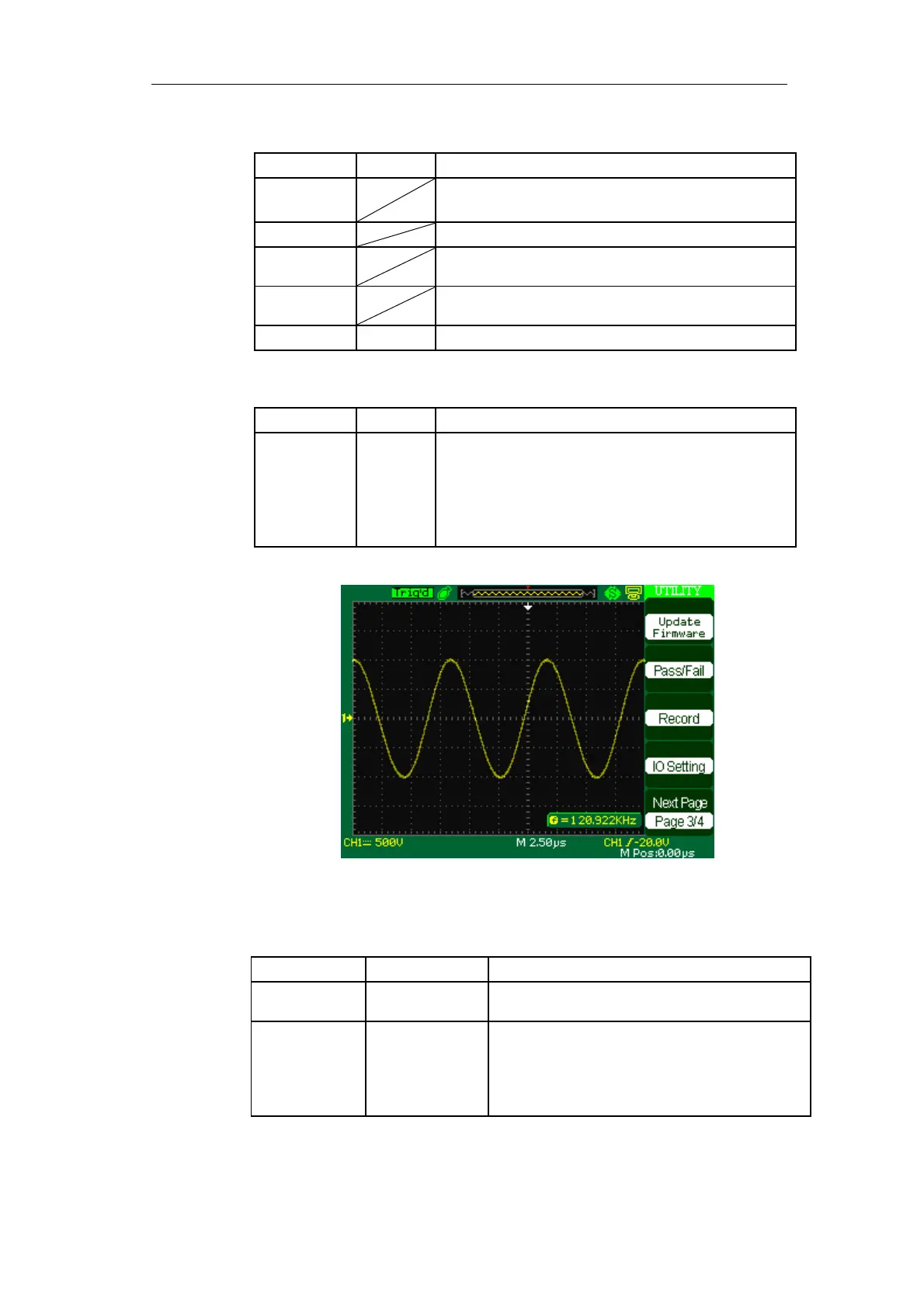
Table 2-50 Functional Menu of the Utility System 3:
Option Setting Introduction
Update
firmware
You can update the oscilloscope use USB flash
Driver (About need two minutes).
Pass/Fail Pres this button to enter the “Pass/Fail menu”.
Record Press this button to enter the waveform record
menu.
IO Setting Press this button to enter the “IO Setting menu”(See
table 2-52).
Next Page Page 3/4 Press this button to enter first page.
Table 2-51 IO Setting function menu:
Option Setting Introduction
Baud 300
2400
4800
9600
19200
38400
Set up band rate.
Picture 2-74
Table 2-50 Functional Menu of the Utility System 4:
Option Setting Introduction
Quick-Cal On
Off
Do Quick-Cal operation
End up Quick-Cal operation
Screen-saver 1min 2min
5min 10min
15min 30min
1hour 2hour
5hour Off
Set the time of Screen-saver









 To Next Page