36
2.7 Horizontal System
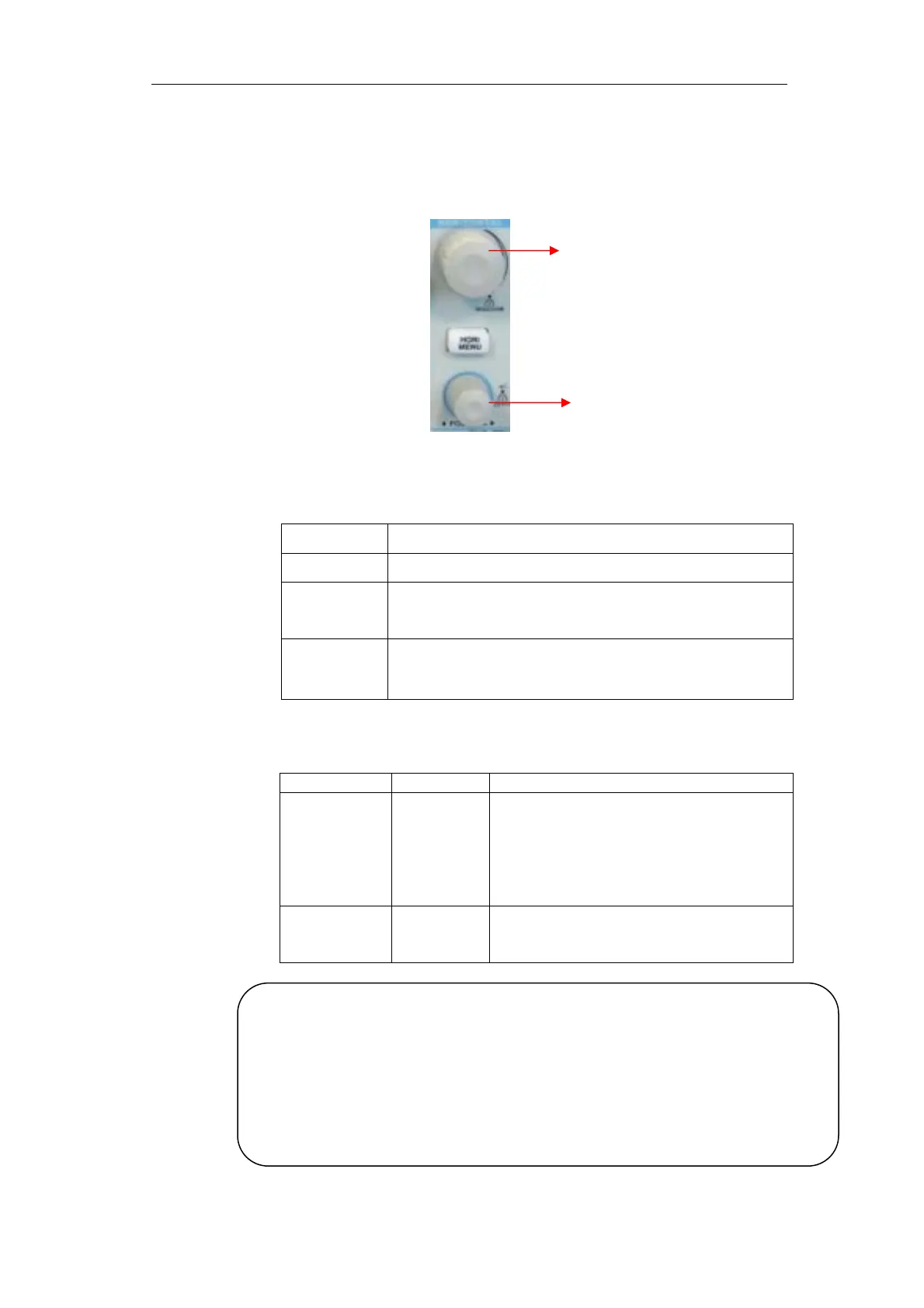
As follow Picture, there are one button and two knobs in the HORIZONTAL area.
Picture 2- 25
Table 2- 12 4Kpts memory depth Series Horizontal system function menu:
Table 2- 13 32K/40K/2Mpts memory depth Series Horizontal system function
menu:
Option Setting Description
Delayed On
Off
Turn on this function that main timebase
waveform display on the top half screen
and window timebase wavefrom display on
the below half screen at the same time.
Turn off this function that only display
main timebase waveform on the screen.
MemDepth Normal
Long Mem
Set memory depth to normal.
Set memory depth to long Memory depth in
order to get more waveform dots.
Option Introduction
Main Display the waveform.
Win Zone Two Cursors define one window; use horizontal
“POSITION” and “S/div” to adjust the window.
Window Change the display so that the waveform could be
displayed in the window(expanded to screen width).
Horizontal
“POSITION”
knob
S/div knob
Note:● Only some series model DSO support Long Memory
●
If Set memory depth to normal mode, the memory depth is 40Kpts
●If Set memory depth to LongMem mode, the memory depth is 2Mpts









 To Next Page