42
Auto Use this mode to let the acquisition free-run in the
absence of a valid trigger; This mode allows an
untriggered, scanning waveform at 100 ms/div or
slower time base settings.
Normal Use this mode when you want to see only valid
triggered waveforms; when you use this mode, the
oscilloscope does not display a waveform until after
the first trigger.
Mode
Single when you want the oscilloscope to acquire a single
waveform, press the “SINGLE ”button.
Set up Enter the “Trigger Setup Menu”(See table 2-14).
Table 2-14 Trigger Setup function menu
Option Setting Explain
DC Passes all components of the signal
AC
Blocks DC components and attenuates signals
below 17 0 Hz.
HF Reject
attenuates the high-frequency components above
140kHz.
Coupling
LF Reject
Blocks the DC component and attenuates the
low-frequency components below 7 kHz.
Holdoff
Using the “universal” knob to adjust holdoff
time(sec),the holdoff value is displayed.
Holdoff
Reset
Reset holdoff time to 100ns.
Return Return the first page of “ Trigger main menu”.
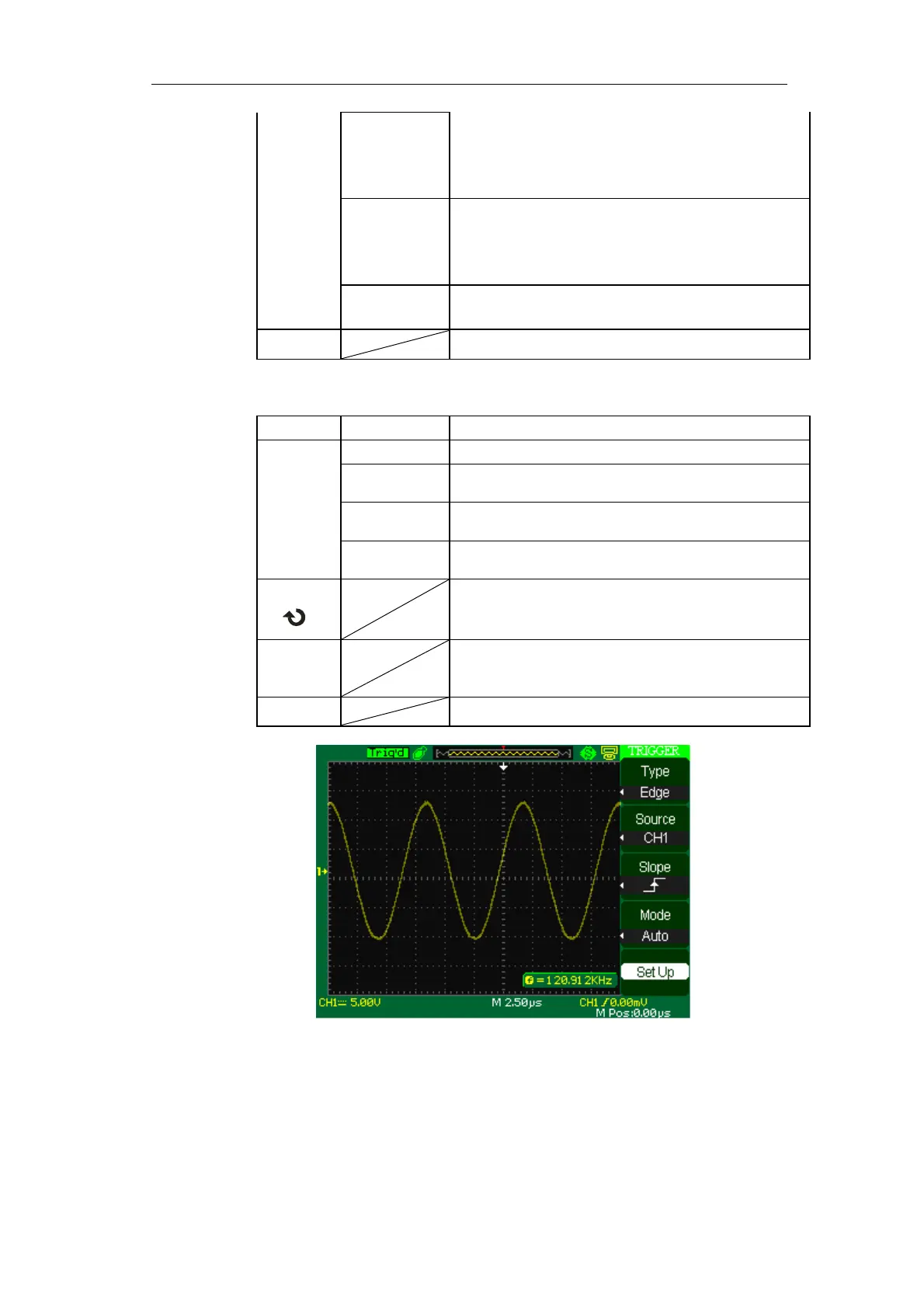
Picture 2-30
Operate Instruction:
1. Set up Type
1) Press the “TRIG MENU” button to display “Trigger” menu.



 To Next Page