57
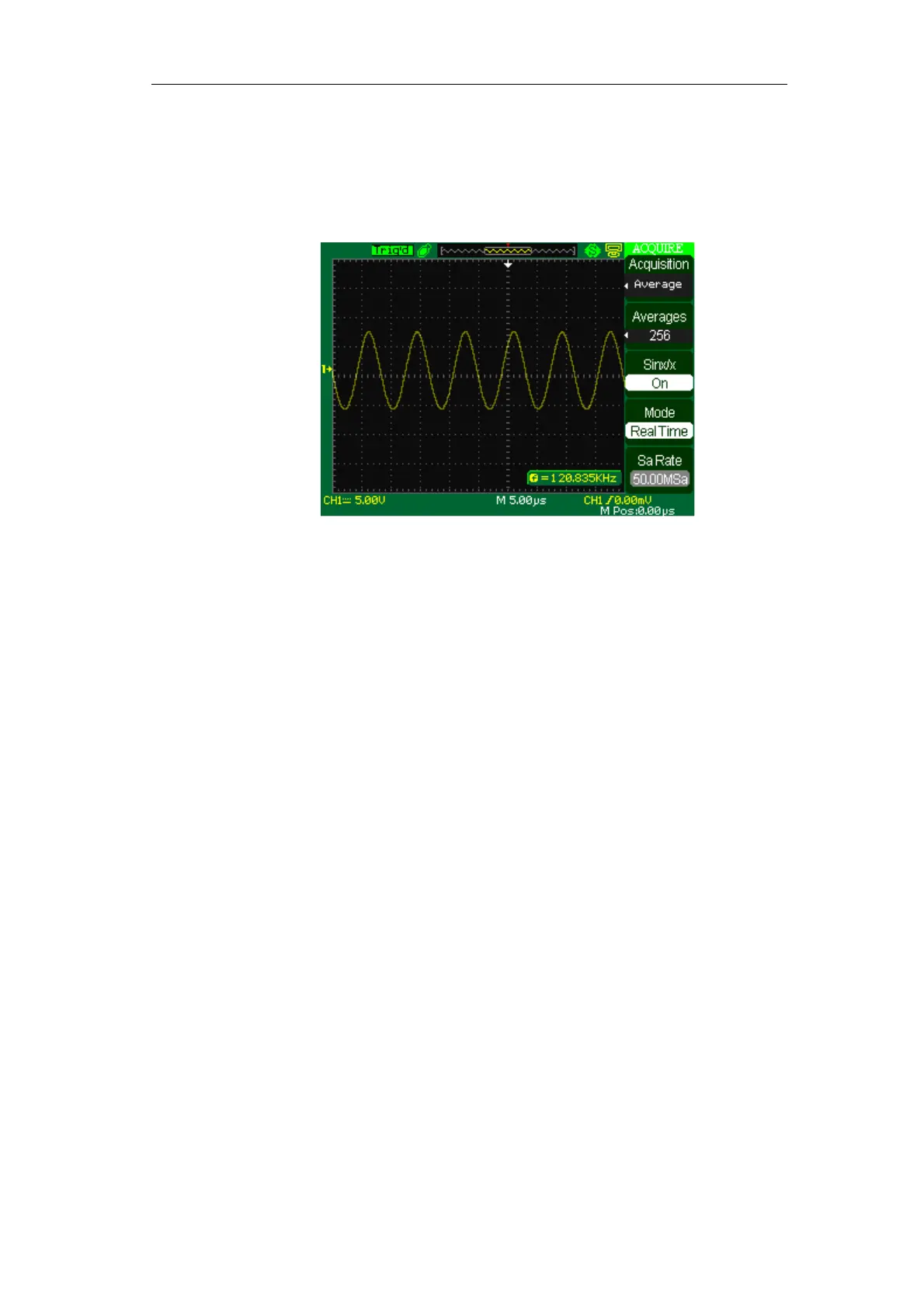
■ Average: The oscilloscope acquires several waveforms, averages them, and
displays the resulting waveform.
Advantage: You can use this mode to reduce random noise.
Picture 2-43 Average mode
■ Equivalent Time Sampling:
The equivalent time sampling mode can achieve up to 20 ps of horizontal
resolution
(equivalent to 50GSa/s). This mode is good for observing repetitive waveforms.
■ Real Time Sampling: The scope has the highest Real-time sampling rate
up to 500MSa/s.
■ “RUN/STOP” Button: Press the RUN/STOP button when you want the
oscilloscope to acquire waveforms continuously. Press the button again to stop the
acquisition.
■ “SINGLE” Button: Press the SINGLE button to acquire a single waveform. Each
time you push the SINGLE button, the oscilloscope begins to acquire another
waveform. After the oscilloscope detects a trigger it completes the acquisition and
stops.
When you push the RUN/STOP or SINGLE buttons to start an acquisition, the
oscilloscope goes through the following steps:
1). Acquire enough data to fill the portion of the waveform record to the left of the
trigger point. This is also called the pre-trigger.









 To Next Page