62
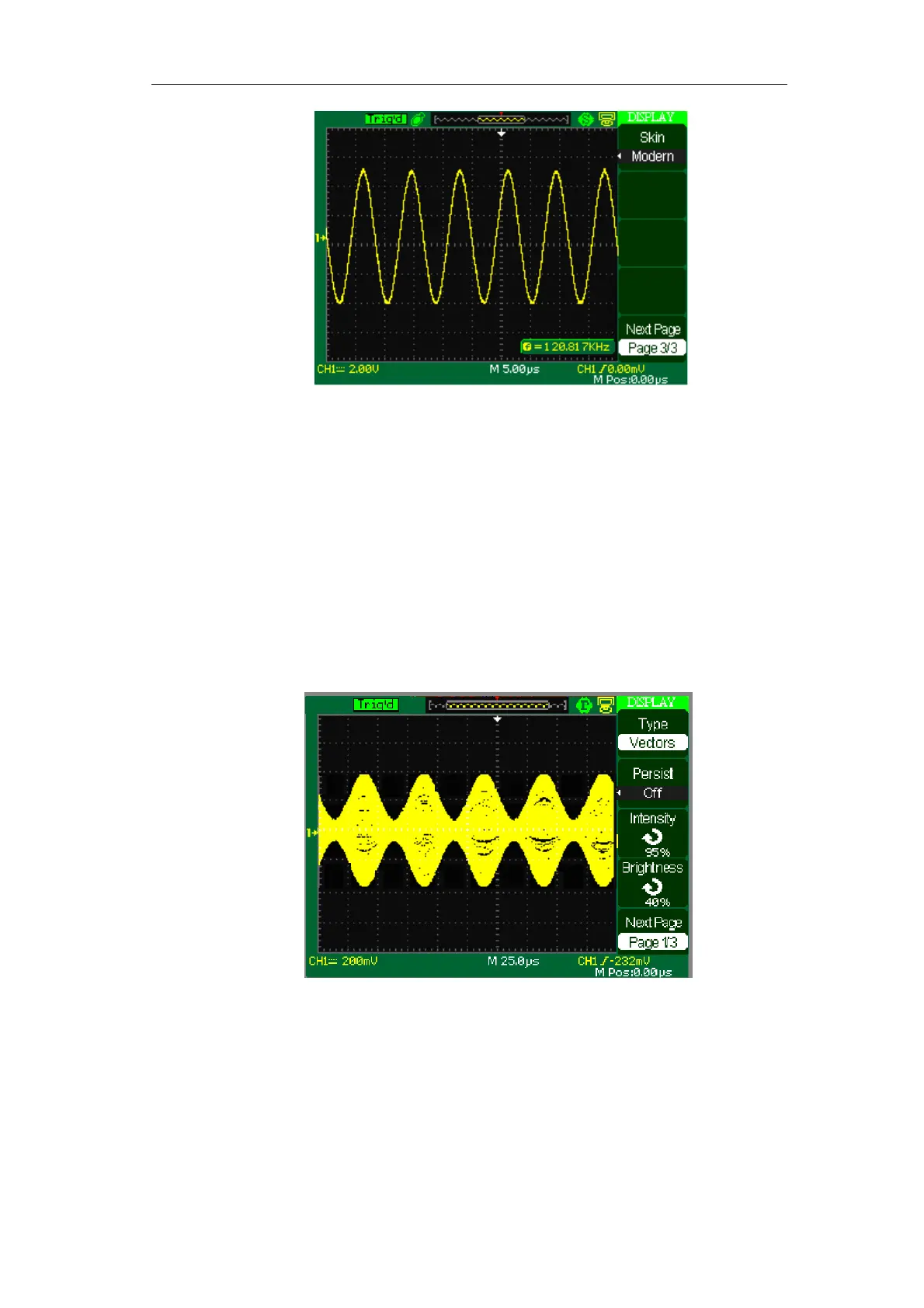
Picture 2-50
Operate Introduction:
1. Set up waveform display type
1) Press the “DISPLAY” button to enter the “Display” menu.
2) Press the “Type” option button to select “Vectors” or “Dots”.
2. Set up Persist
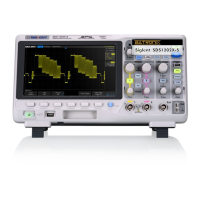
Press the “Persist” option button to select “Off”, “1 Sec”, “2 Sec”, “5Sec”
or “Infinite”. You can use this option to observe some especial waveforms.
Picture 2-51
3. Set up Intensity
1) Press the “Intensity” option button and turn the “Universal” knob to
adjust waveforms’ intensity.
4. Set up Brightness
1) Press the “Brightness” option button and turn the “Universal” knob to



 To Next Page