69
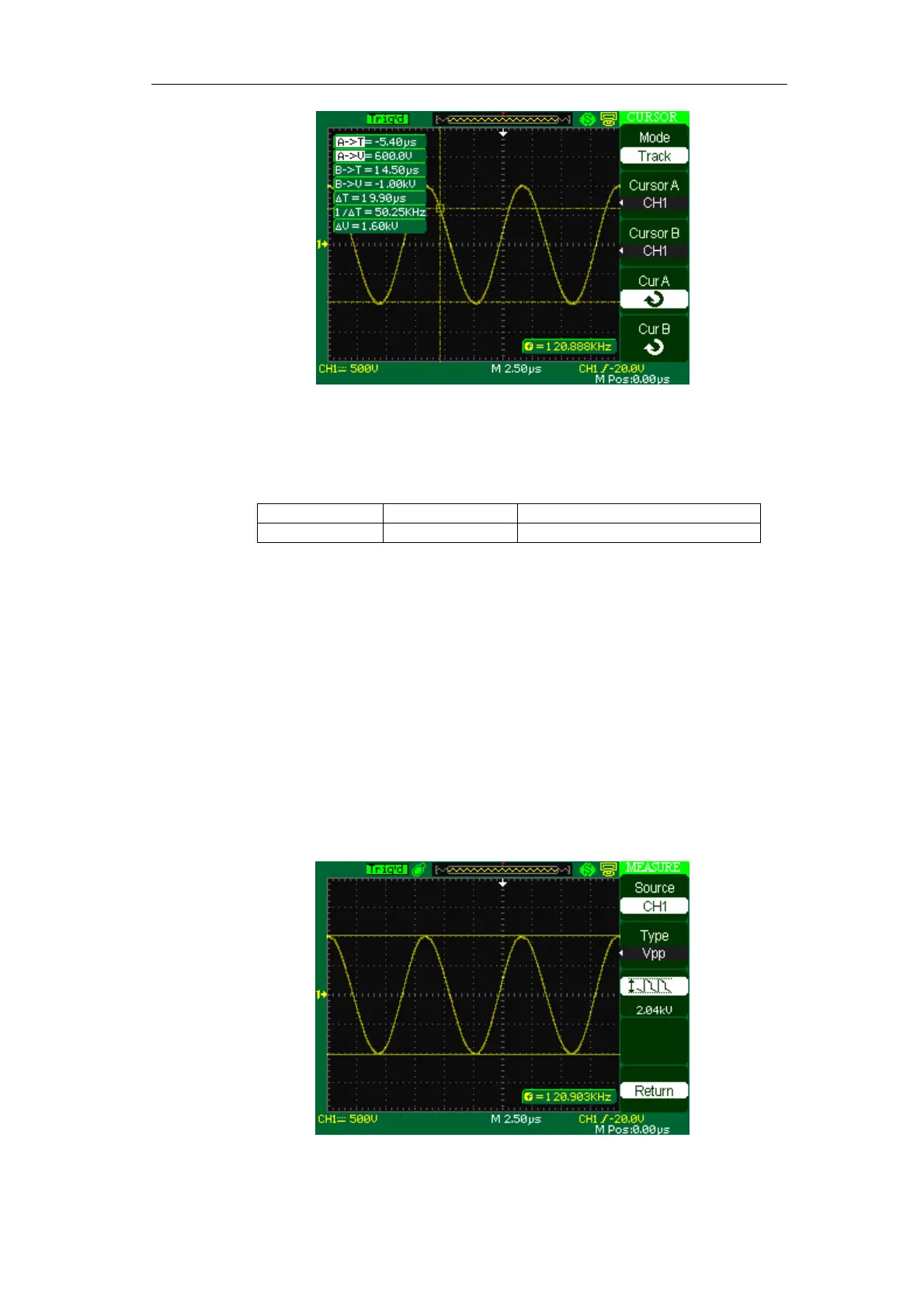
Picture 2-54
Auto mode
Table 2-34 Auto mode function menu:
Option Setting Instruction
Cursor Mode Auto Set to auto cursor measure mode.
This mode will take effect with automatic measurements. The instruments
will display cursors while measuring parameters automatically. These cursors
demonstrate the physical meanings of these measurements.
To do auto cursor measurements, follow these steps:
1. Press the CURSOR button to enter “Cursor measure menu”.
2. Press the “Cursor Mode” option button to select “Auto”.
3. Press the “MEASURE” button to enter “Auto cursor measure mode menu”
to select the parameter that you want to measure.
Picture 2-55









 To Next Page