Operating Manual SIGMA 4-15C, page 56 of 95
03/06
• INFO: The Info menu displays information like the type of centrifuge and the
EPROM version, the number of cycles, the total run time and the software
version and date. In case of a failure of the instrument this helps to find
reasons for the fault. Values can neither be entered nor altered.
• RESET: The "Reset"-function offers the possibility to delete all programs,
parameters and configurations to get the original settings again.
• CURVES: Creation of user defined accelerations and decelerations.
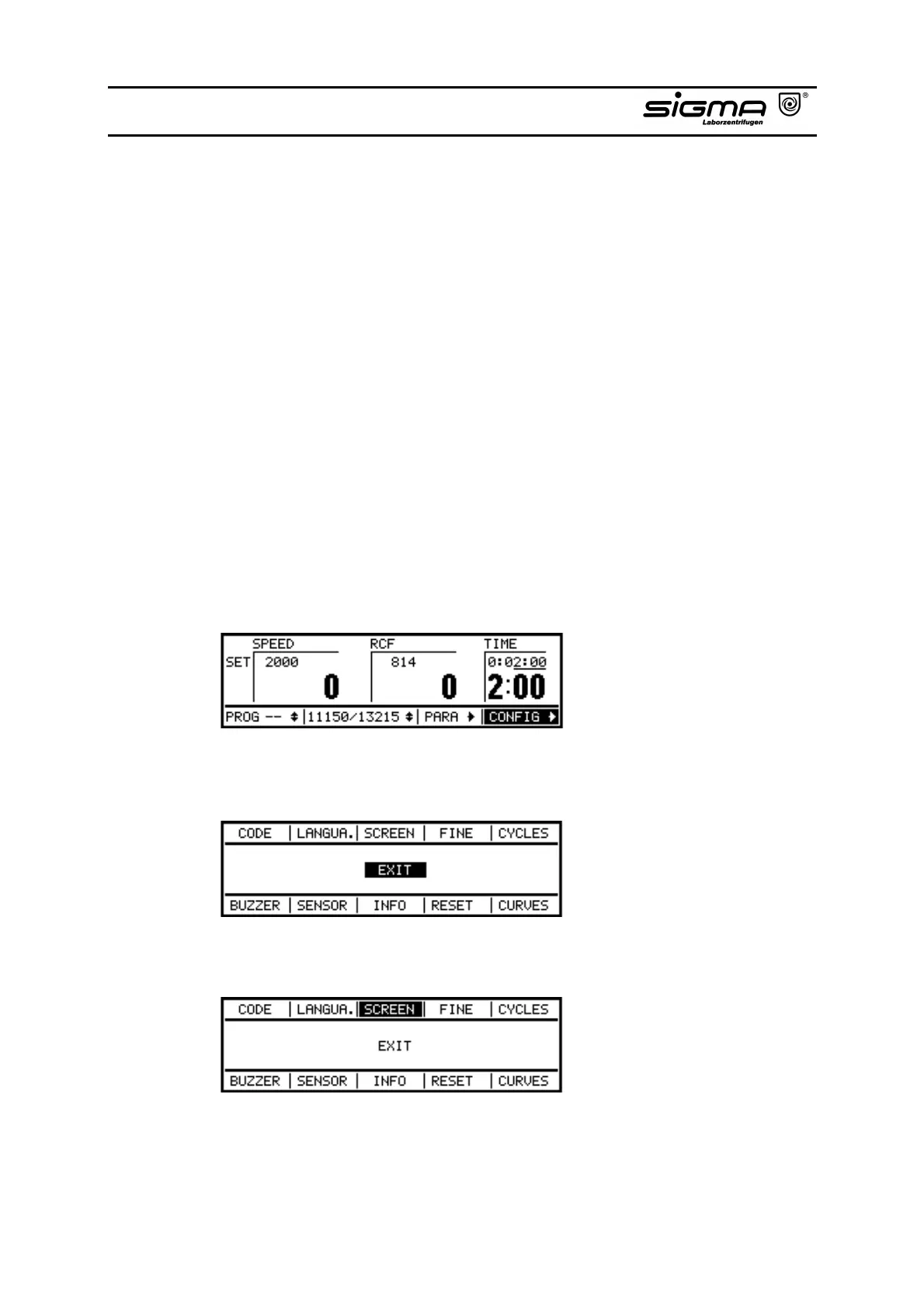
The procedure of alteration of the basic functions shall be explained by an example
(Alteration of the screen).
• You can choose between three display versions:
- RCF and speed at normal size
- Speed magnified -Zoom- (no RCF display)
- RCF magnified -Zoom- (no speed display)
• Select the configuration mode by turning the knob.
• After pressing the knob the configuration menu appears.
• Select "SCREEN" by turning the knob.



 To Next Page