25
SIGMA Manual Number 41018
Revision AR
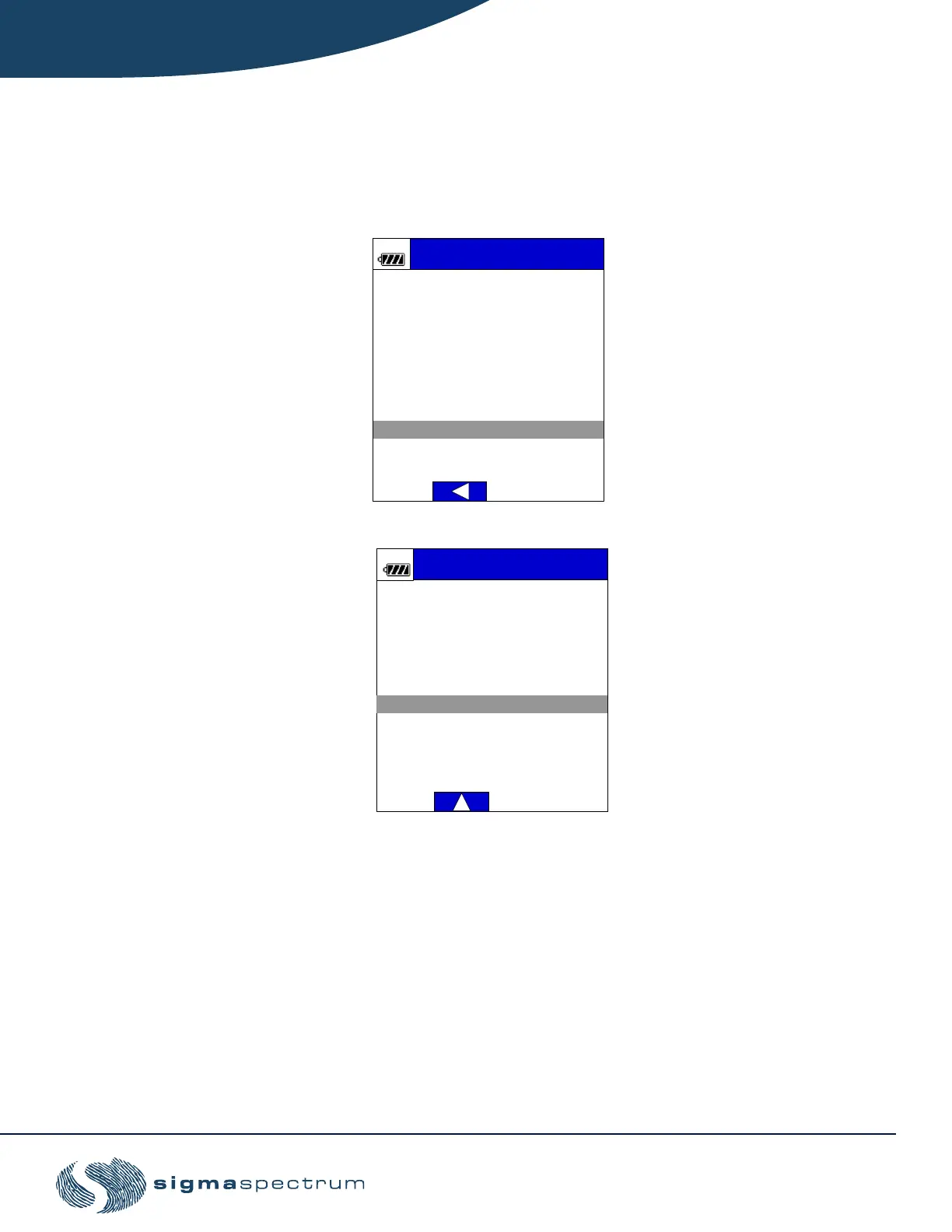
3. Select the drug from the MDL:
a. Using the keypad, type the drug's first two letters and press OK. All drugs beginning
with those two letters will appear. Press the key repeatedly to cycle through letters.
b. Use the arrow keys to scroll to the desired drug and press OK.
4. In software versions 6.03.01 and later, drug modifers are a feature that can be enabled in
the MDL. Scroll to the desired modifier and press OK.
NOTE: If a modifier is selected, an (*) icon will display next to the drug name on
the pump running screen indicating the use of a modifier. A drug modifier
is assigned to a drug in the MDL to identify a specific therapy or
application for that drug.
DO
Drug Name:
Critical Care
Type the drug’s first two
letters or push BASIC to
manually setup a mL/hr or
dose rate mode.
Cursor to the desired
DOPamine
drug and press OK.
DOBUTamine
ICU



 To Next Page